 Centro de ayuda
Turn financing ON and OFF
How to Enable Financing for Your Dealership
If your dealership offers financing, be sure to enable the financing feature so payment options appear where needed.
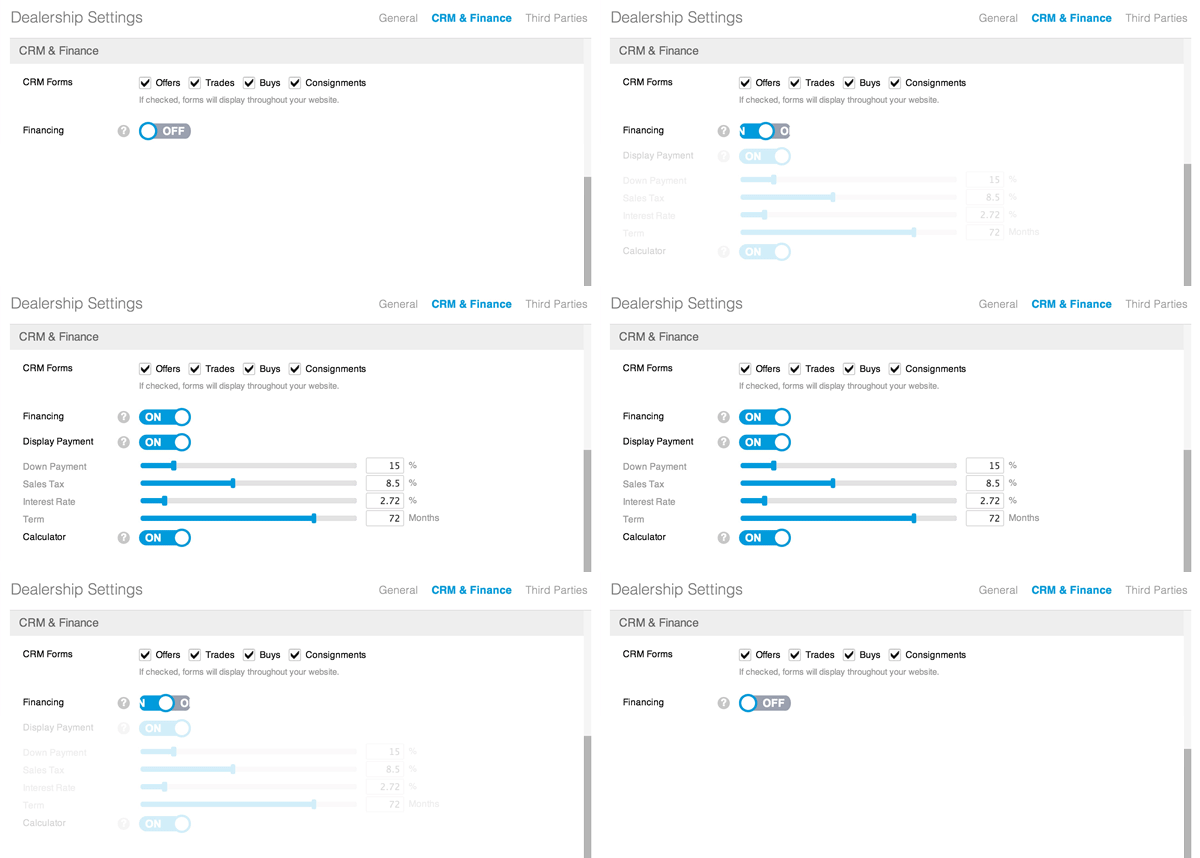
Steps:
-
In the back-end menu, go to Admin > Dealership Settings > CRM & Finance > Financing.
-
Toggle Financing to ON.
-
Click Save Changes (bottom left).
Optional (for Goxee-hosted websites):
-
To display financing payments on your website, toggle Display Payment to ON.
|
|
Turning on the financing feature will integrate financing tabs and applications throughout your website.
|
