 Centro de ayuda
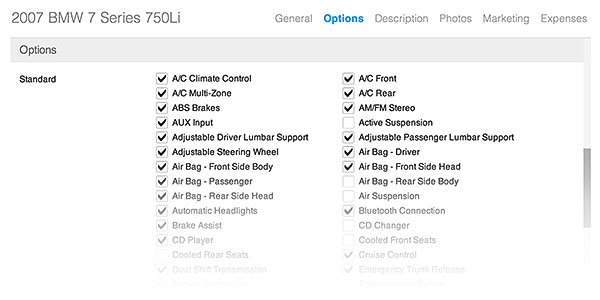
Standard vehicle options
Selecting standard options on a vehicle. Here's how:
- In the back-end menu, go to Inventory › Inventory Manager
- Select the desired vehicle and go to Options
- Select the options installed on the vehicle.
- Click the Save Changes button on the bottom left.
|
|
Taking the time to add all standard options that the vehicle is equipped with can help generate more interest.
|
