 Centro de ayuda
Edit vehicle
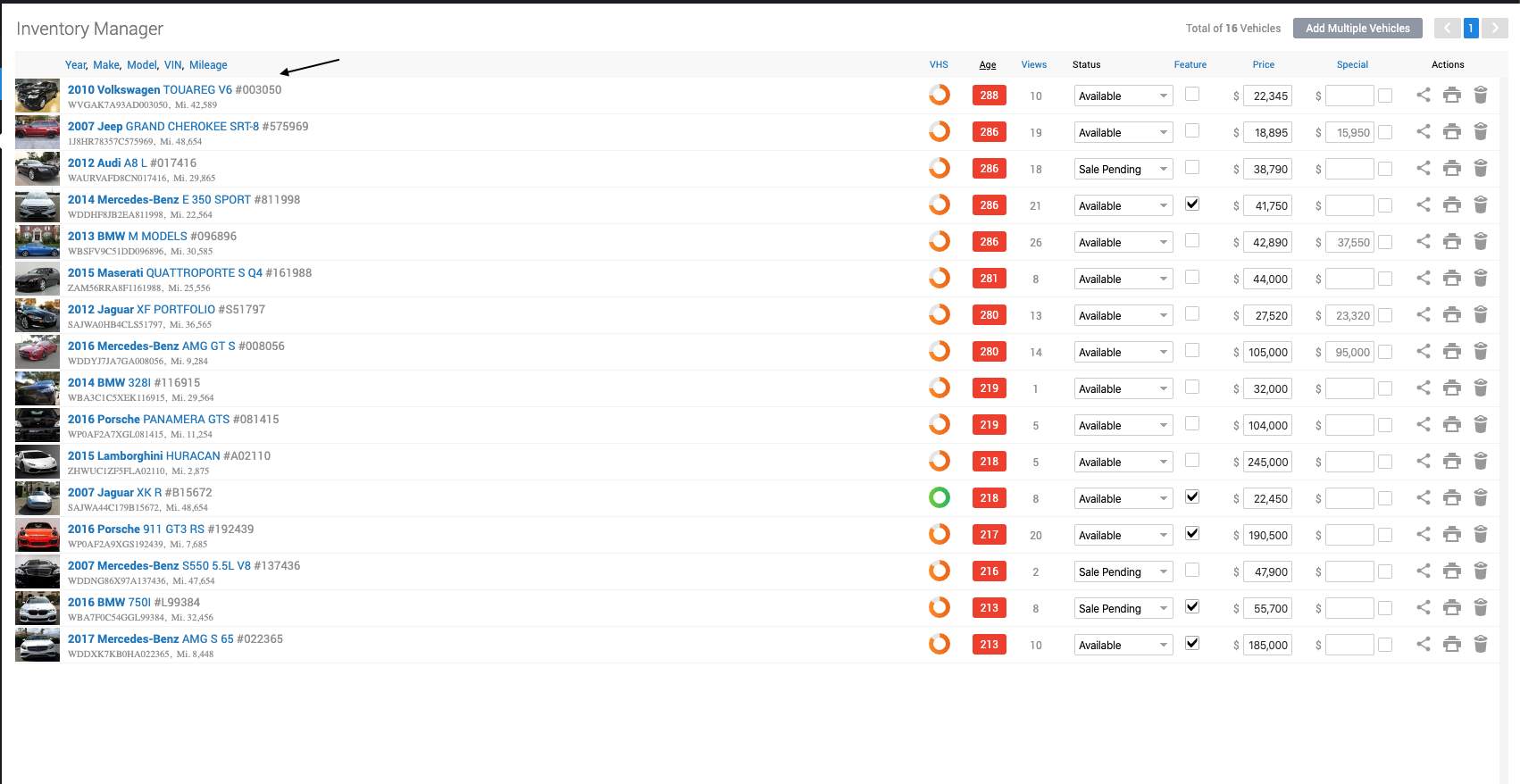
Editing a vehicle from the back-end:
- In the back-end menu, go to Inventory › Inventory Manager.
- Select the vehicle you'd like to edit.
Editing a vehicle from the front-end:
- Open the vehicle page on your website (Make sure you are logged in).
- On the black bar on top, click on Edit.

|
|
Make sure you are logged in to Edit a vehicle from your website.
A black bar will appear on top of your site with your name in the far right. |
