 Centro de ayuda
Spam Emails
To move spam emails from the inbox, follow the steps:
- In the back-end menu, go to Mail.
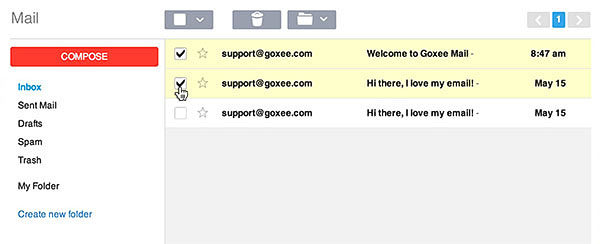
- Check the spam Emails by clicking on the left checkbox.
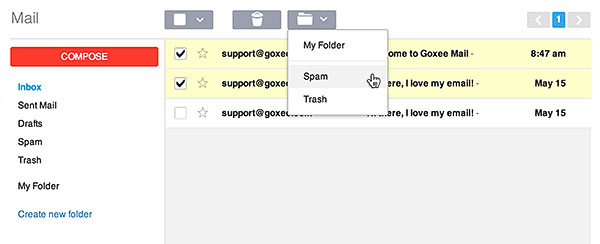
- In the folder drop-down button, select the Spam folder.
- All spam emails can be found in the Spam folder.
|
|
Spent Emails will be moved to your spam folder.
|
