 Centro de ayuda
Social Links
Adding Social Links is easy, here's how:
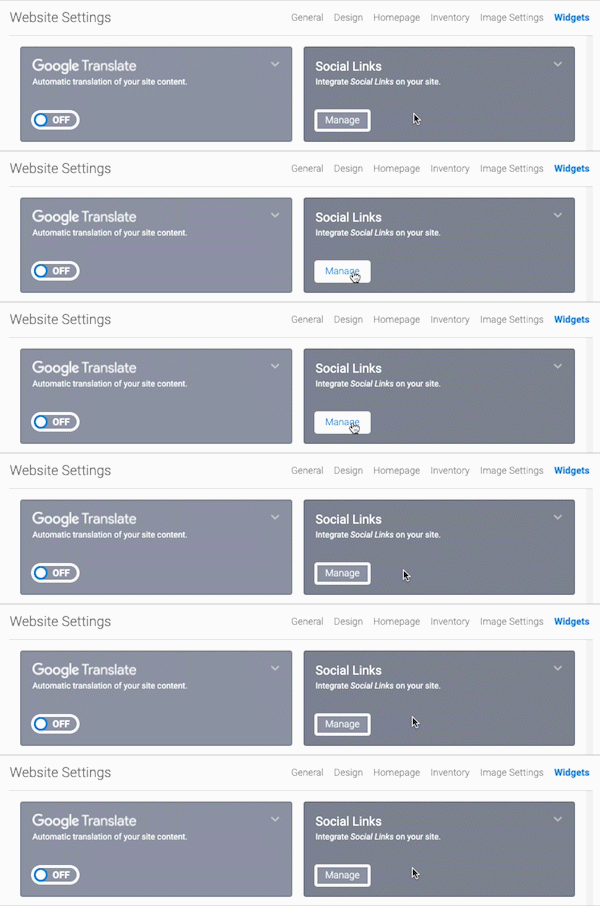
- In the back-end menu, go to Website › Settings › Widgets › Social Links.
- Click on Manage and then choose which social media platforms you would like to integrate with.
- Type in the URL of your profile in the correct social media platform.
- Click the Save Changes button on the bottom left.
|
|
Integrate Social Links on your website.
|
