 Centro de ayuda
Facebook Pixel
Setting up Facebook Pixel is easy, here's how:
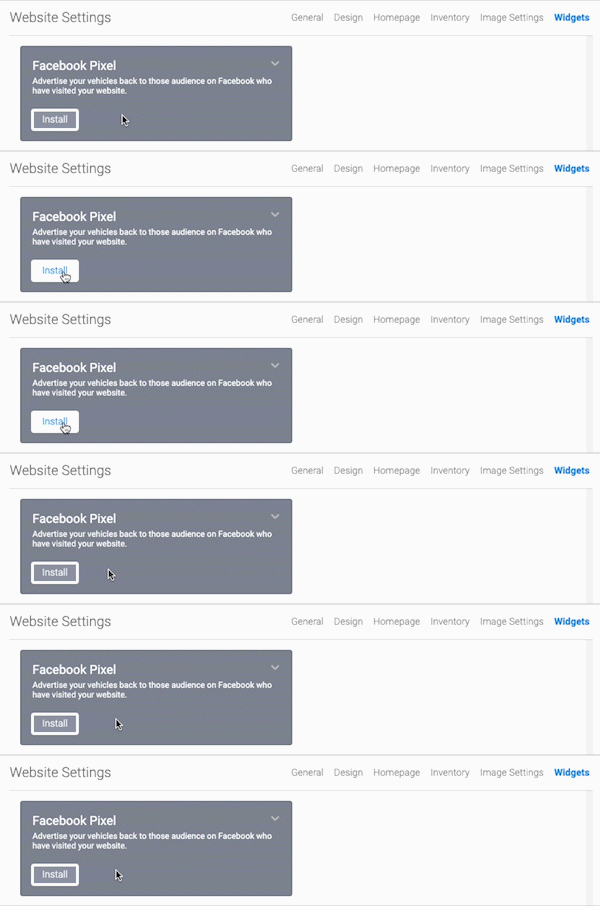
- In the back-end menu, go to Website › Settings › Widgets › Facebook Pixel.
- Click on Install and then type in your Pixel ID.
- Click the Save Changes button on the bottom left.
|
|
By default, Goxee installs Facebook Pixel on each site in order to provide Facebook Ads and Facebook Retargeting Ads.
|
