 Centro de ayuda
My Account Information
Update your account information by clicking in the top right corner on your Name › My Account.
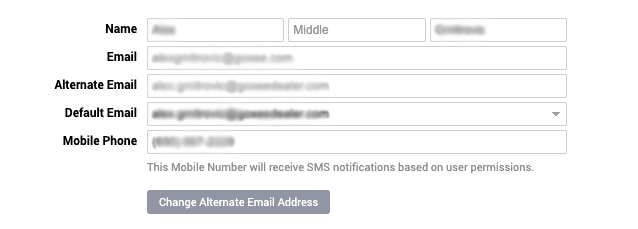
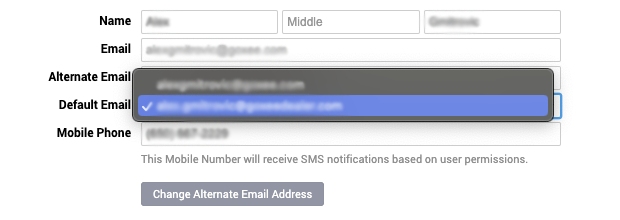
You can change your default email by clicking on the email under Default Email and then selecting one of the 2 emails you have. (Our suggestion is to select your own email as a default)
The phone number that's under Mobile Phone can receive text notifications if you have the right user permissions and the CRM notifications are marked.
Once you make any changes make sure to click on Save Changes in the bottom left corner.
You can change your default email by clicking on the email under Default Email and then selecting one of the 2 emails you have. (Our suggestion is to select your own email as a default)
The phone number that's under Mobile Phone can receive text notifications if you have the right user permissions and the CRM notifications are marked.
Once you make any changes make sure to click on Save Changes in the bottom left corner.
