 Centro de ayuda
Change Alternate Email Address
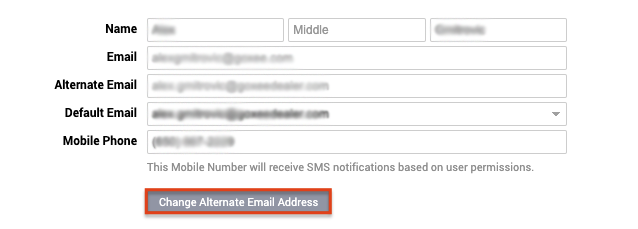
You can change your Alternate Email Address by clicking in the top right corner on your Name › My Account once you are on My Account click on the gray button that says Change Alternate Email Address.
You need then to enter your Account Password - Current Alternate Email and New Alternate Email. Once you are done click on Save Changes in the bottom left corner.
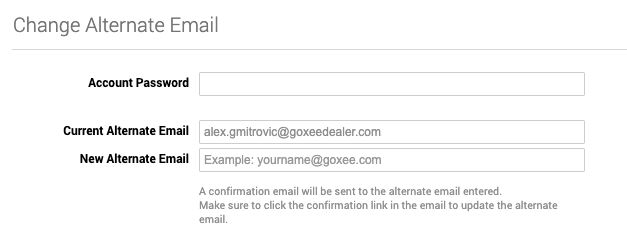
You need then to enter your Account Password - Current Alternate Email and New Alternate Email. Once you are done click on Save Changes in the bottom left corner.
