Centro de ayuda
Dialpad
When you're using a tracking number the best way to make outbound calls would be through Dialpad on the system. All you need to do is go to CRM, click on the lead you want to call, and then click on the Dialpad Icon at the top it will open up so you can start typing the number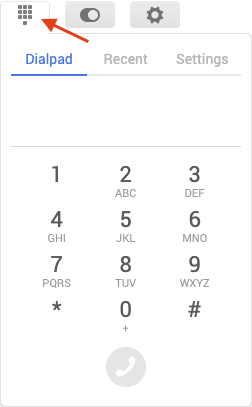
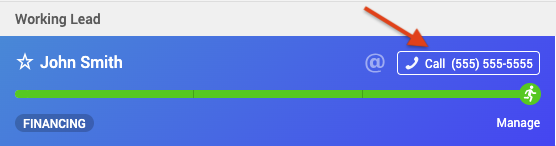
You can also just click on the number and it will automatically populate it in Dialpad