 Centro de ayuda
Marketing Expenses
In order for Marketing Expenses to be shown on the Monitor and for the system to be able to calculate Cost Per Sale you need to add Marketing Expenses by going to CRM > Settings and under Marketing Expenses you have a button to add it.
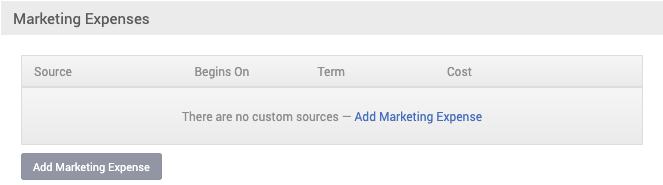
When you click on Add Marketing Expenses, a new window will pop up where you need to pick the Source, Billing Date, how often is the charge and what's the amount you are paying for that Third Party and click on Add
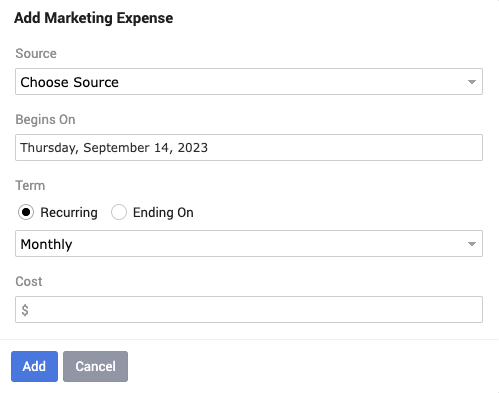
When you click on Add Marketing Expenses, a new window will pop up where you need to pick the Source, Billing Date, how often is the charge and what's the amount you are paying for that Third Party and click on Add
