 Centro de ayuda
Domain setup
To forward your domain name to the Goxee Dealer website, follow these steps:
Website Title:
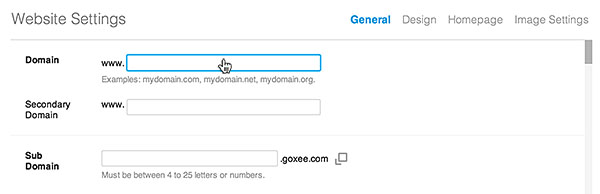
- In the back-end menu, go to Website › Settings › Domain.
- Enter the domain exactly as it appears in your domain name registrar.
- Go to your domain name registrar and enter the A (Host) records in the DNS file.
|
|
For detailed information on the A (Host) input, view the Setting up the domain name with your registrar help topic or contact support.
|
