 Centro de ayuda
Theme and Link color
To select a website theme and link color, follow these steps:
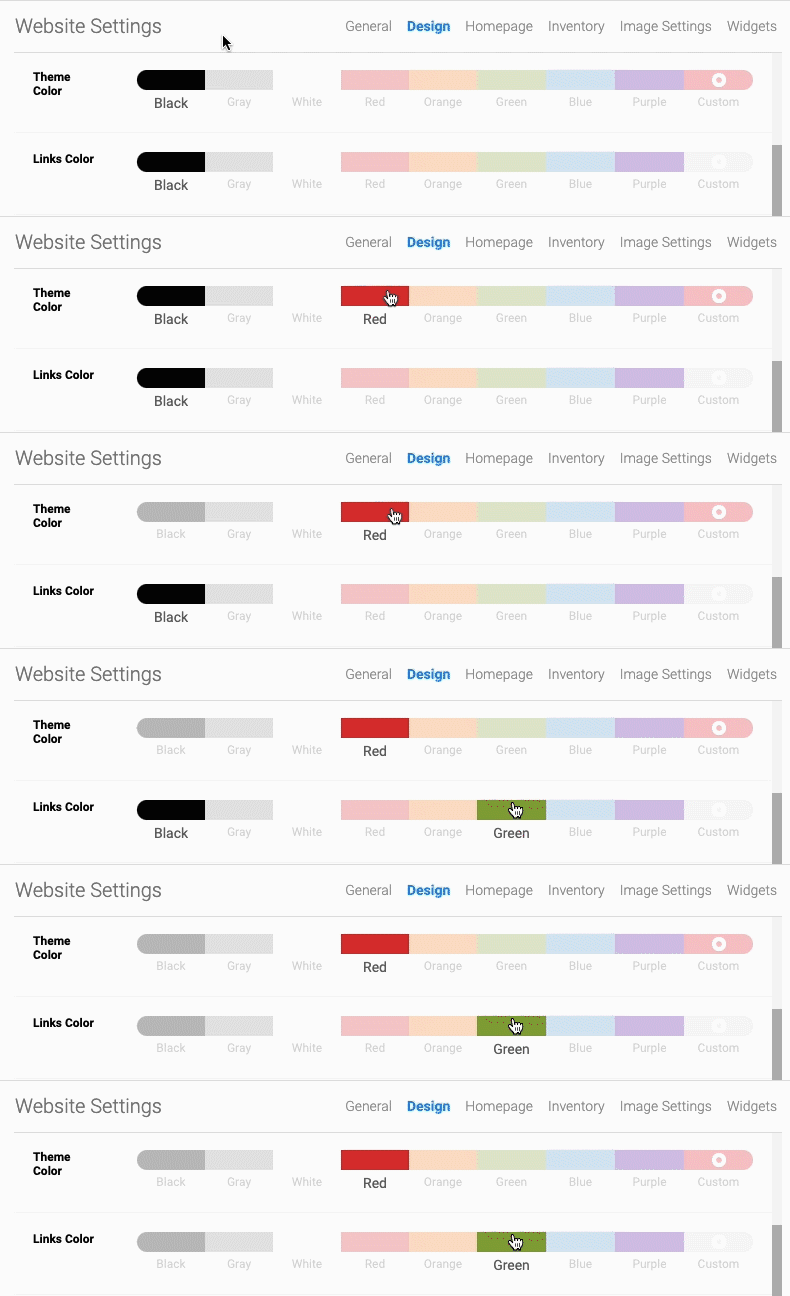
- In the back-end menu, go to Website › Settings › Design › Theme Color.
- Select one of the default theme colors or click Custom to select your own color. Do the same thing for the link color.
- Click the Save Changes button on the bottom left.
|
|
The Theme Color selected will carry throughout the website from buttons to click to links and much more.
|
