 Centro de ayuda
Upload a background image
To select a website background image, follow these steps:
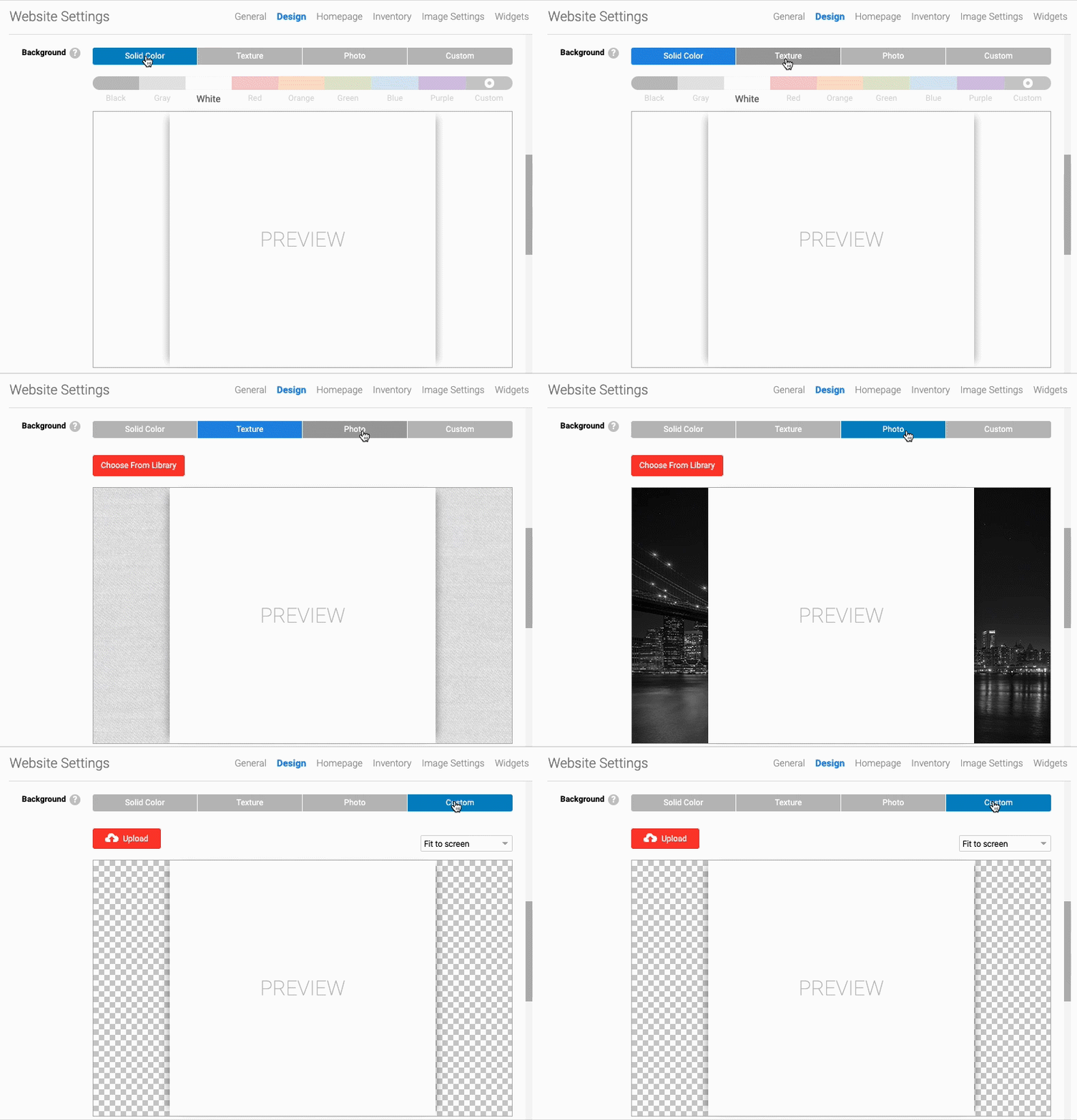
- In the back-end menu, go to Website › Settings › Design › Background.
- Select the Texture tab and choose a texture from the library, or select the Photo tab to choose a photo from the library.
- To upload a custom background image, select the Custom tab and upload an image.
- Click the Save Changes button on the bottom left.
|
|
The website background color will not appear if you have a website background image selected.
|
