 Centro de ayuda
Delete a page
Deleting a page from your website is easy. Here's how:
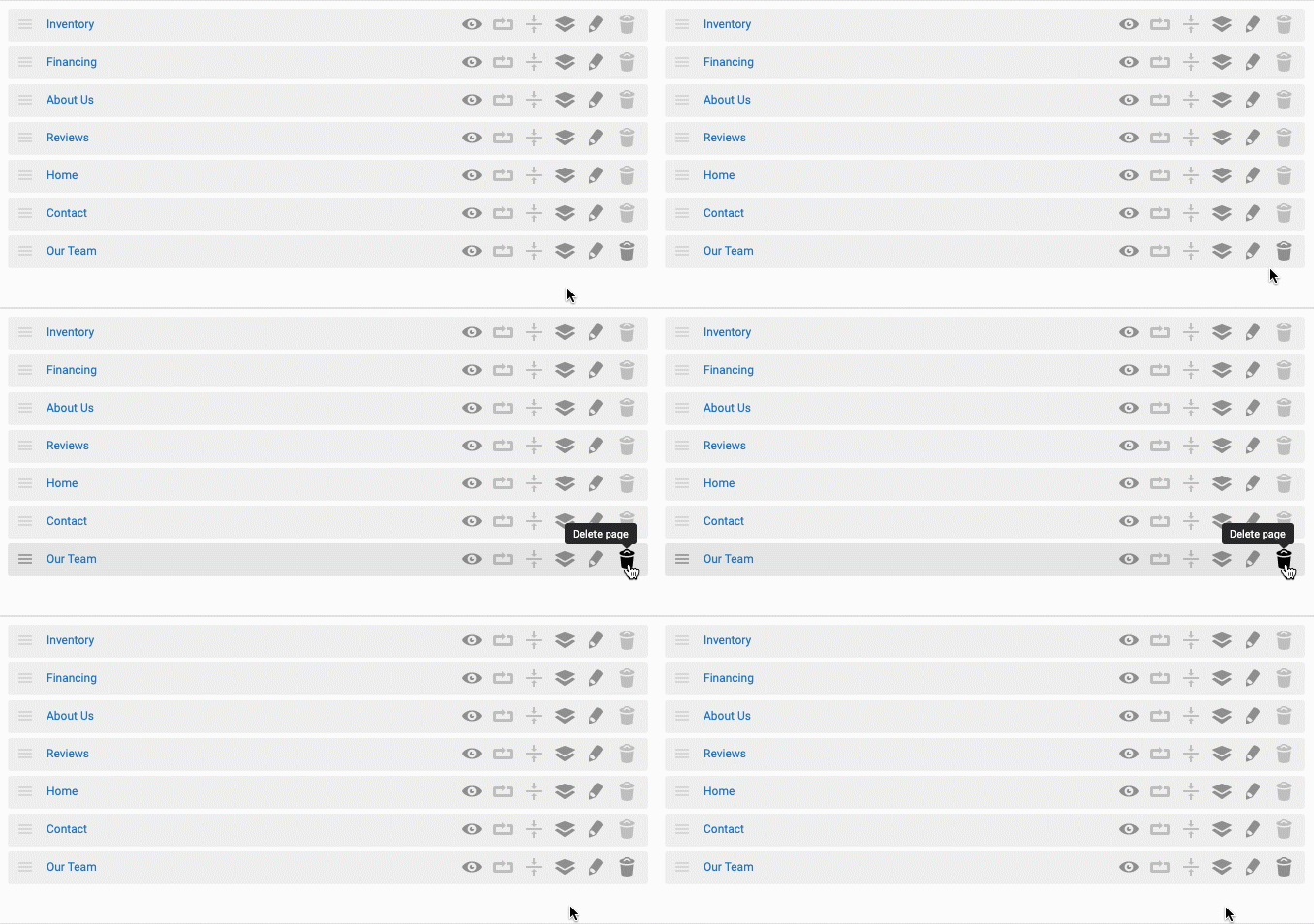
- In the back-end menu, go to Website › Pages.
- On the far right of the page row, click on the Trashcan icon.
- Click YES when the popup asks for confirmation.
|
|
Deleting a page is permanent and there is no way to undo this action.
To hide a page from your website, simply on the eye icon. |
