Back to the journal
Inventory & Merchandising
Choose a Photo Booth Scene That Fits Your Dealership
The right background should support the vehicle, not compete with it. Learn how to choose indoor, outdoor and branded photo booth scenes that keep inventory clean, believable and consistent across your showroom and lot.
The practical takeaway
The best scene is the one that makes the vehicle easy to read at a glance and feels natural for your brand. Compare indoor, outdoor and dealership-branded options by looking at lighting, color harmony, background distraction and how often your team will use them.
Start with the vehicle, not the backdrop
A good scene begins with the car or truck you want to sell. The background should support the vehicle’s shape, color and condition, while leaving enough visual space for the customer to focus on the inventory itself. If the scene is too busy, the vehicle can feel smaller or less clear.
With Goxee Photo Booth, AI replaces distracting backgrounds with studio, outdoor or dealership-branded scenes using vehicle photos captured in the app on compatible iPhone and Android devices. That means the dealership can choose a consistent look without building a physical studio, but the choice still needs to fit the unit being photographed.
When an indoor scene works best
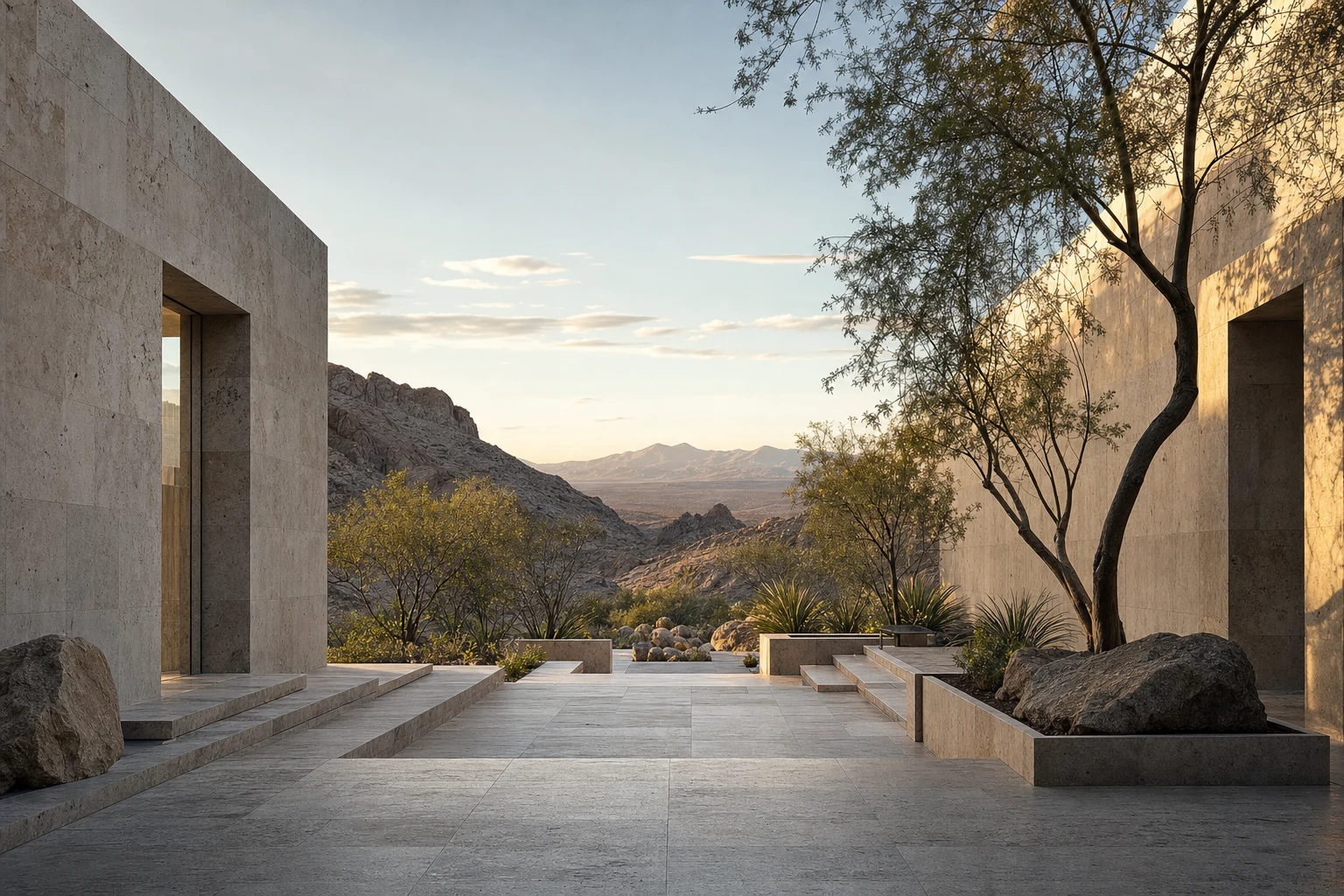
Indoor-style scenes are useful when you want a controlled, polished look. They often suit vehicles that benefit from a clean presentation, especially when the team wants the photo to feel calm, simple and professional. Indoor scenes can also help reduce the feeling of visual clutter around the inventory.
They are not always the best choice for every unit. If the vehicle is rugged, adventure-oriented or positioned as a lifestyle purchase, an indoor scene may feel too formal. The question is not whether the scene looks attractive on its own, but whether it feels believable for the vehicle and the way your store sells it.
Use outdoor scenes to add context without distraction
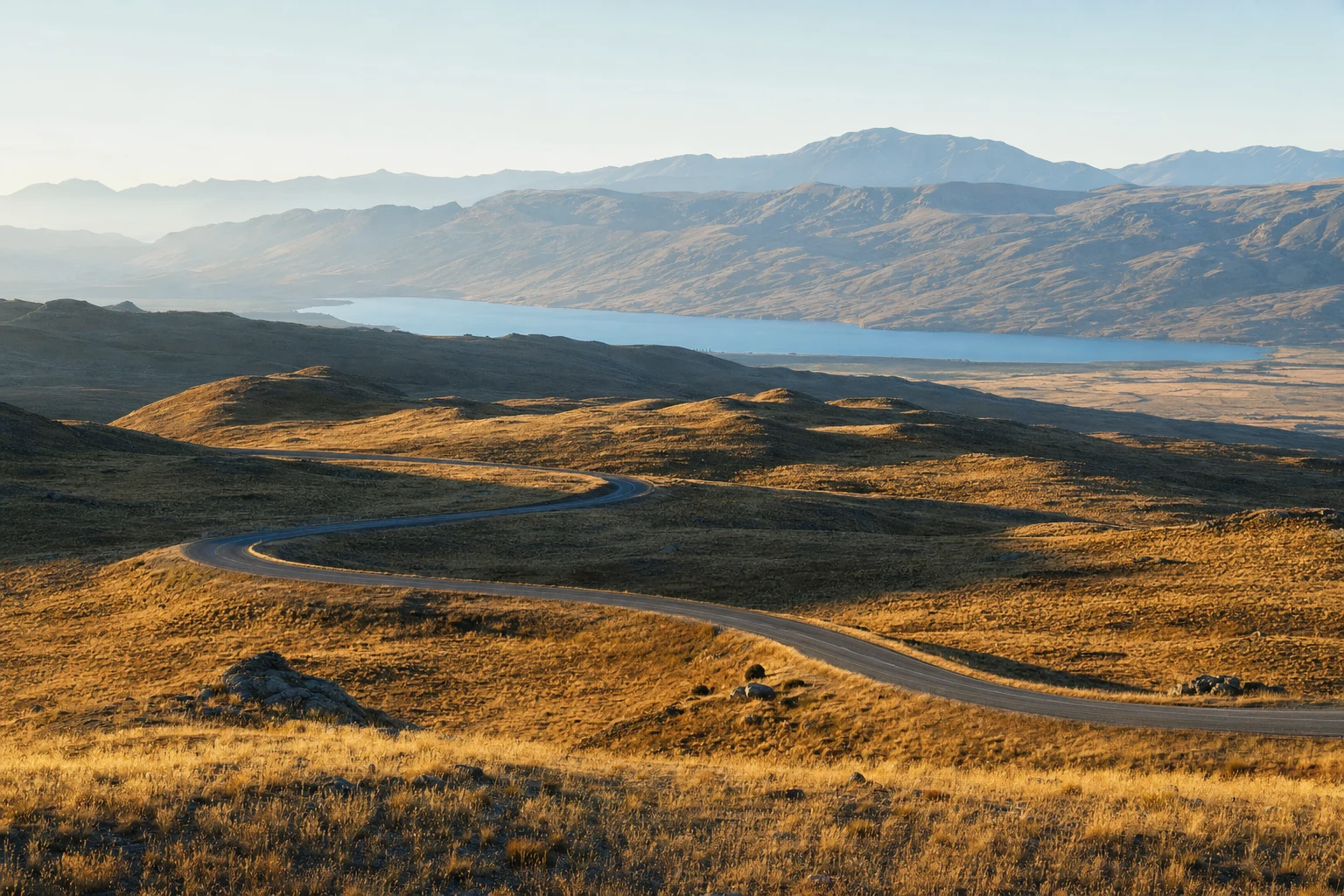
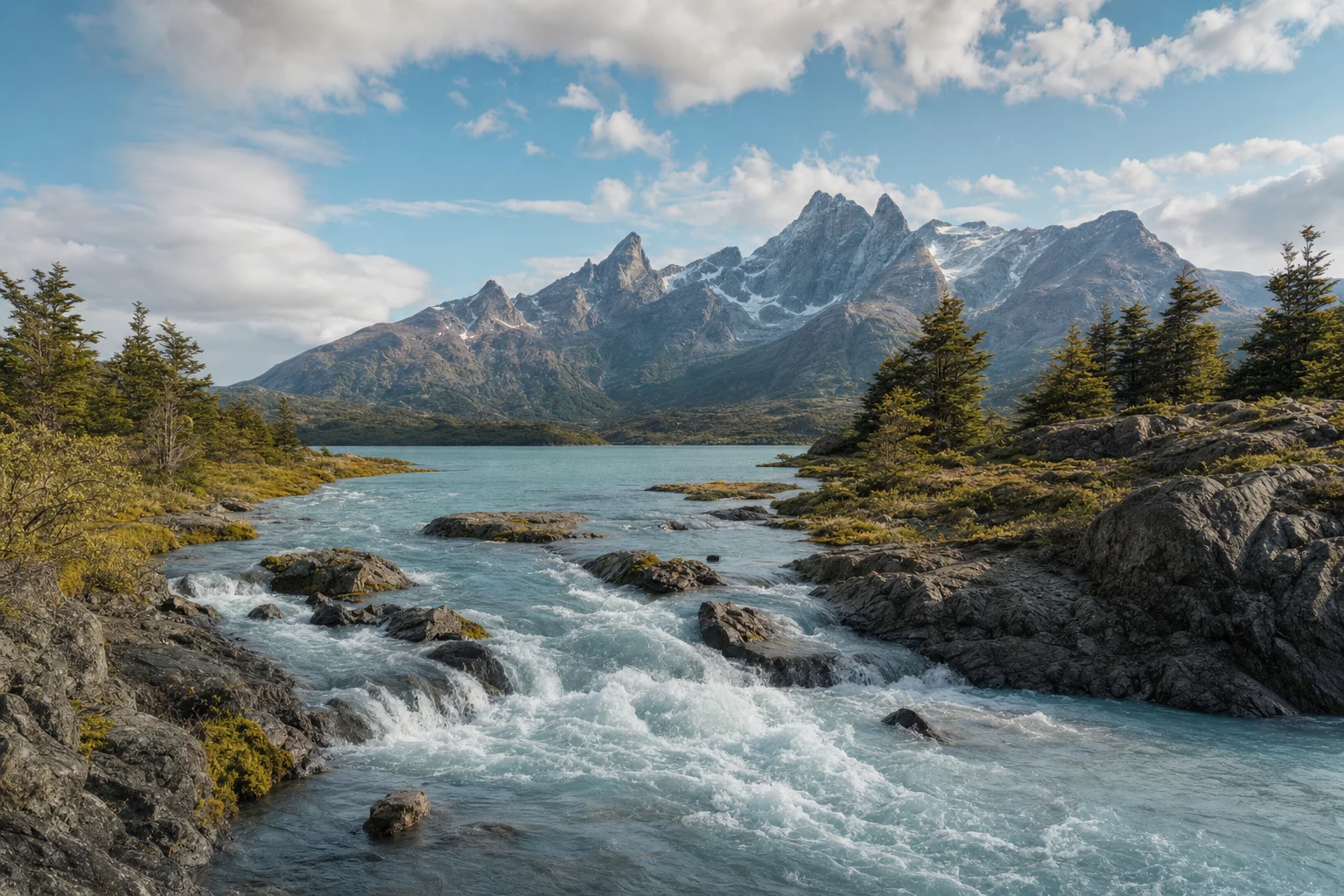
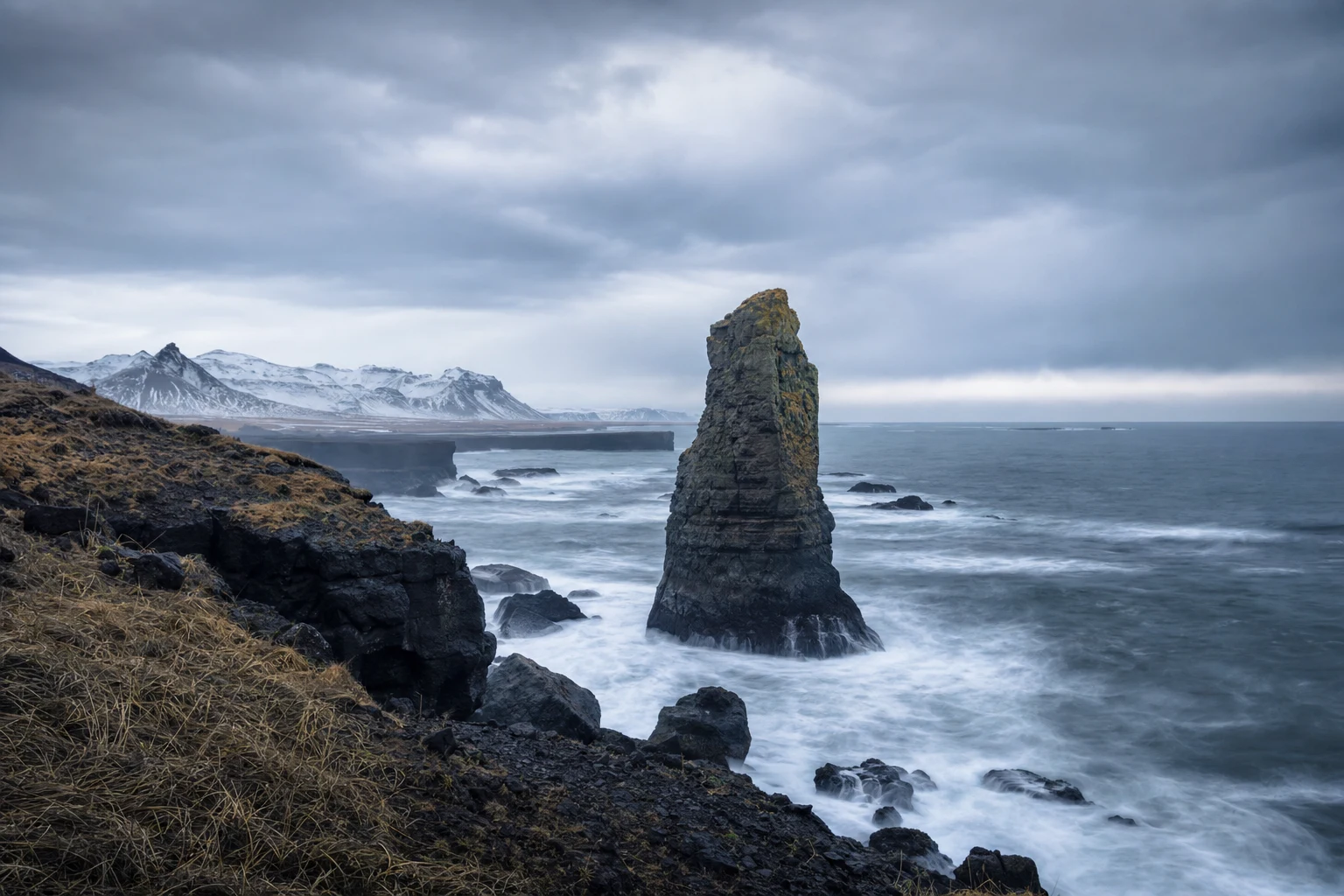
Outdoor scenes can create more energy and realism when they still leave the vehicle as the clear subject. A well-chosen outdoor background can suggest movement, openness or versatility without making the image look staged in a way that distracts from the car. This is useful when the dealership wants a broader, less rigid presentation style.
The main pitfall is overdoing the setting. Strong scenery can compete with a vehicle’s lines, reflections or color. If the background introduces too many competing elements, it may weaken the photo’s credibility. Choose outdoor scenes that look consistent with the vehicle’s proportions, lighting and overall tone, not just scenic in isolation.
Branded scenes should feel like your store, not a billboard
Dealership-branded scenes can help connect inventory to the store’s identity, but they should remain understated. The scene should feel like part of a consistent merchandising system, not an advertisement layered over the vehicle. A subtle branded environment can strengthen recognition while still keeping the customer’s attention on the unit.
Work with your design team when you want a customized scene that matches your store’s look and merchandise strategy. Keep the design clean enough that it does not overpower the vehicle. If a branded scene pulls attention away from the car, it defeats the purpose of using the photo booth in the first place.
A simple workflow for choosing the right scene
Illustrative example: a sales manager wants to standardize photos for three body styles. The team reviews the showcase library, compares an indoor scene for sedans, an outdoor scene for SUVs and a branded scene for premium units, then checks which option keeps each vehicle readable and consistent from the first image to the last.
That workflow works because it starts with the inventory and ends with the customer’s point of view. The team is not trying to make every photo look identical; it is trying to make each vehicle look accurate, clear and on-brand. A short internal review after a few uploads can help the dealership identify which scenes are too busy, too dark or too generic for its stock.
What dealers should watch before standardizing
The most common mistake is choosing a scene because it looks impressive on a screen, then discovering it hides details or makes the vehicle feel out of place. Another mistake is changing scene style too often, which can make the inventory page feel inconsistent. Consistency matters because customers compare listings quickly and notice visual drift even when they do not name it.
Look closely at vehicle visibility, lighting harmony and background simplicity. The scene should help the customer understand the vehicle, not create questions about color accuracy or condition. Goxee’s photo booth is designed for background replacement, so the dealership still owns the merchandising decision: which scene best fits the model, the trim and the brand message.
Practical checklist for scene selection
- Review a few representative vehicles before committing to one scene style.
- Choose backgrounds that keep the vehicle clearly visible at a quick glance.
- Match the scene mood to the vehicle type and your store’s merchandising tone.
- Use branded scenes sparingly enough that they support, not overpower, the car.
- Have the sales or inventory team compare a few sample photos for consistency before rolling out a standard.
Questions dealers ask
Should every vehicle use the same photo booth scene?
Not necessarily. A consistent system helps the inventory page look organized, but different vehicle types may read better in different scene styles. The key is to keep the overall look coherent.
Is an outdoor scene always better than an indoor one?
No. Outdoor scenes can add realism, but they can also compete with the vehicle if they are too detailed. Indoor scenes can be cleaner and more controlled when the goal is simplicity.
Can we use a custom branded scene instead of a library option?
Yes. Scenes may be selected from a showcase library or customized with the design team. The best custom option is one that fits your dealership identity while keeping the vehicle easy to see.