







Voicemail and follow-up
Leave a relevant voicemail when an outreach call goes unanswered. When configured, follow with a personalized text that reflects the customer’s inquiry and conversation.
Voice Agent
A conversation takes shape, then becomes something your team can act on.
Leave a relevant voicemail when an outreach call goes unanswered. When configured, follow with a personalized text that reflects the customer’s inquiry and conversation.
Reach a specific salesperson or department while keeping the customer engaged. The agent hands over the conversation once a staff member joins the call.
Connect the customer with an available representative for a live video walkaround. Voice Agent guides the handoff so they can see the vehicle.
Choose your sales objective, essential questions, optional details, and preferred next steps. The agent uses your priorities to guide a natural conversation.
Follow up with website and LeadSync leads using their questions, vehicle interests, and Messenger history. Address their needs, then work toward your sales objective.
Remember relevant preferences between calls and save verified changes to contact details and vehicle interest, so returning customers can continue without repeating everything.
Invite a spouse or co-signer by name and phone number. Bring decision-makers into the conversation, with a salesperson able to join next.
Understand requests like “in 20 minutes” or “tomorrow at 10 Eastern.” Schedule an AI return call to continue the discussion at the requested time.
Save customer concerns and requested work in the CRM. Create staff callback tasks with a clear purpose and requested timing, ready for your salespeople to follow up.
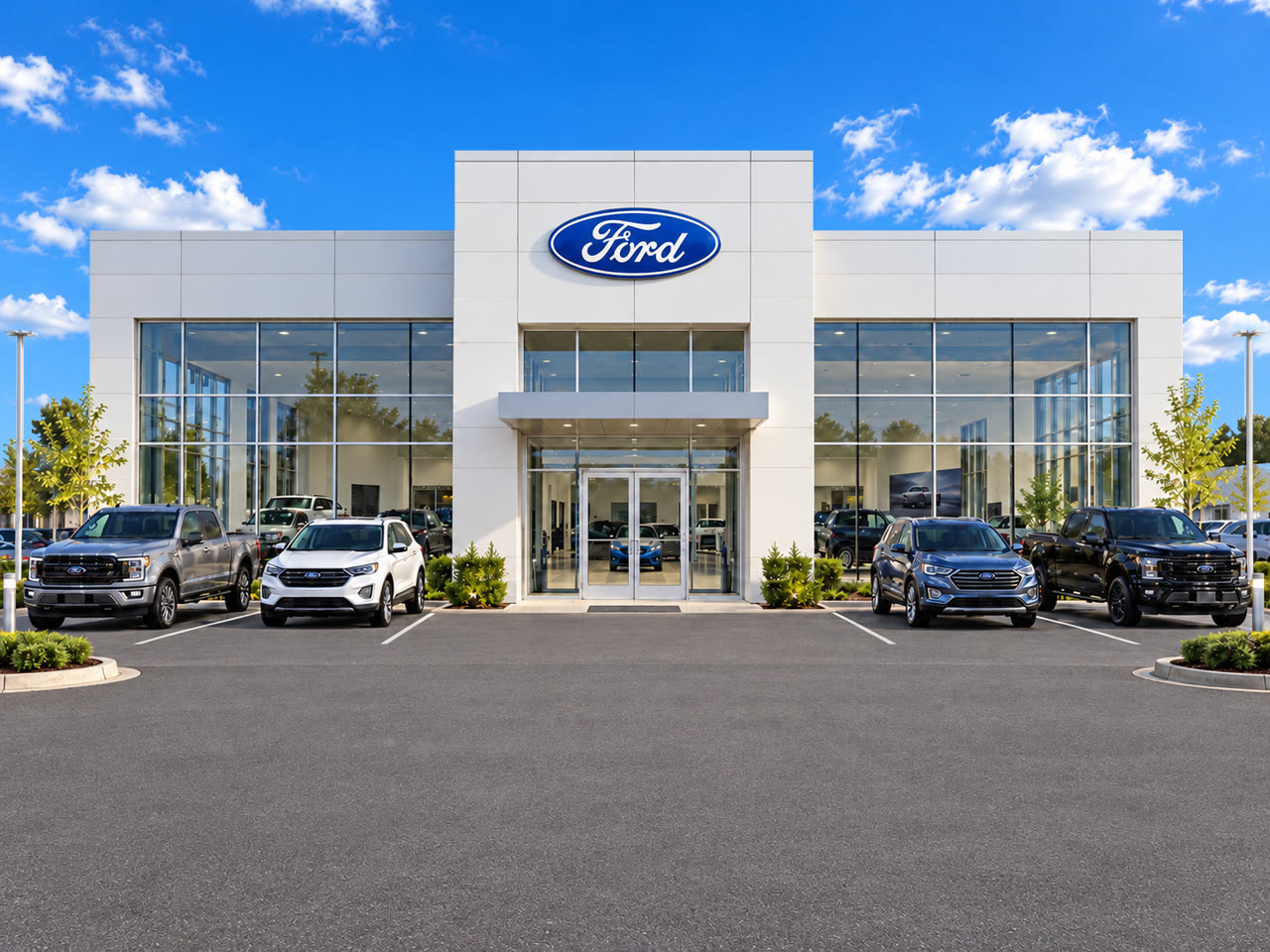
When you call it a night. Route calls to Voice Agent so late-night shoppers can get answers, share what they need and give your team a clear next step.
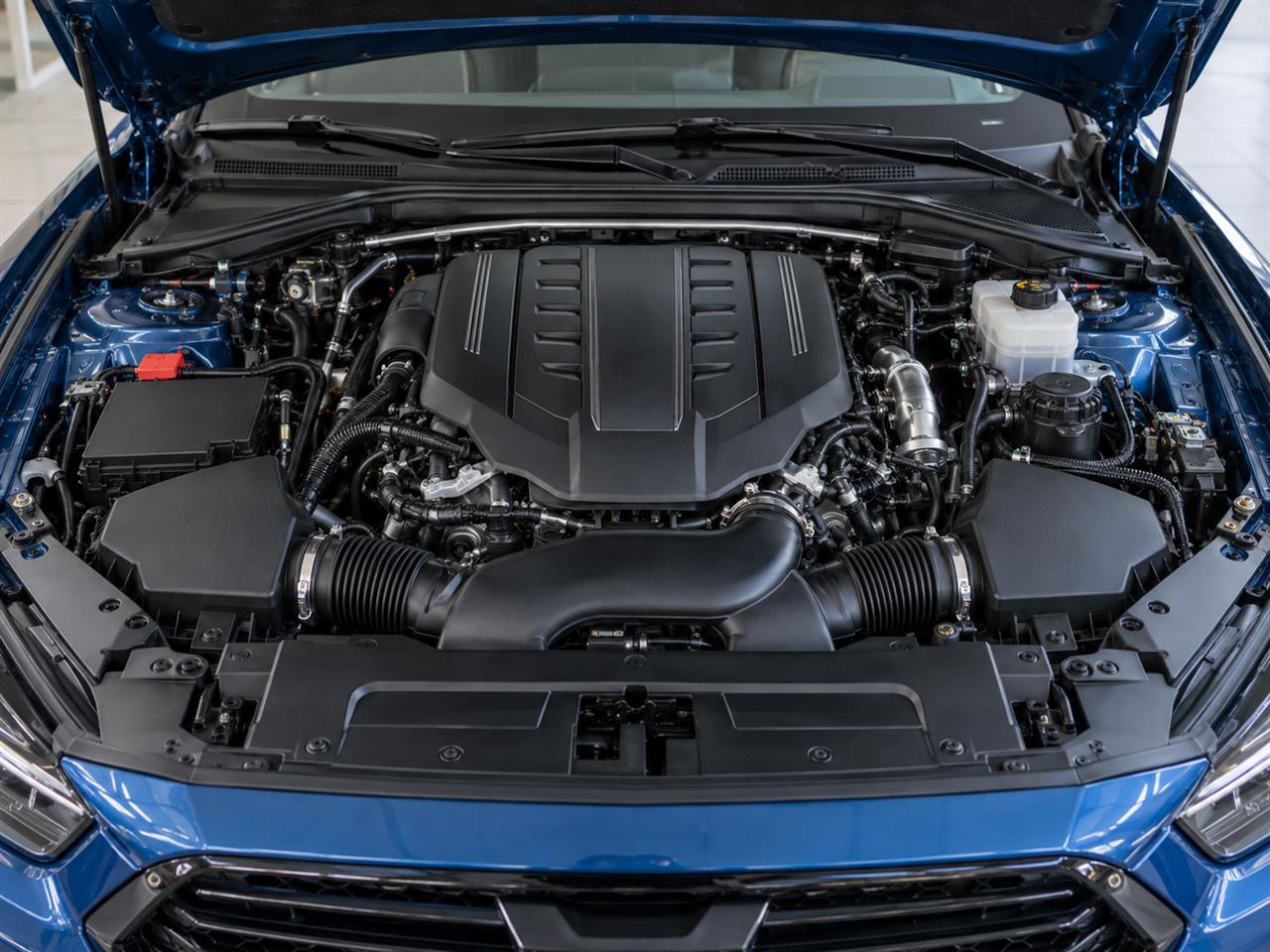
VIR. Know what caught their eye. Vehicle Interest Recognition connects the conversation to your live inventory, helping Voice Agent answer with the vehicle details and specifications you have on file.

Financing options and a trade-in.
A callback with a head start. Capture who wants a call, what they need and who should follow up, so the next conversation starts with context.
Turn interest into a visit. Help shoppers choose a time and keep the appointment details together, ready for your team to welcome them.
The details stay with the lead. Keep the questions, preferences and next steps from Jessica's call in one place, so your team can follow up without starting over.
Video Calls

 2026 Mercedes-Benz GLE 350 #78174 Link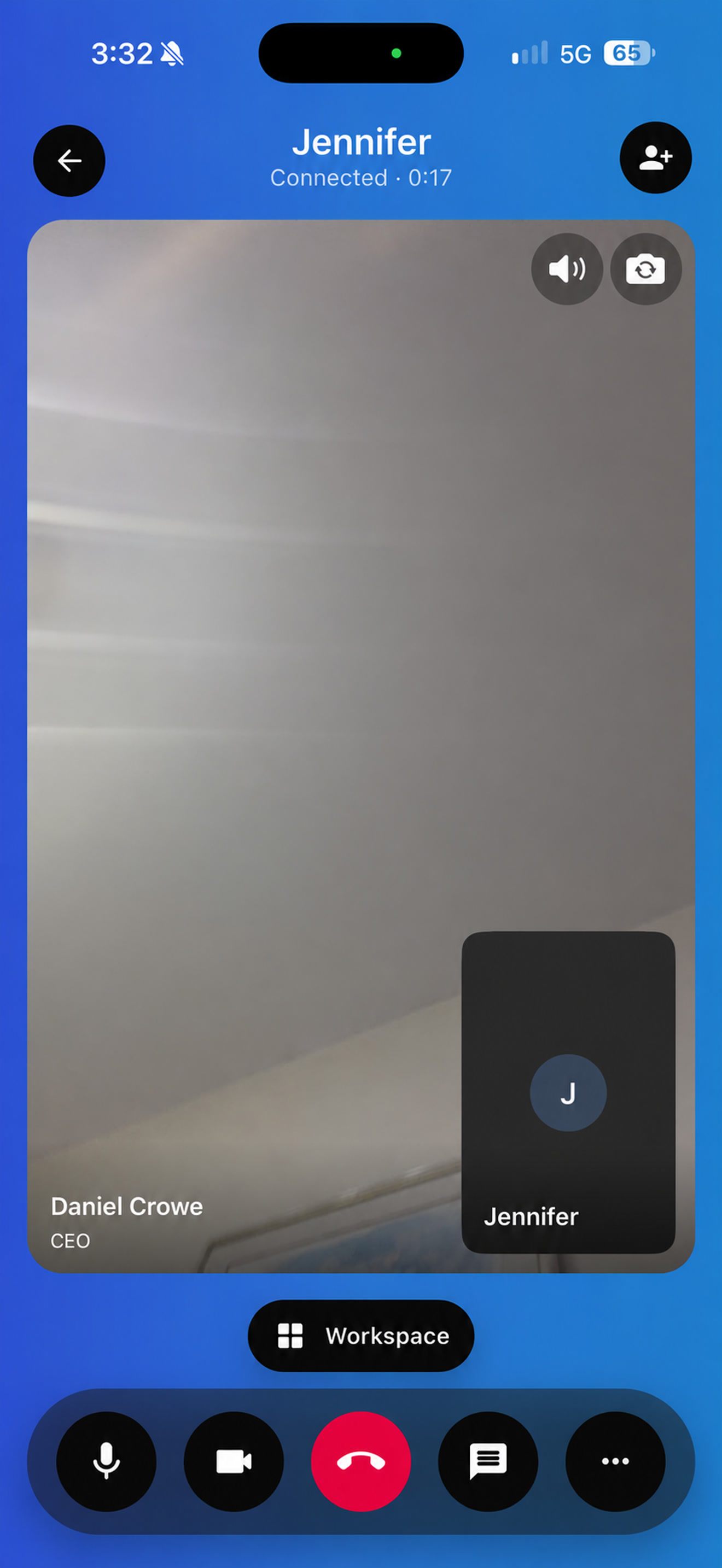
Built for your dealership
Show vehicles in HD. Keep recordings and transcripts in your CRM. See how your salespeople are connecting with customers.
Keep call recordings and transcripts in your CRM, so salespeople can pick up where the conversation left off.
Review call counts and connected time by salesperson to understand activity and help your team improve.
Give customers a clear look at the vehicle with high-definition video, wherever they are shopping.

Show the vehicle live. Show customers the vehicle without a trip to the lot. Answer their questions while they see the details for themselves.
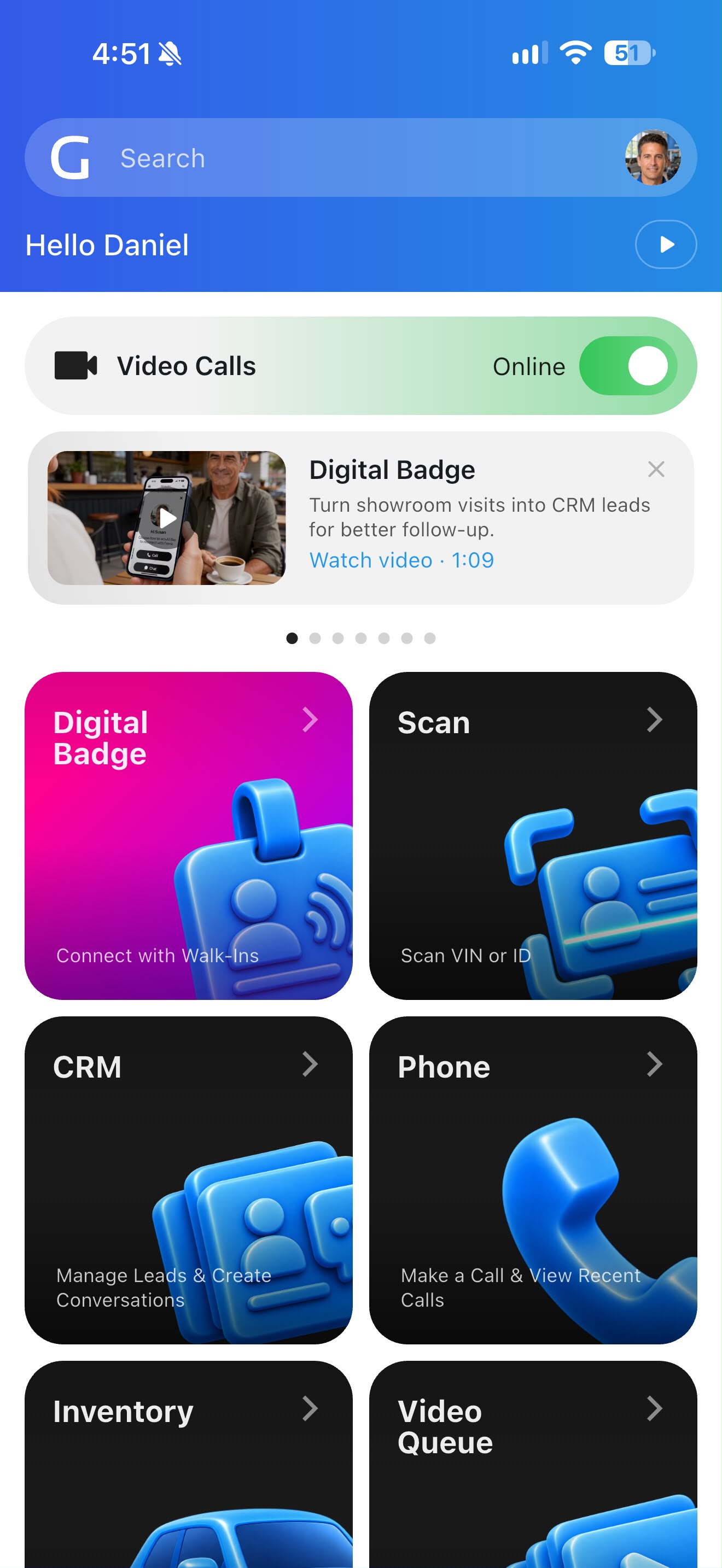
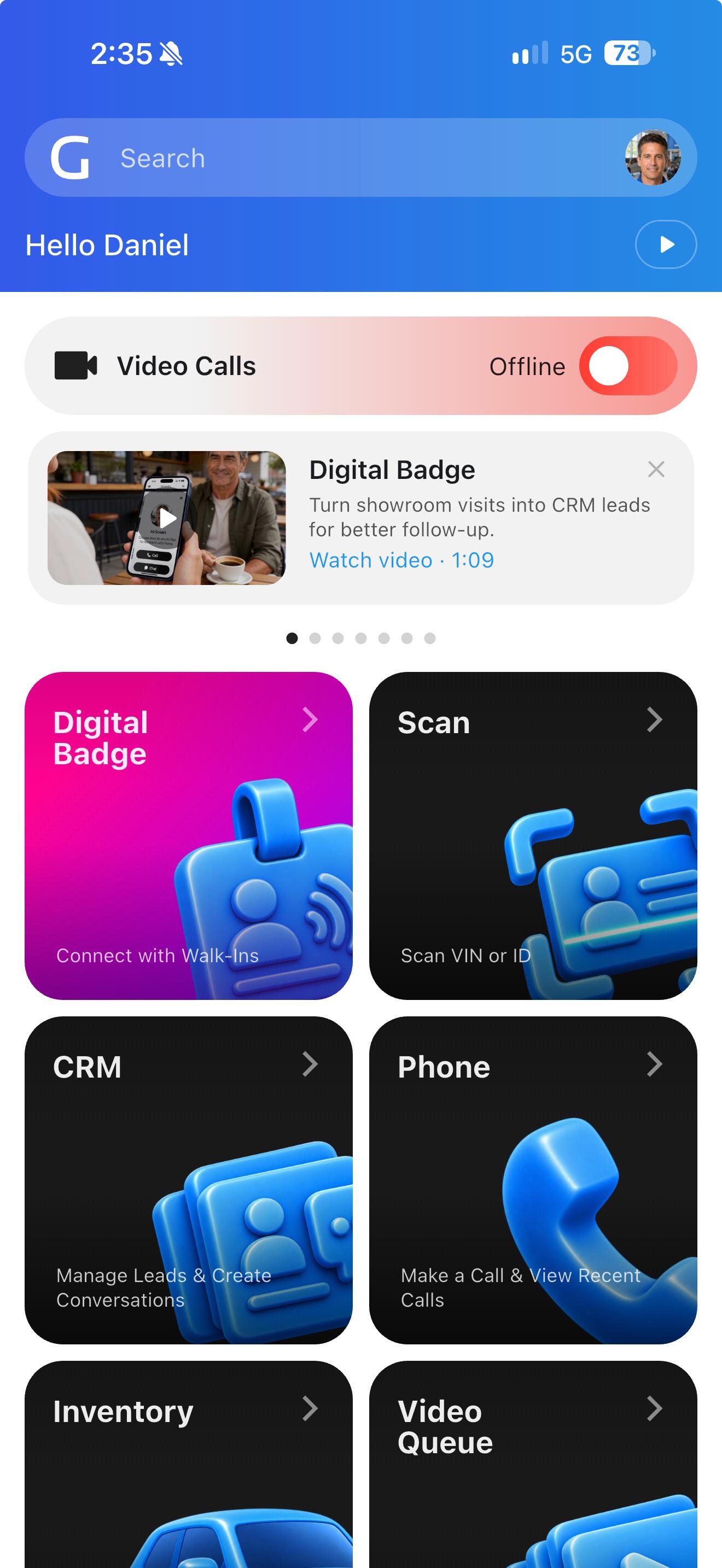
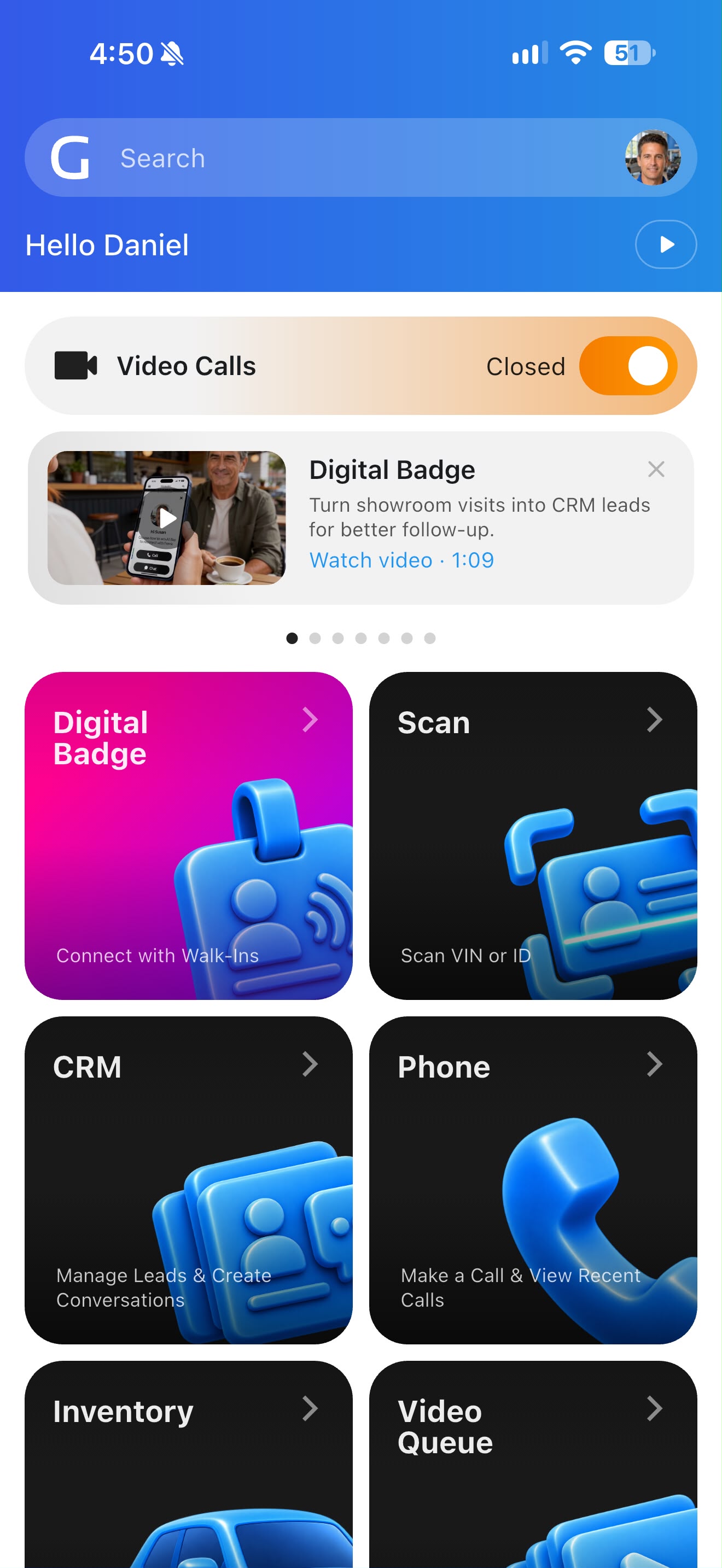
Reach available salespeople. Connect shoppers with available salespeople during dealership hours. Go Offline whenever you need a break.

Include the decision-makers. Bring the decision-makers into the same conversation, wherever they are, so everyone can see the vehicle and get their questions answered.
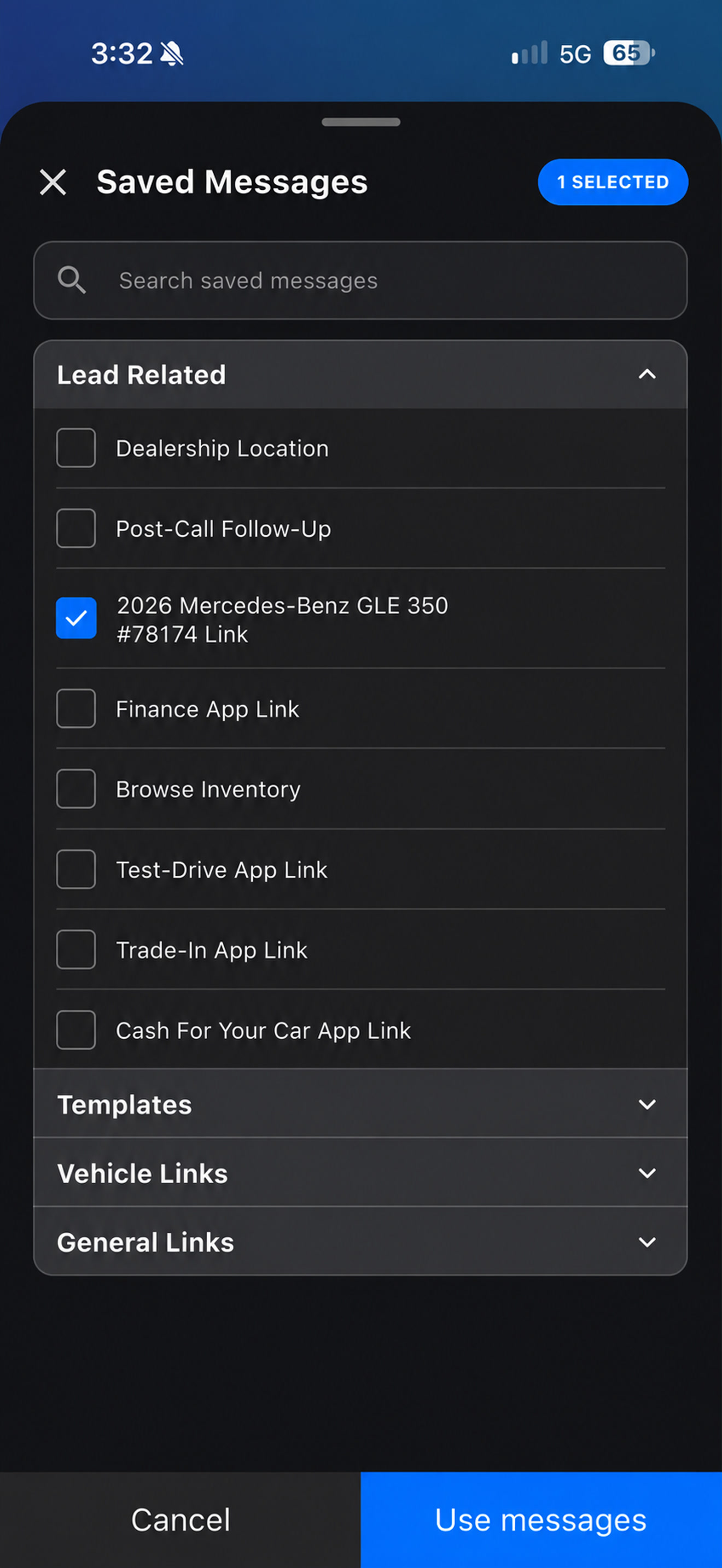
Move the sale forward. Guide customers to the next step. Share a finance application or trade-in form while you stay connected to answer questions.
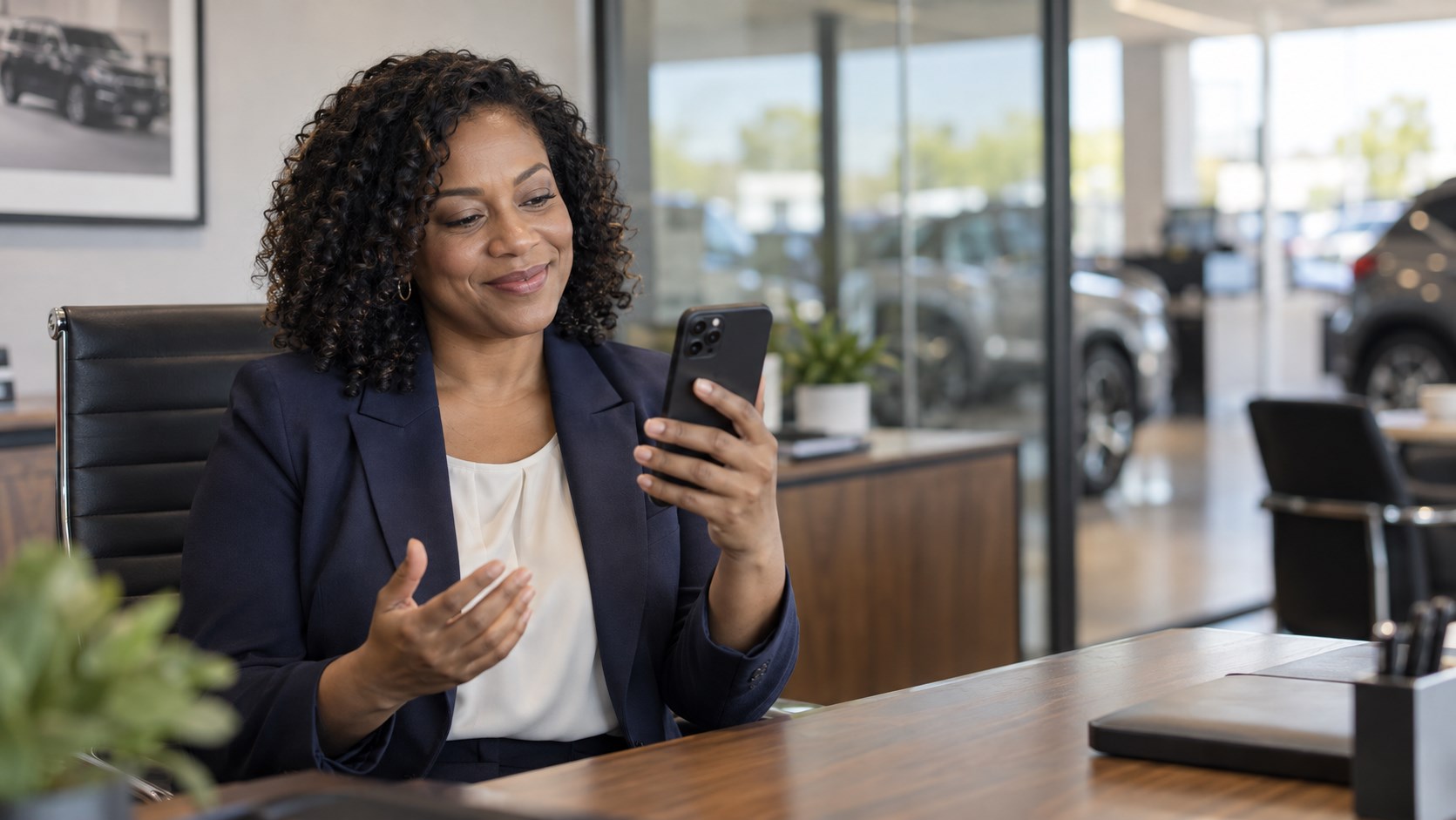
Bring in a manager. Bring your sales or finance manager into the call to address concerns and help the customer move forward.

Let customers choose. Let customers see the vehicle without being on camera, while they keep talking with your salesperson.
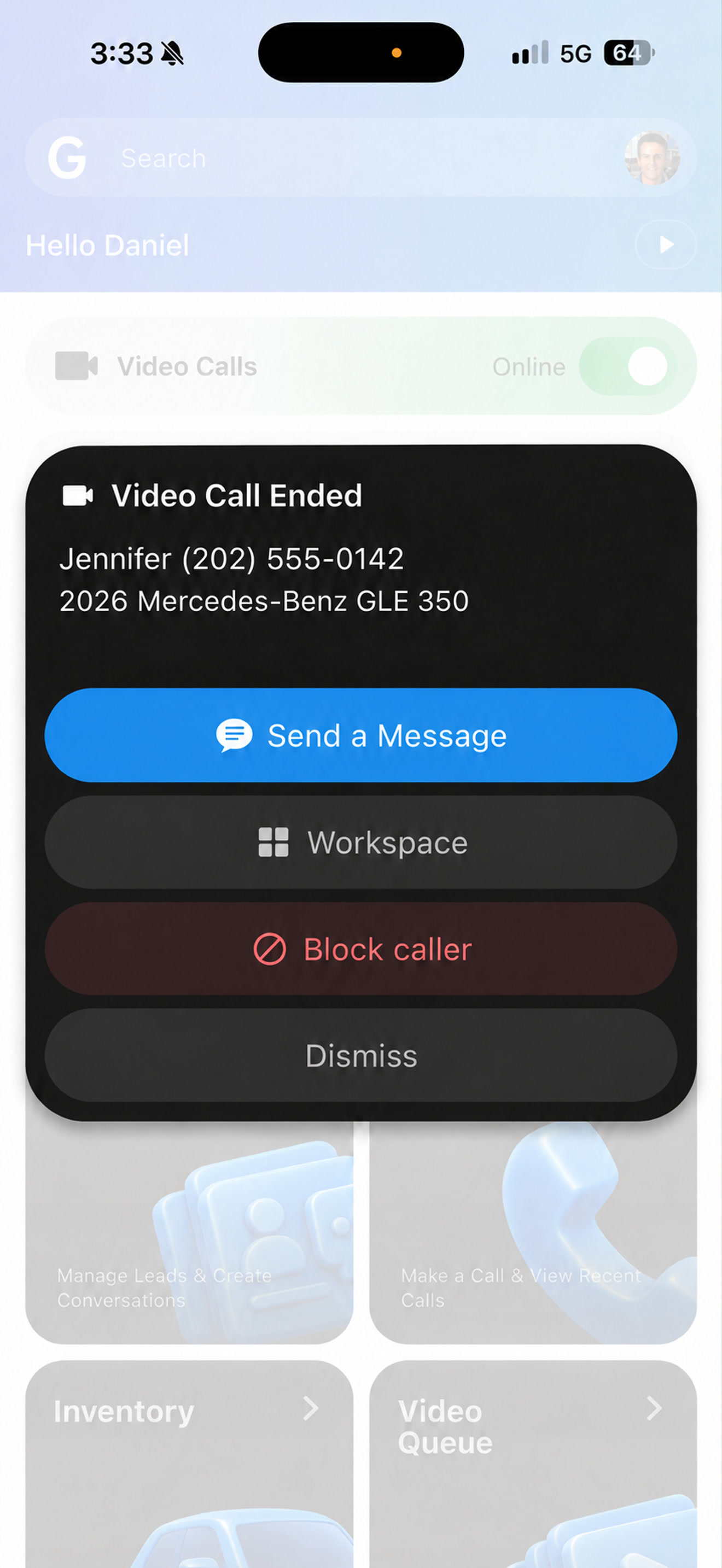
Control who can call. Keep unwanted callers from coming back. Block them after a video call to prevent future video calls.
Phone
Give your salespeople the context to start a better conversation. Share details while you talk, bring in a sales manager, and keep the next step moving with a follow-up message after the call.
See the vehicle they want, previous conversations, and a suggested next step. Start with the customer context already in Goxee.
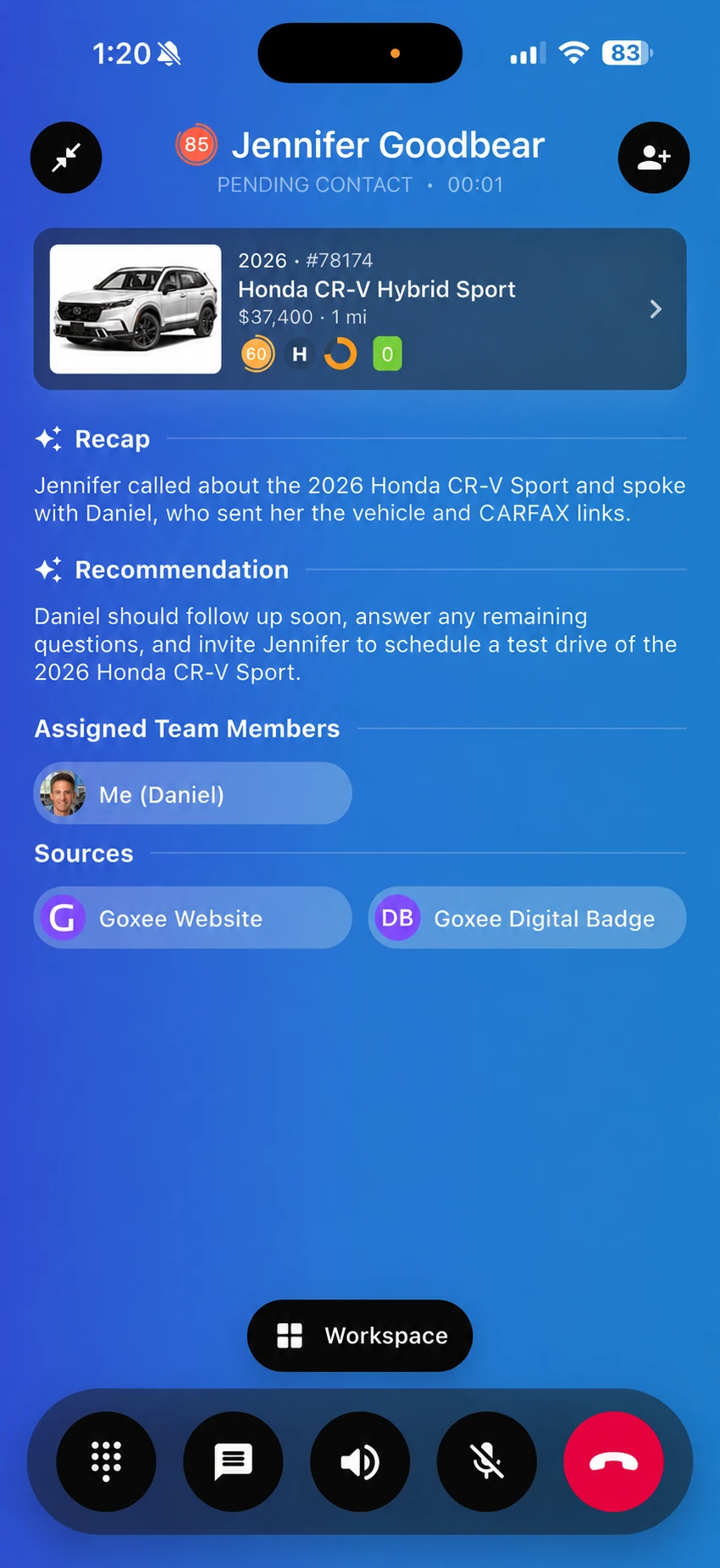
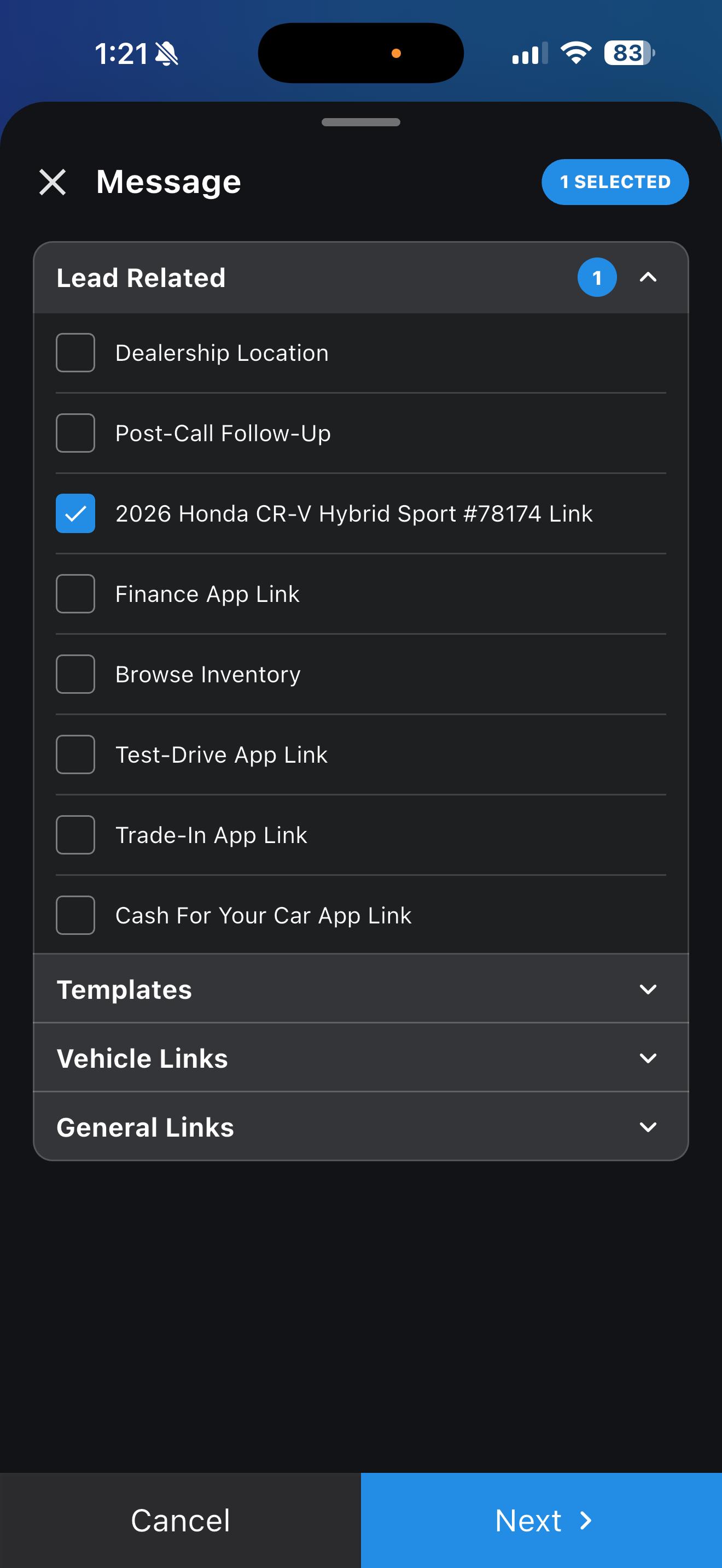
Send the vehicle, a history report, directions, or a finance application while you stay on the call to answer questions.
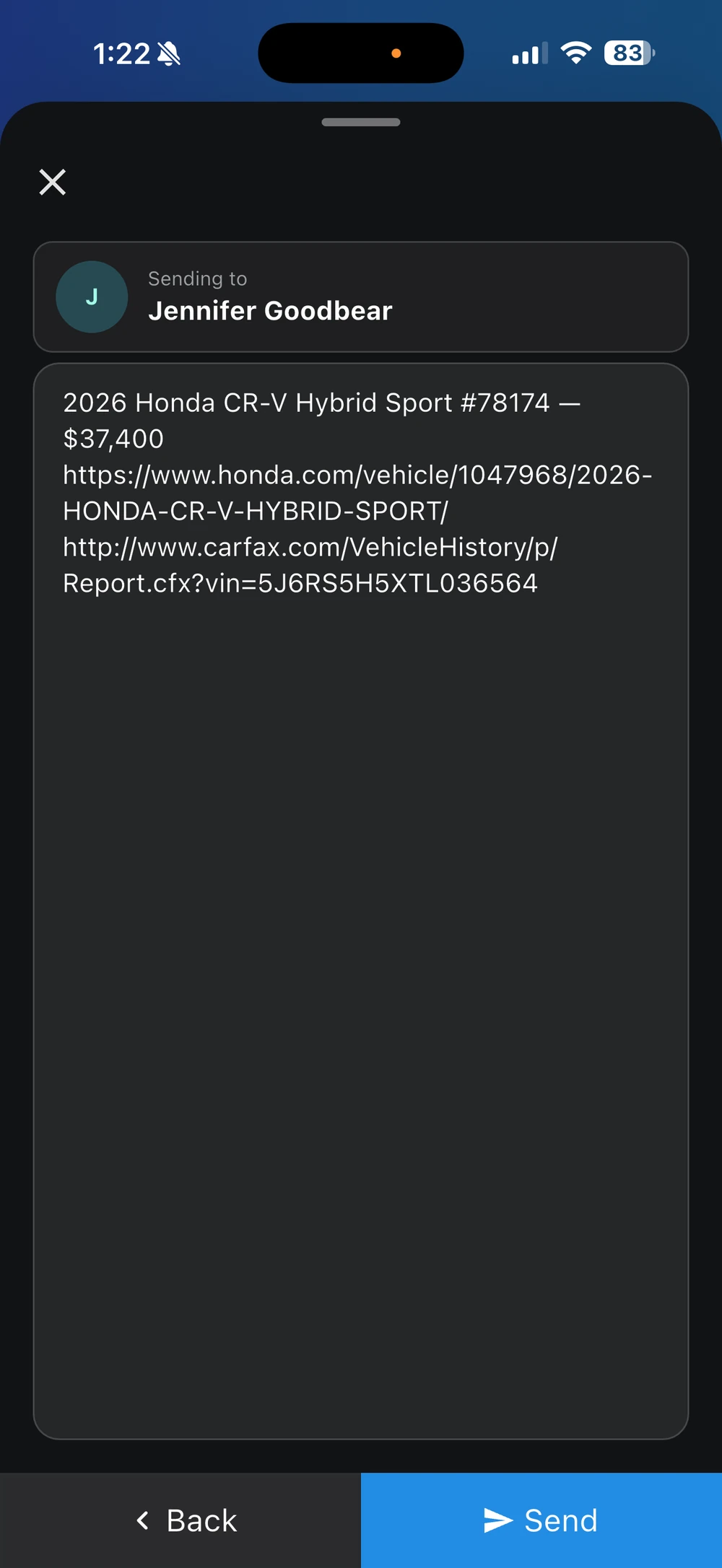
Bring another salesperson or manager into the conversation, or transfer the call when they're the right person to continue.
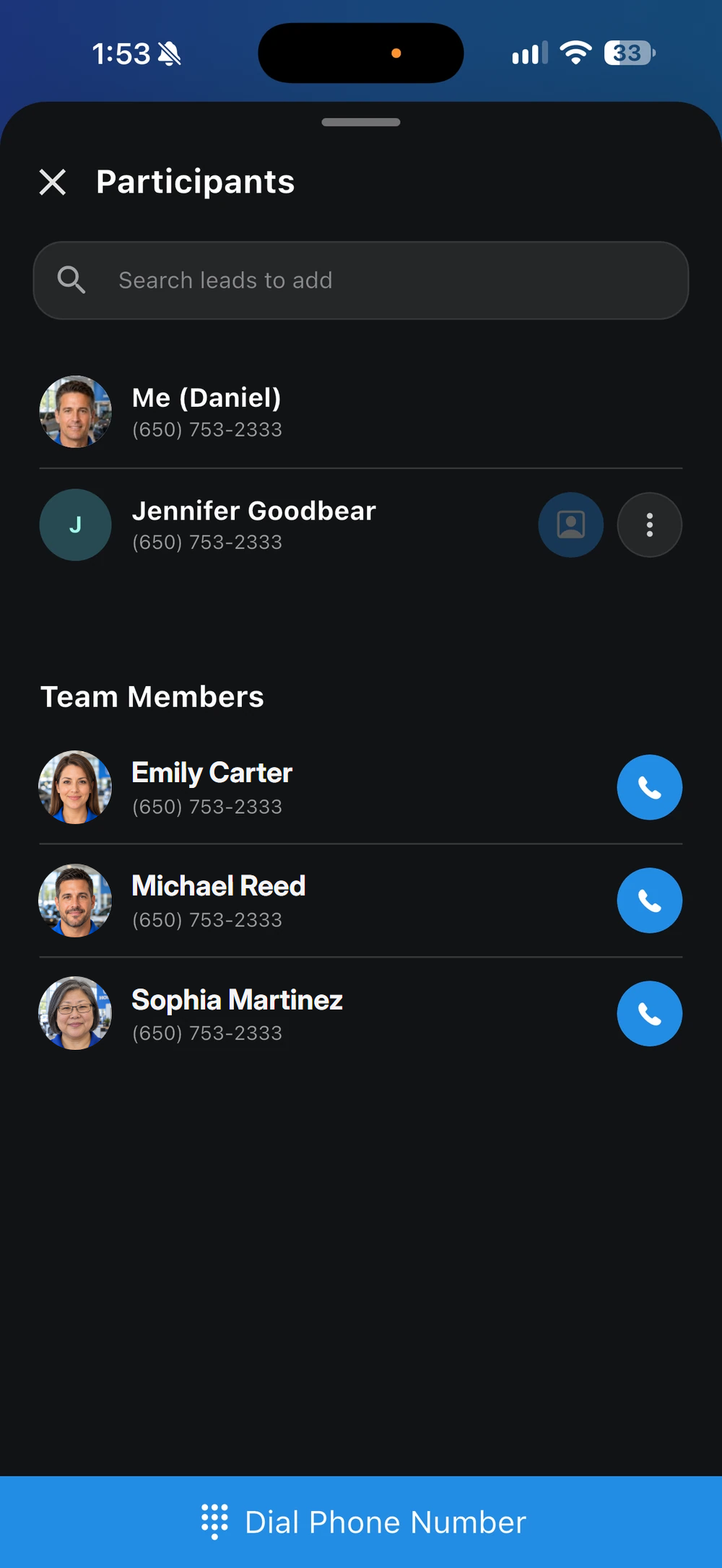
Open a message directly from the post-call prompt. Share the next step while the conversation is still fresh.
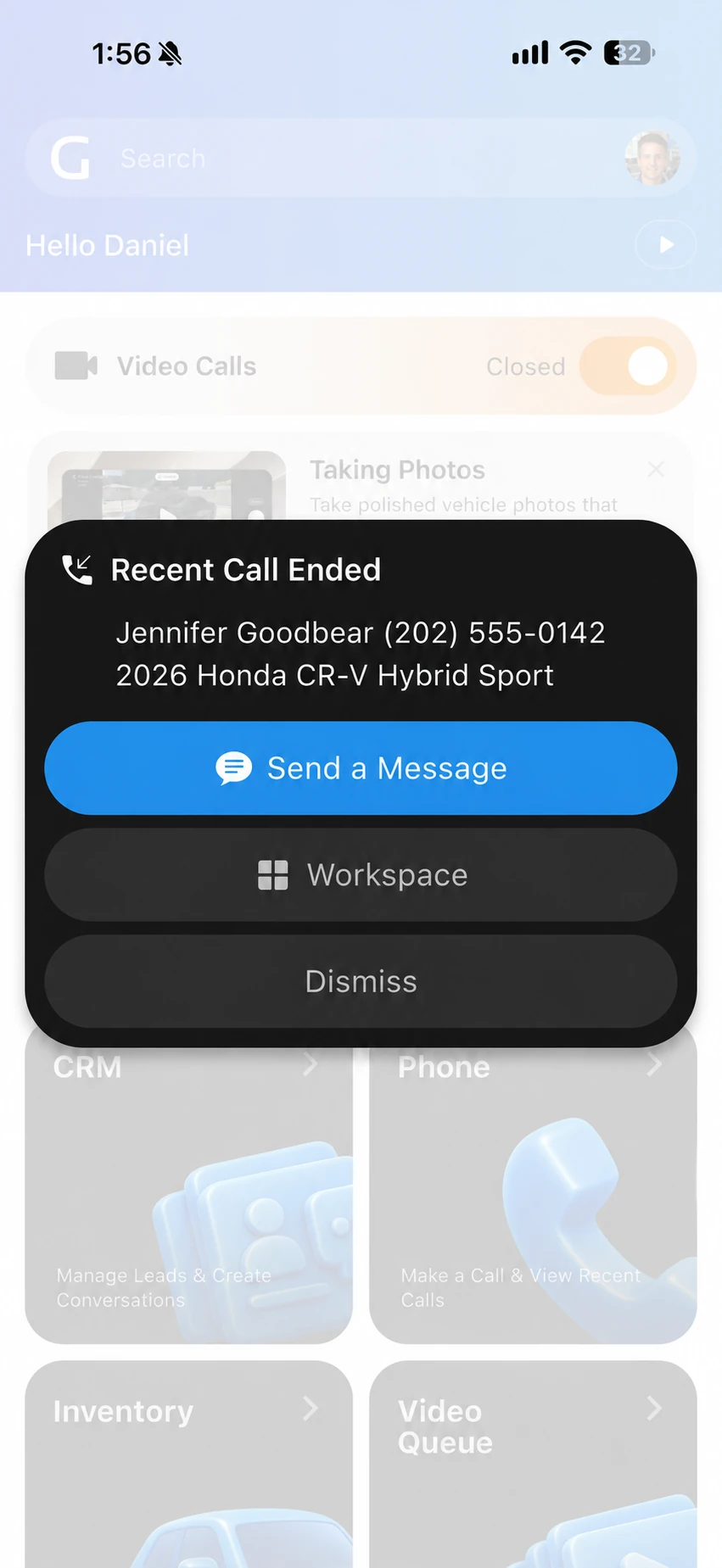
Assign Voice Agent to a phone line or extension to answer when your salespeople can't pick up. Keep your business hours and routing in control.
Learn More
Auto Assign gives the lead to the salesperson who answers. When the customer calls again, Auto Route reconnects them with their assigned salesperson.
Ring salespeople together or one after another in your preferred order. Give incoming calls a clear path to an available salesperson.
Replay recorded calls and read available transcripts to review customer questions, coach your salespeople, and prepare for the next conversation.
Hear which advertising source or dealership number the customer called. Give your salespeople useful context before they begin the conversation.
Set your dealership’s business hours and respect approved time off. Route calls to Voice Agent when your salespeople are unavailable to answer.
Keep each lead’s calls, messages, recordings, and available transcripts in CRM Messenger. One workspace keeps the entire conversation together.

Give every call a clear direction. Welcome customers with your dealership’s greeting, then let them reach Sales, request directions by text, or leave a voicemail through your extensions.
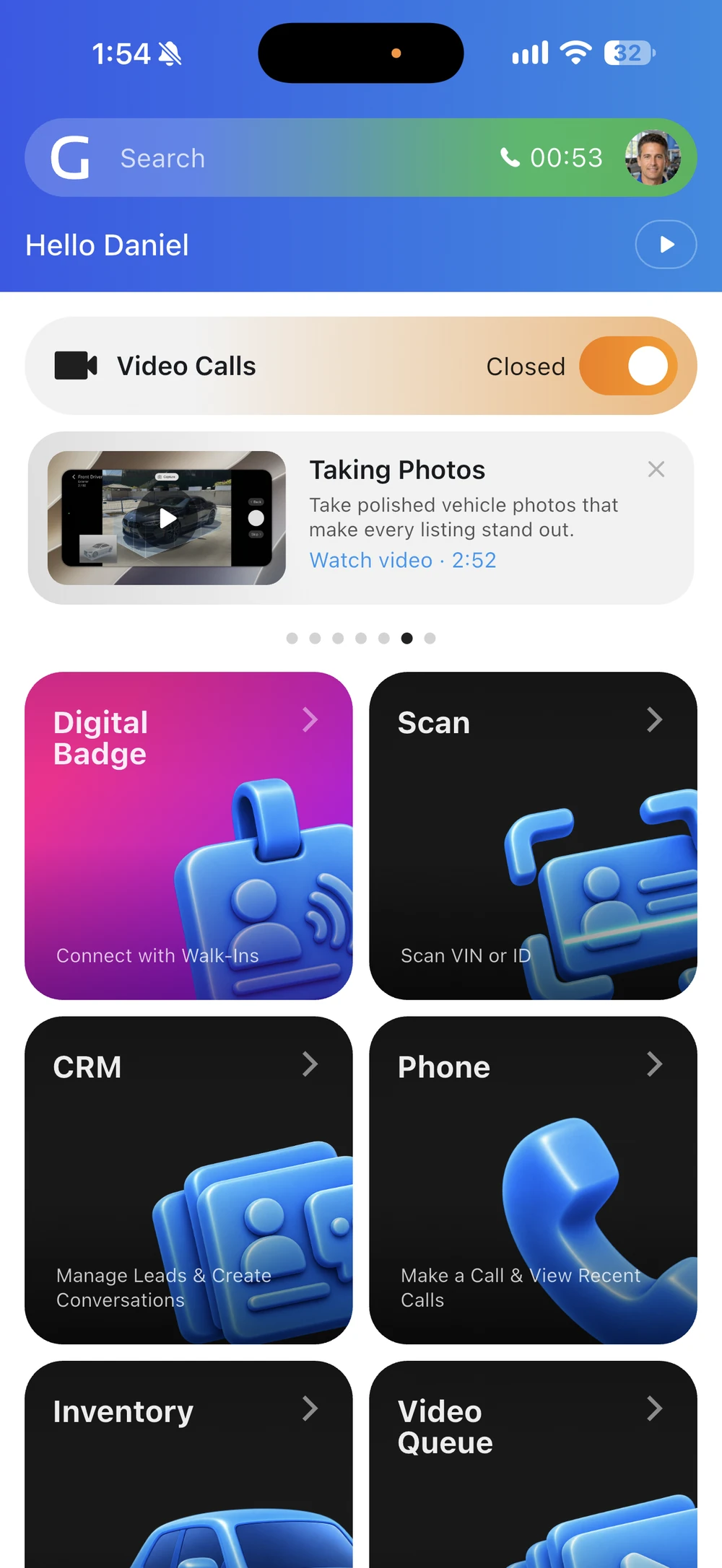
Your call stays with you. Look up inventory and customer information while the call remains active in Goxee. Help the customer without putting the conversation on hold.
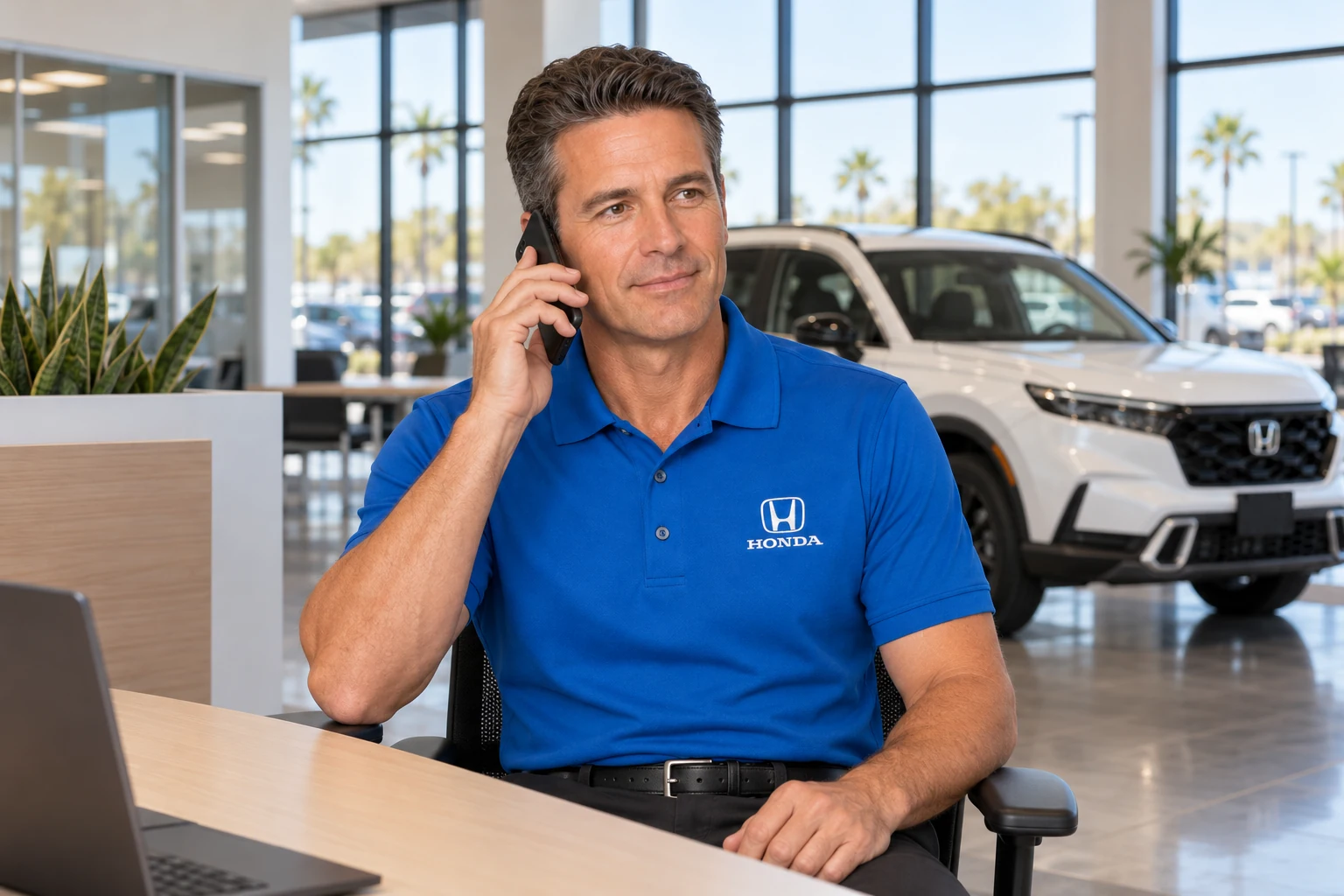
One introduction. A familiar voice. Jennifer’s first call connects her with a salesperson who becomes responsible for her lead. When she calls again, Goxee routes her back to that salesperson, so she can pick up where they left off.
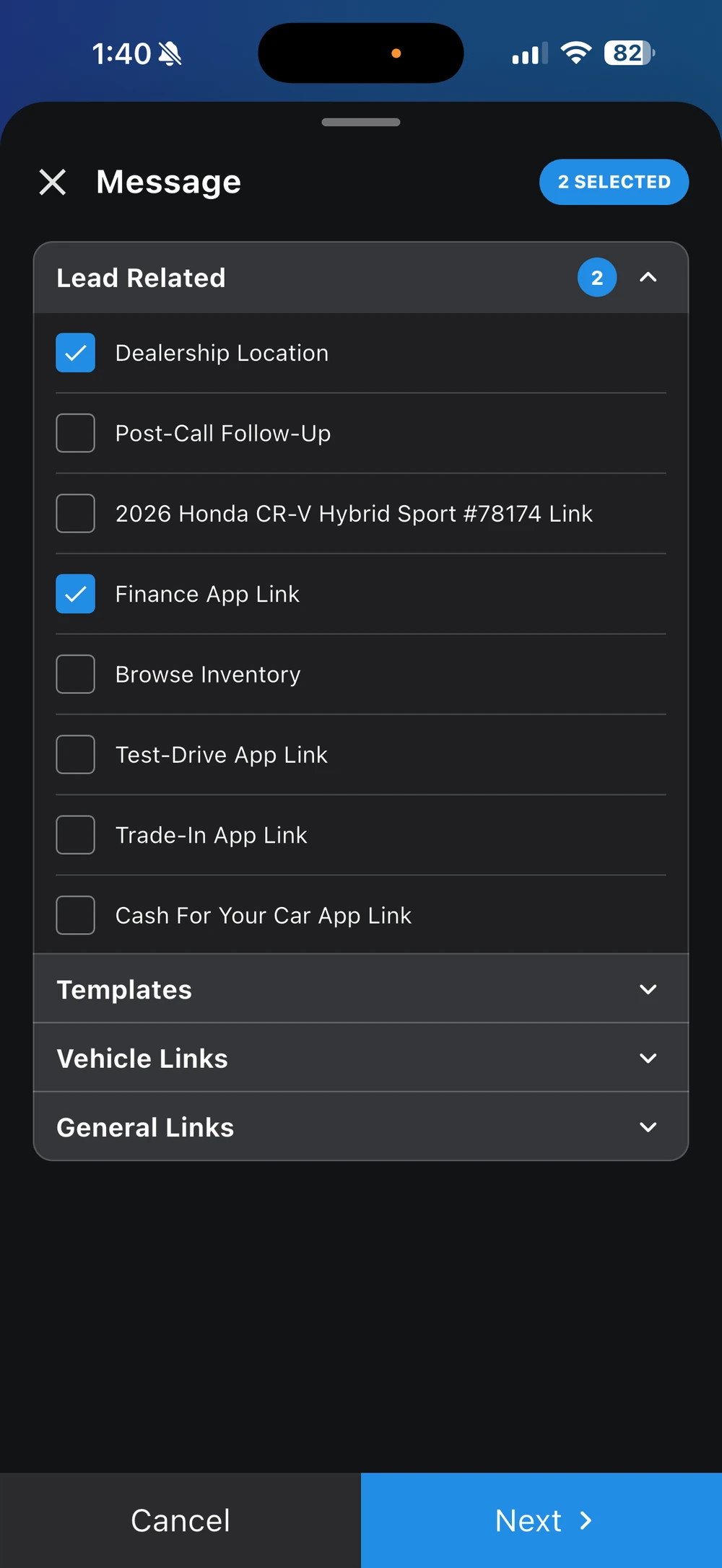
The right link. Ready to send. Choose directions, a finance application, a trade-in form, or a test-drive request from one menu while you guide the customer through their next step.
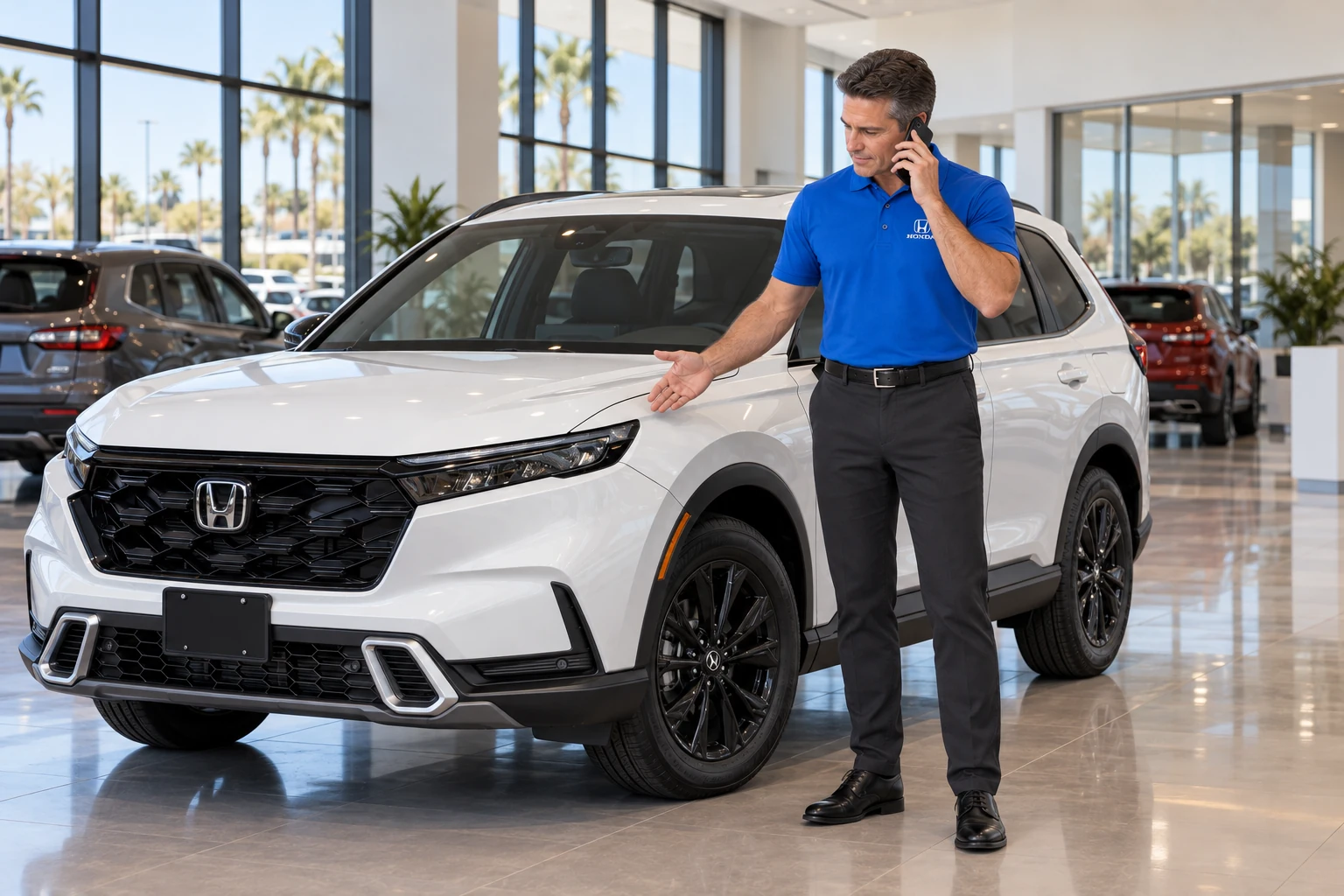
Know the source before you answer. Callee Message tells your salesperson which advertising source or dealership number the customer called. Start with that context, then focus on their vehicle and questions.

Help them find your dealership. Customers can request directions through an extension and receive them by text. They get the information on their phone without needing a salesperson to explain the route.
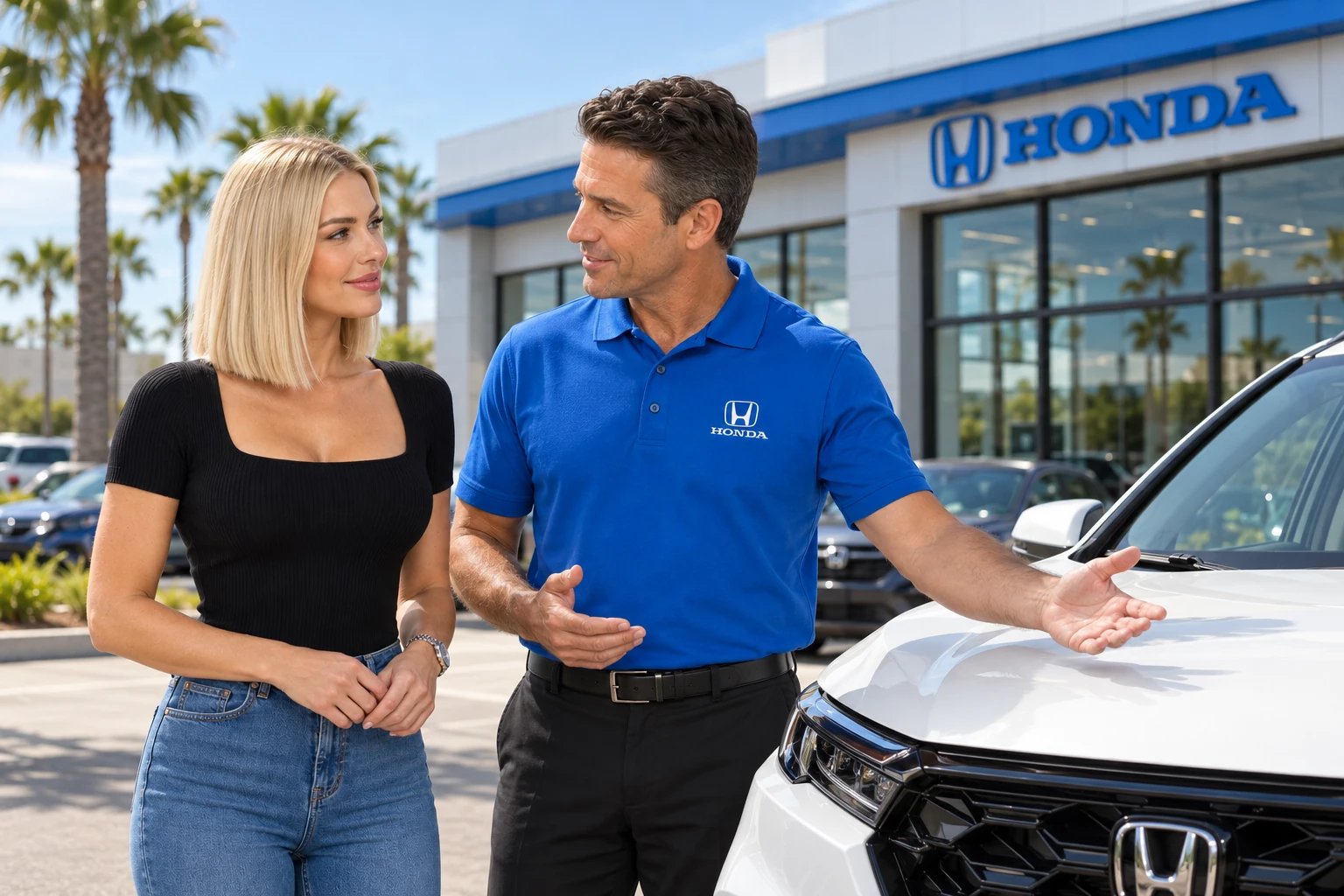
Pick up where you left off. Jennifer arrives to meet the salesperson she already spoke with. They can focus on the CR-V and the next step, with less need to repeat the conversation.



Know which advertising delivers. Give each advertising source its own number, then compare leads, sales, and cost per sold lead to understand where your advertising dollars are working.
Advantage
Let AI handle the questions that can feel uncomfortable to ask—down payment, income, paystubs and trade-in details. It follows up based on each answer, bringing consistency to pre-qualification and helping customers take the next step toward buying.
Recreated from real conversations. Names and identifying details changed.
See what starts each follow-up, who it reaches and how it helps your dealership.
47 automations
No automations match your search.
Inventory
Voice
Discuss the lower recorded asking price on the customer's vehicle of interest. Check whether it fits their plans and help arrange the next step.
Choose how this automation reaches the customer.
Voice calling requires active Voice Agent and Phone services.
Text
Why it helps
Give customers who asked about a vehicle a timely reason to take another look after a price change.
Coach & Personas
Clear recaps and response guidance help salespeople catch up quickly and continue in your dealership’s style.
Book a demoBring the customer’s questions, vehicle interest, and conversation history into the next response.
Choose a warm, direct, or value-focused approach. Personas guide the wording while your salespeople stay in control.
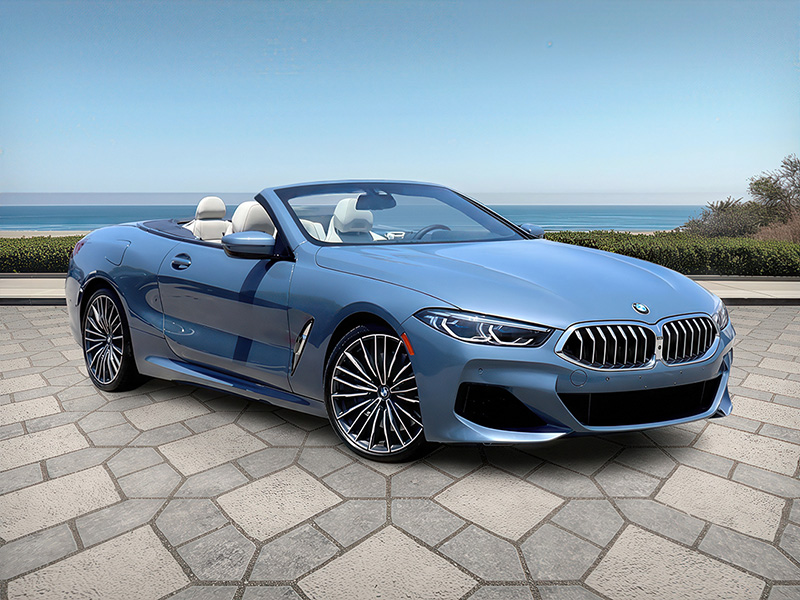
Give interested shoppers a reason to return. Reconnect when prices change, similar vehicles arrive, or a coming-soon vehicle becomes available.
An appointment starts here
Hi Alex, your visit is confirmed for tomorrow at 2:00 PM.
Turn an inquiry into a planned visit. Support the conversation, send appointment requests to your team, and follow approval with confirmation and reminders.
A conversation worth continuing
Is it available this weekend?
Reconnect when the conversation goes quiet. Give eligible leads another chance to respond, without asking salespeople to remember every check-in.

Keep the relationship after the sale. Stay connected with review requests, trade-in and buyback outreach, and relevant customer reminders.
Radar
Turn market comparisons and buyer interest into a clearer pricing decision for every vehicle.
Market Hold. Your asking price is supported by the local market. Radar helps you know when to hold your position.
Illustrative pricing examples: Radar brings market comparisons and buyer interest together to suggest holding your price or considering an adjustment. Recommendations do not change a vehicle price automatically.
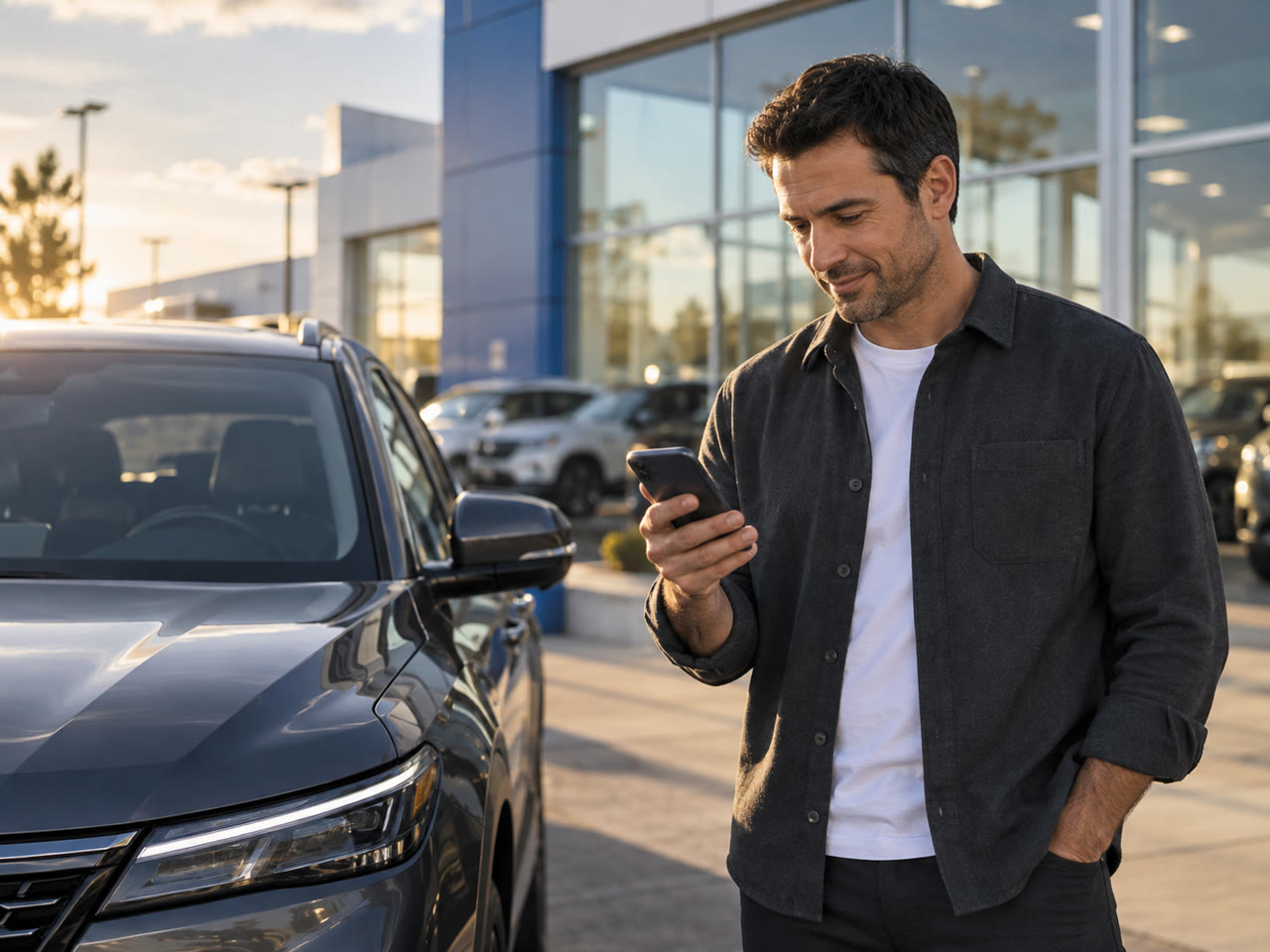
Confidence, before the price changes. See the market and the customer interest behind each vehicle, so your next pricing move starts with the full picture.
Your market, up to 500 miles out. Find listings with the same trim as your vehicle and compare asking prices and mileage. Put the right competitors in view before deciding whether to adjust your price or hold.
Same vehicle. Shared context.
Recent serious interest supports holding the price.
The conversation belongs in the decision. Radar connects your inventory with CRM conversations and recent buyer interest. See why a price may be worth holding, without chasing teammates for the latest update.
Know the market before you buy. Enter a vehicle’s VIN to research its market before adding it to inventory. Review comparable listings and asking prices with more context for your acquisition decision.
See the interest behind the inventory. Vehicle Interest Score brings lead activity, serious-buyer conversations and recency into one view. Understand the attention a vehicle is receiving alongside its market position, before making your next pricing move.
Digital Badge
Turn a visit to your lot into a lasting connection. Capture customer details with a badge scan, follow up with personalized updates, and bring the conversation back to your salesperson.
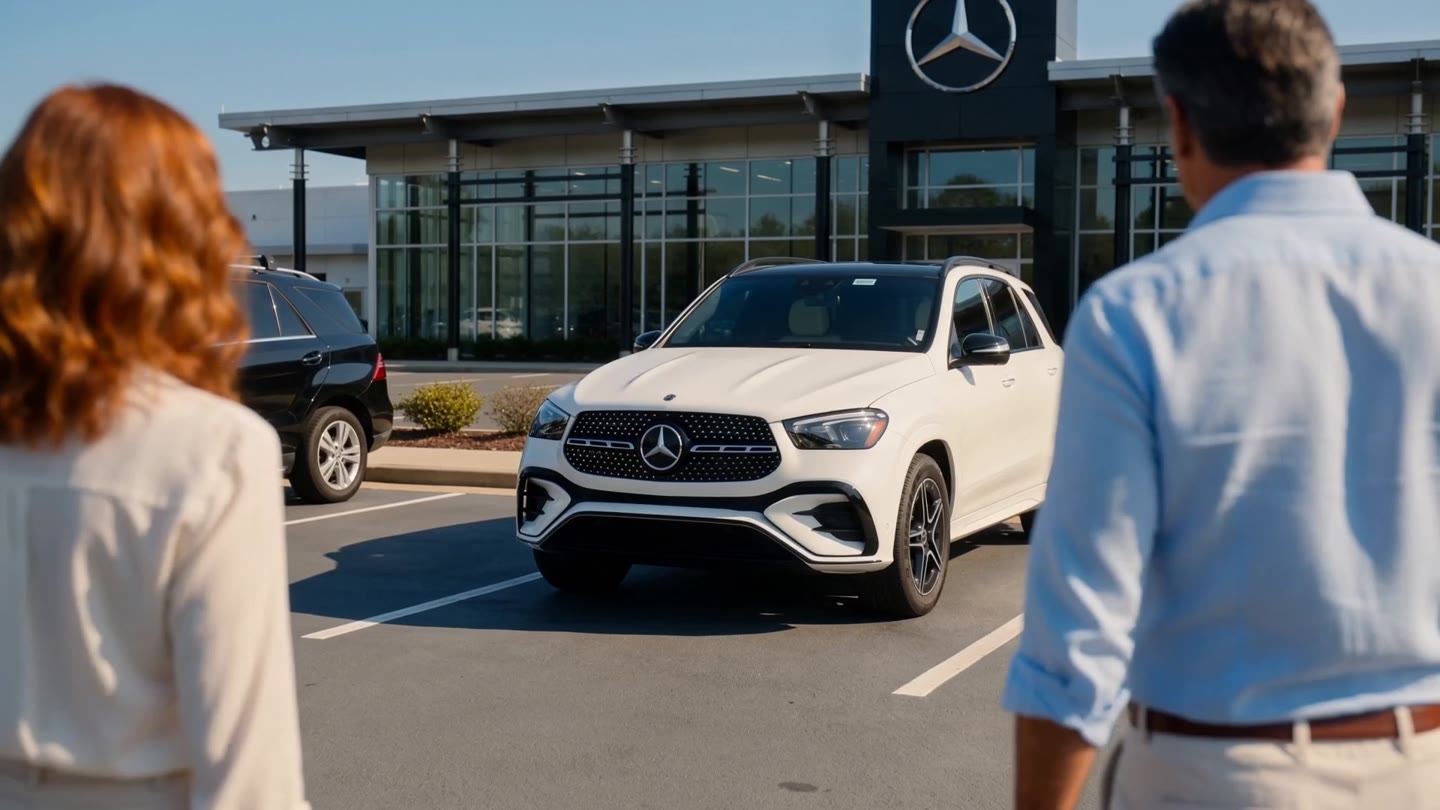
Make the first visit count. On the showroom floor, around the lot or out for a test drive, every introduction is a chance to stay connected.
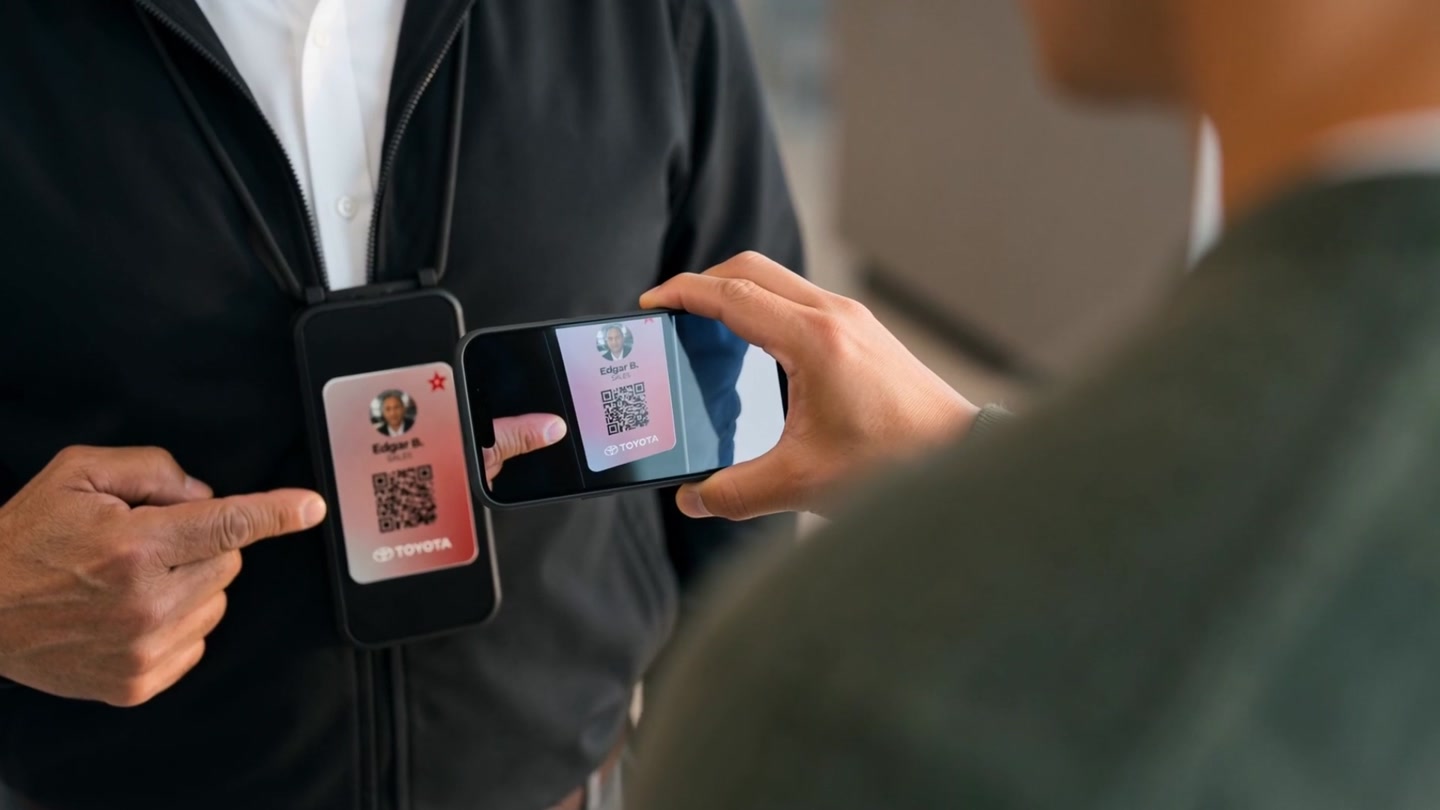
Give them a reason to scan. “Scan my badge. I’ll notify you on new units and price changes.” A natural invitation to keep in touch.

From a scan to your CRM. Customers share their details on their phone. Their information goes directly into your CRM for the next conversation.

A price change. A new opening. Life moves on after the visit. A personalized text about a price drop gives your customer a reason to look again.
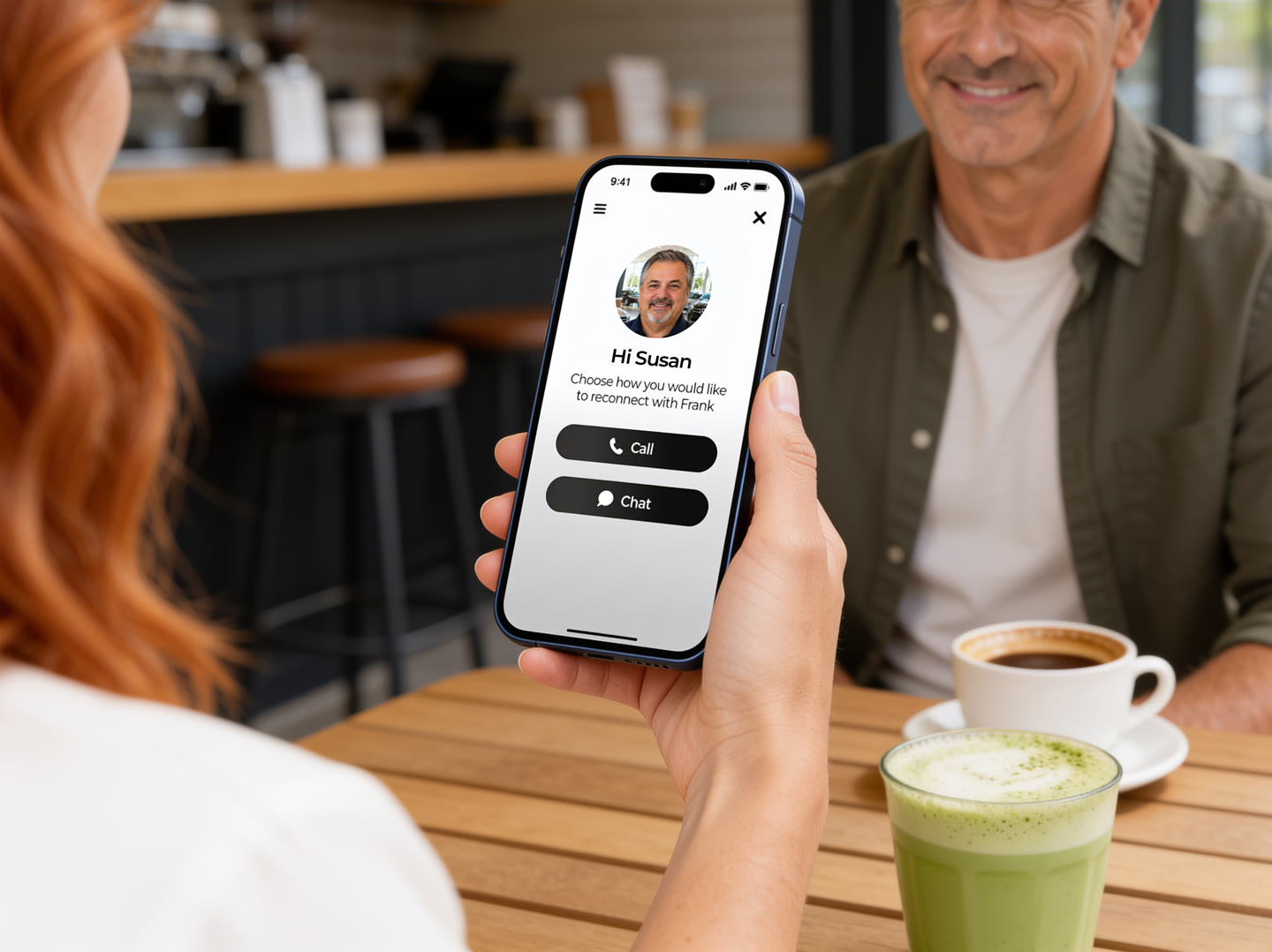
A familiar face on your website. When customers return to browse, they can reconnect with the salesperson they already know.
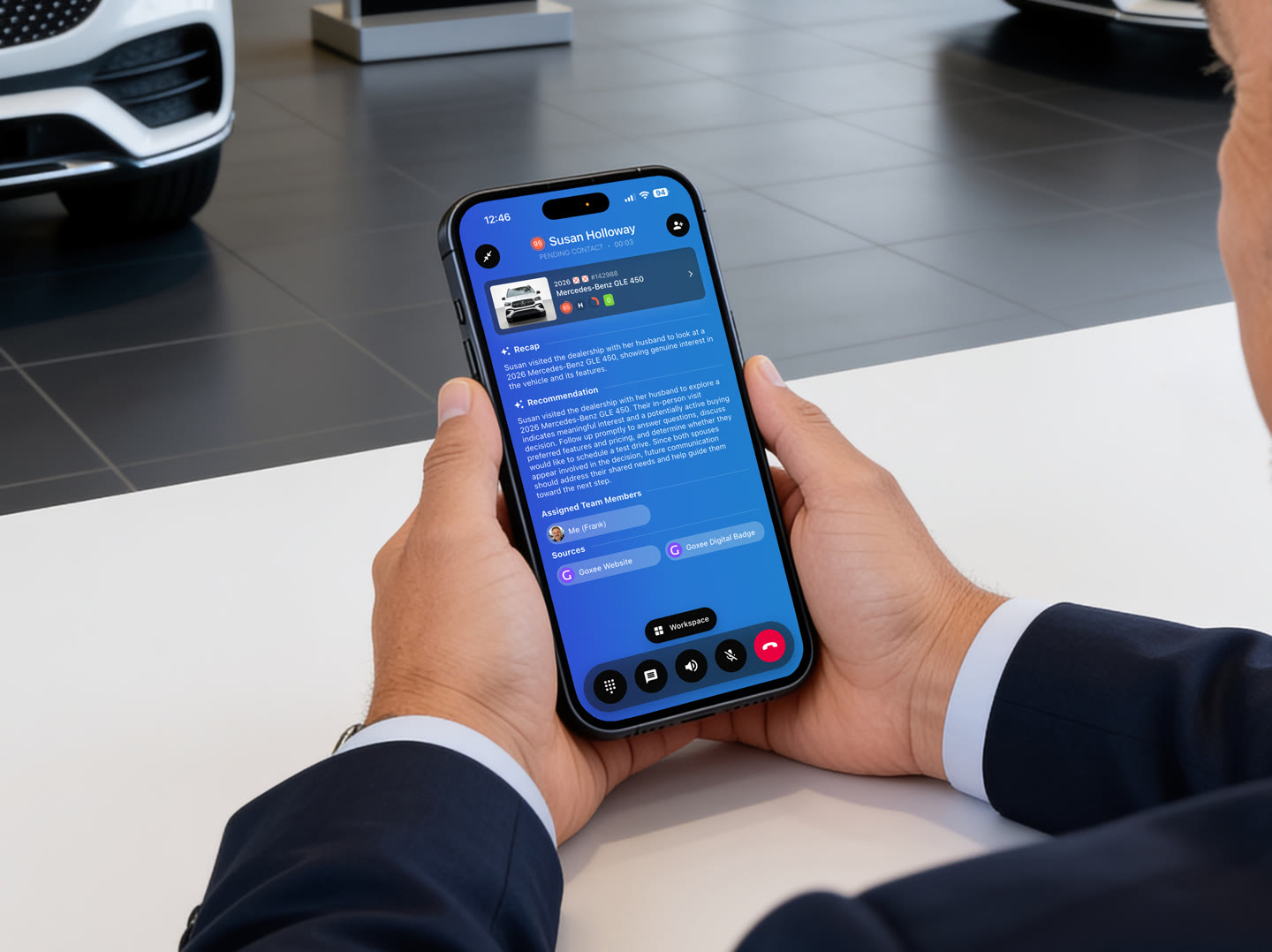
Pick up where you left off. Your salesperson knows who’s calling and which vehicle caught their eye, so the conversation can keep moving.
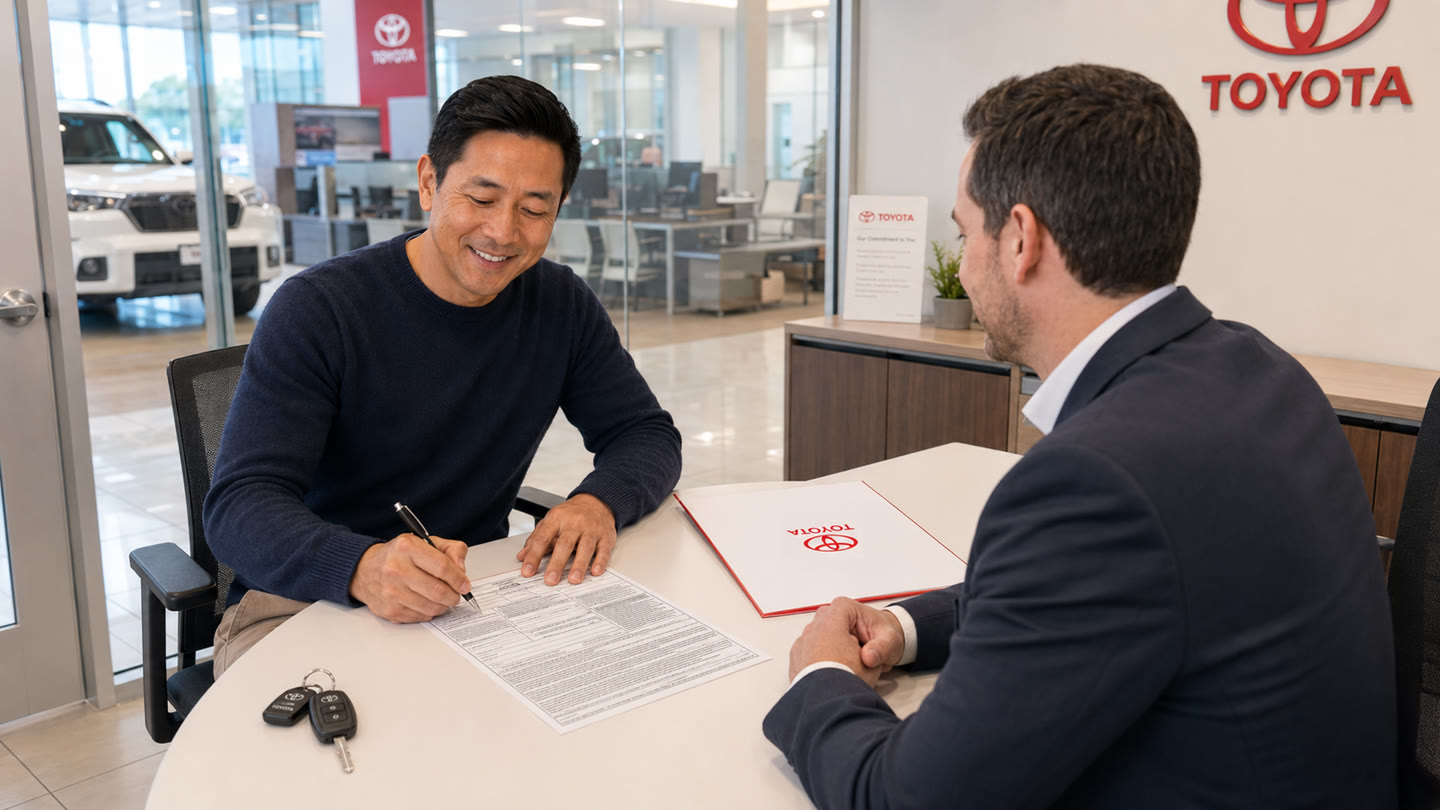
Another chance to earn the sale. Bring a customer who walked away back to your dealership—with a connection already in place.
Dashboards
A view for every side of your business. Bring in the widgets you need. Make room for what matters.
128 new opportunities
Already in progress
BMW M8 Competition
Different teams. Different perspectives. Start with dashboards for sales, inventory and customer conversations.

Start the day with a clear direction. Bring today's appointments, customer follow-ups and inventory priorities into focus.
See the story behind the number. Explore the customers, vehicles and activity behind your numbers, so you know where to act next.
Your reports. On your schedule. Make staying informed a routine. Schedule dashboard reports to arrive in your inbox when you need them.
Photo Booth
Photo Booth uses AI to replace distracting backgrounds with studio, outdoor or dealership-branded settings. Give your inventory a consistent look, without a physical photo studio.
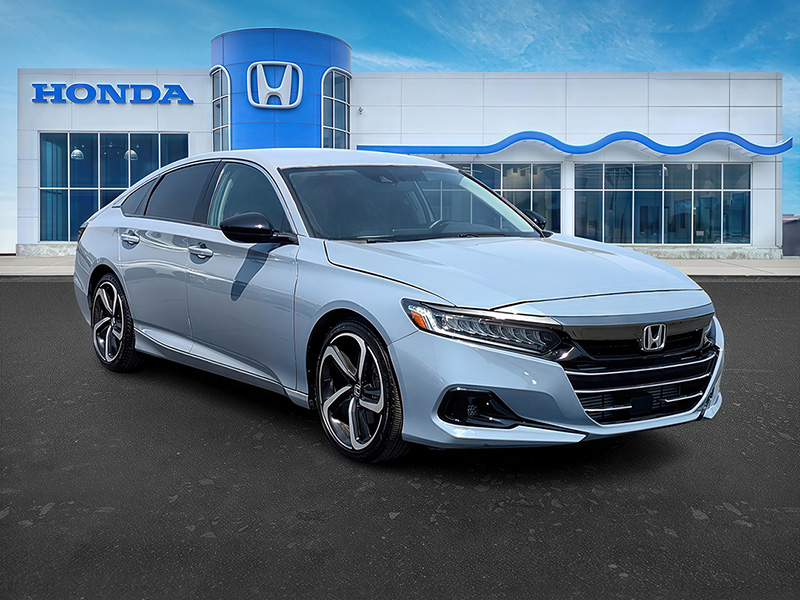
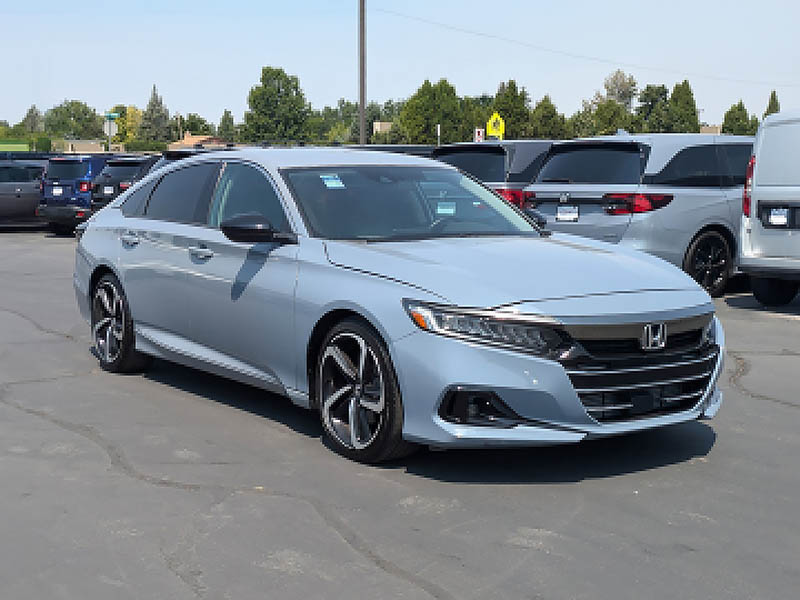
Your setting. Your brand. A branded setting gives your inventory a recognizable place to call home.
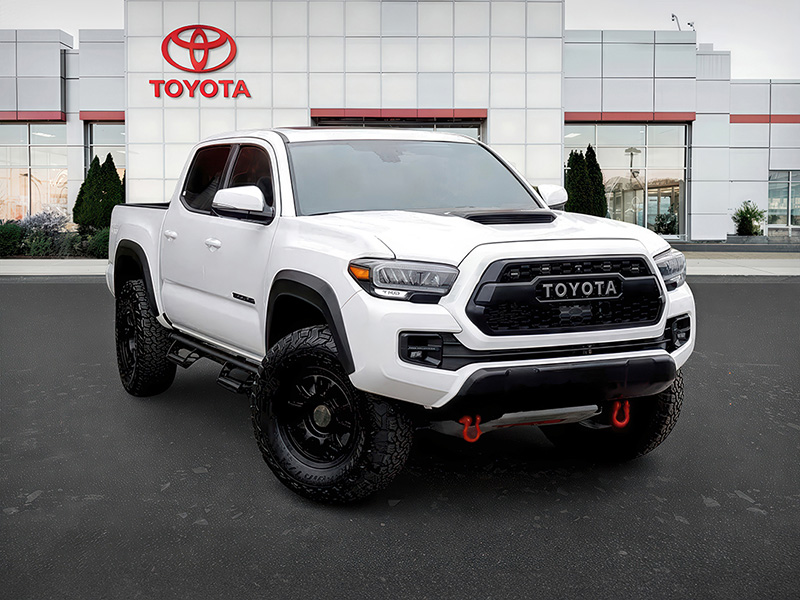
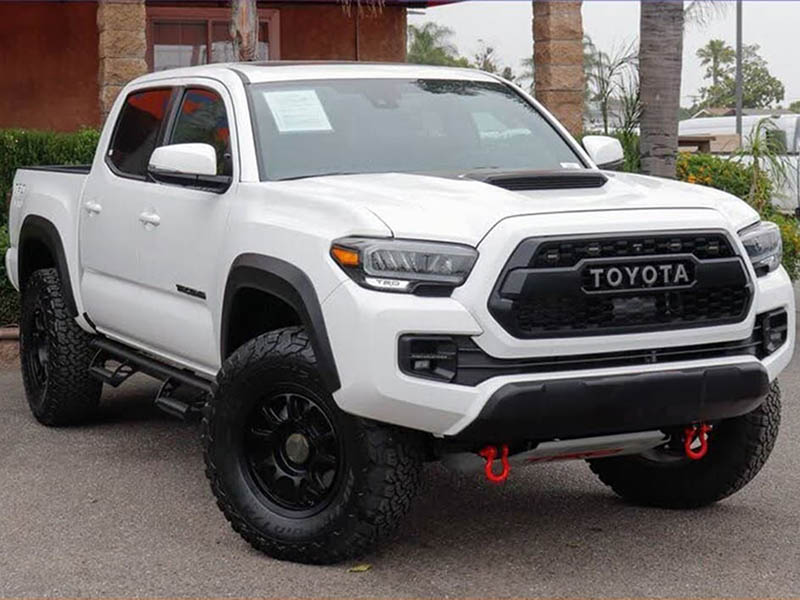
Everyday inventory. A considered presentation. Give your trucks and daily drivers the same attention as your flagship vehicles.
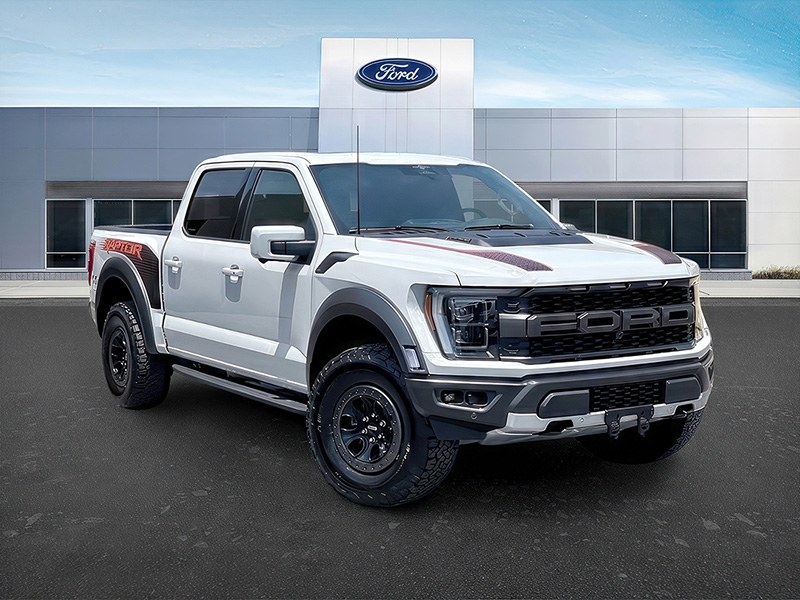
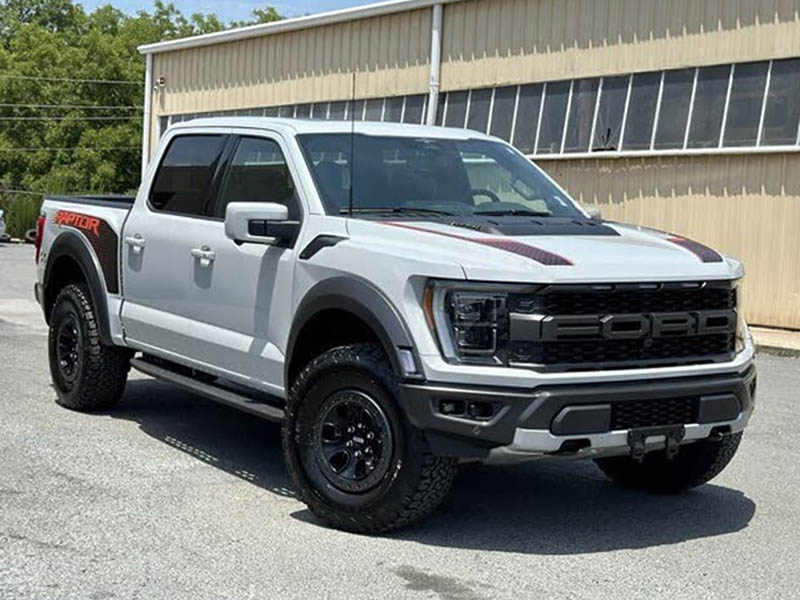
A recognizable place to shop. Bring your dealership into the background of your vehicle photos.
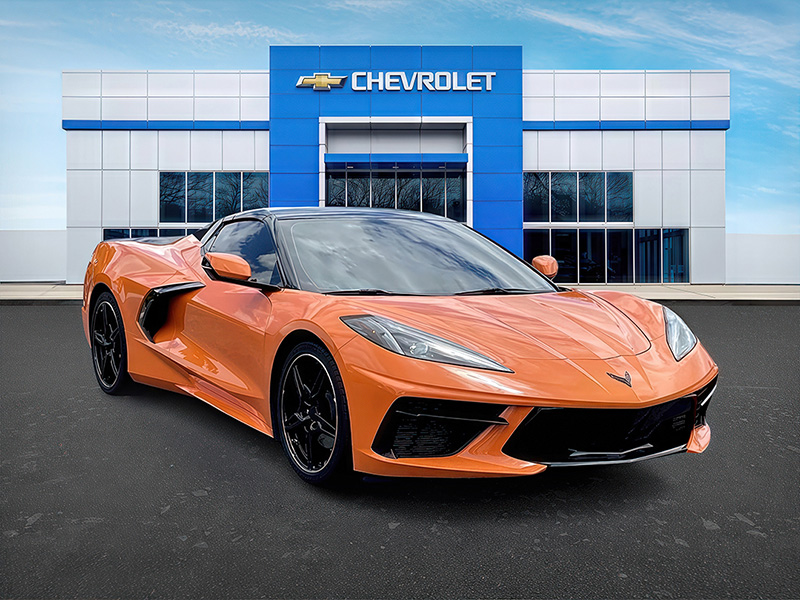

A cleaner backdrop. Give a busy lot photo a clear, consistent setting.

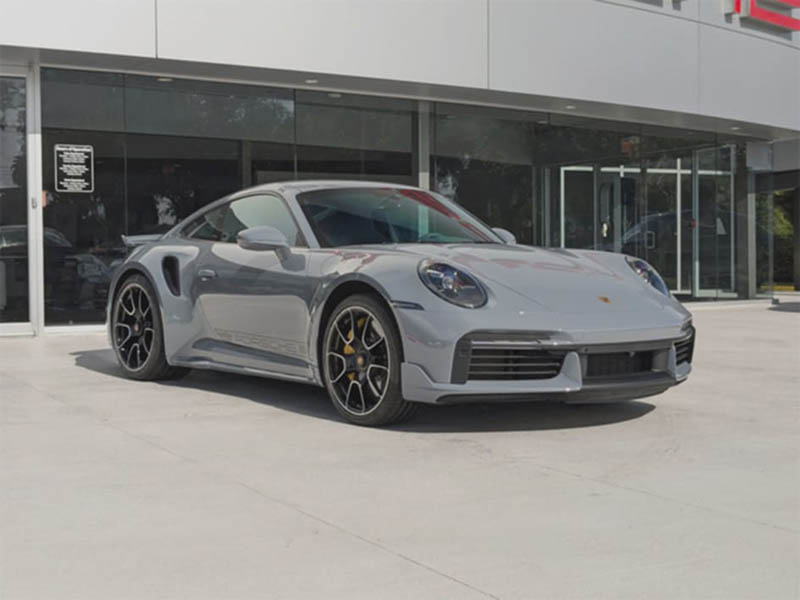
A setting with character. Explore a showcase that complements the vehicles you sell.
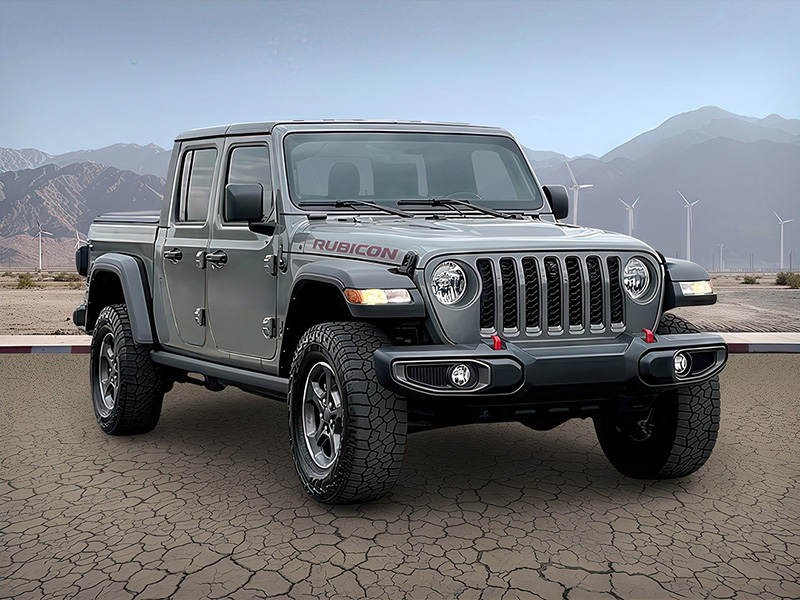
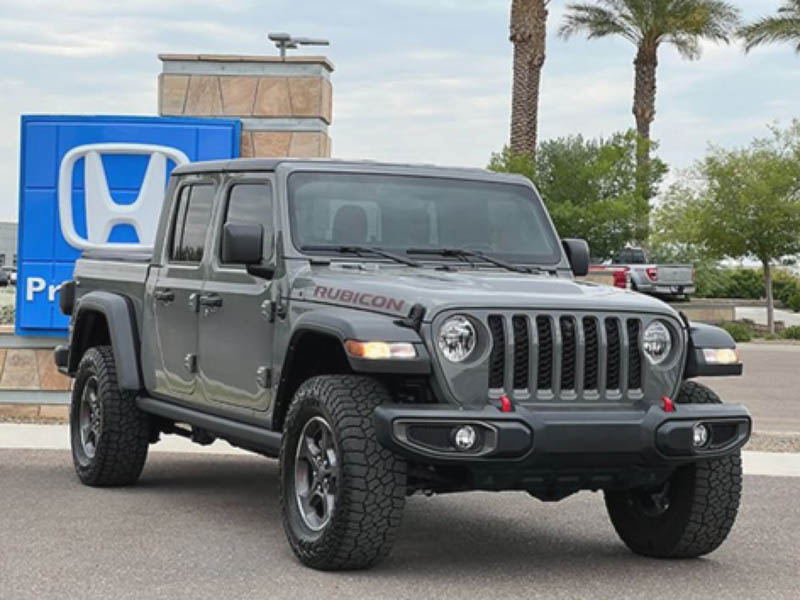
Room to stand out. An open outdoor scene puts the focus back on the vehicle.


A different kind of showroom. Explore an outdoor scene with room for the vehicle to stand out.
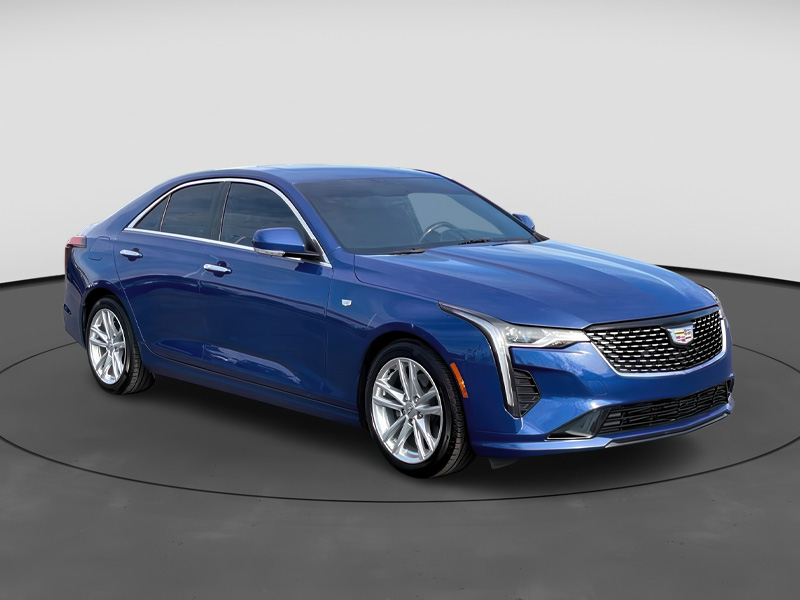
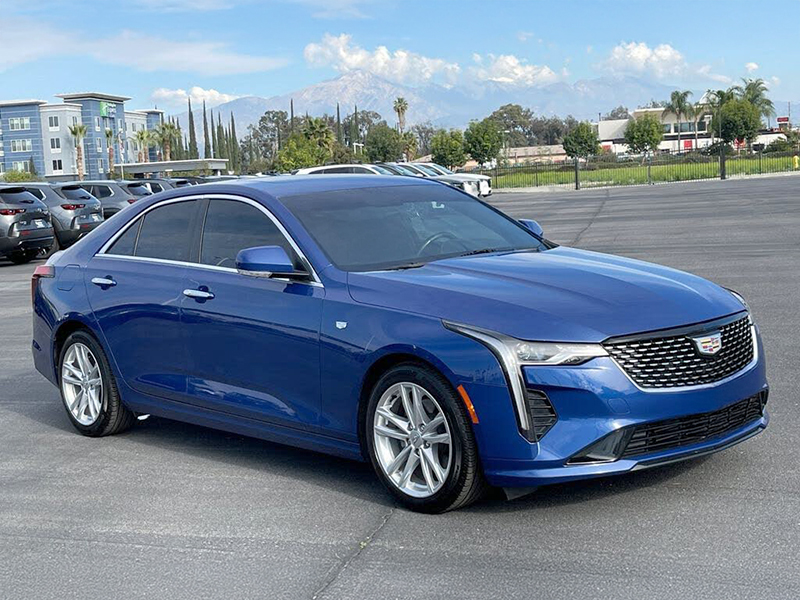
One look across your listings. Give photos taken on different days a consistent presentation.
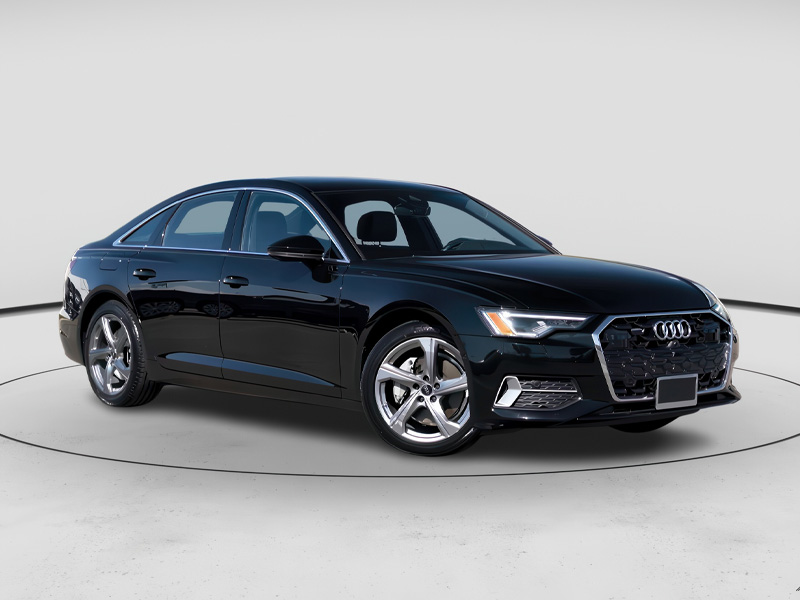
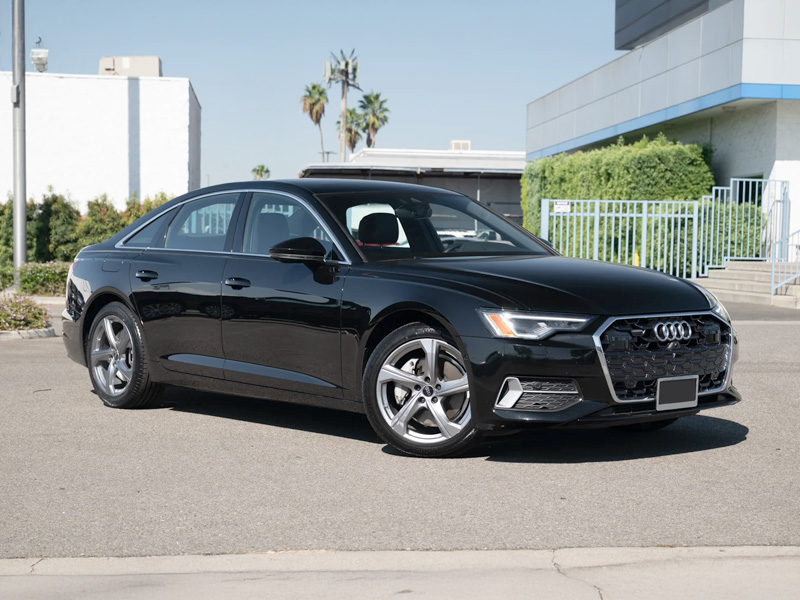
Let the details speak. A quiet studio setting keeps attention on the vehicle.
FAQ
From customer conversations to vehicle photos, here are answers to common questions about getting started with Goxee.
Talk through your setupPricing depends on your dealership's size, needs and the services you choose. Book a demo to discuss your setup and get a quote that explains the subscription, any usage charges and what is included.
Book a demoGoxee includes built-in tutorials in every section, giving your salespeople and managers guidance right where they work. Your team can learn at their own pace and revisit the tutorials whenever they need a refresher.
Goxee connects with a wide range of CRM and dealership systems. Tell us which CRM you use, and we’ll confirm the available connection and what information it supports. You can also explore our integrations directory.
Explore integrationsYes, if your provider supports an inventory connection with Goxee. We can import your inventory so you can keep your existing workflow. We also recommend exploring Goxee’s inventory tools to manage your vehicles, photos and distribution together.
Goxee brings inventory management, vehicle photography and distribution into one place. Capture photos with our app, manage your vehicles and pricing, and send your inventory to connected websites and listing platforms. With our broad integration network, you can keep working with the companies your dealership already uses.
Yes. Goxee can send vehicle information and photos to a wide range of connected providers and listing destinations. Browse our integrations directory or tell us where you advertise, and we’ll confirm the connections available for your dealership.
Explore integrationsPhotos taken with the Goxee app are automatically captured in 4K resolution. Goxee sends high-quality photos with your inventory to connected destinations, helping your vehicles look their best online. Each destination may apply its own resizing or compression.
Usually, no. If your current provider supports inventory exports to Goxee, we can import your existing inventory. Our team will help review the connection and available vehicle information and photos before you switch.
No. Services can be ordered separately. Start with the tools that fit your dealership, then discuss additional services as your needs change. Your quote will identify what is included; the services shown on this page are not automatically one subscription.
Setup costs and trial availability depend on the services and offer you choose. Ask us to confirm any implementation fees, trial length and charges that apply after a trial, alongside your subscription quote.
We offer month-to-month subscriptions. We also offer discounted quarterly and annual plans, which are still billed monthly. Your subscription agreement specifies your billing schedule, renewal and cancellation terms, and any applicable fees. Our team can walk you through the options before you sign up.
Review subscription termsYes. Video Calls lets a shopper connect through your website or an invitation. A salesperson can show the vehicle live, answer questions, invite a spouse or dealership colleague, and share a finance application or trade-in link during the call.
Auto Assign gives a lead to the salesperson who answers. When that customer calls again, Auto Route can reconnect them with their assigned salesperson. You can also set extensions, choose simultaneous or sequential ringing, and configure business hours and coverage.
Yes. Salespeople can stay on the call while using Goxee to look up customer information and send vehicle details, directions, a finance application or a trade-in link. They can review the message before sending it and answer questions during the conversation.
Yes. Assign a different phone number to each advertising source, such as CarGurus, Cars.com or AutoTrader. Goxee connects incoming leads to their source so you can review leads, sales and cost per sold lead using your configured advertising costs.
Recorded calls and available transcripts stay with each lead's conversations in CRM Messenger. Your salespeople and managers can review the call alongside messages in one workspace, making it easier to follow up, review customer questions and coach your salespeople.
Assign Voice Agent to a dealership phone line or extension to answer when staff cannot pick up, including after-hours calls routed to it. It can discuss available inventory details and capture the conversation. Your salespeople can review saved transcripts and lead notes before following up.
Yes. Choose which automations are active and configure their messages and settings in Goxee. They respond to events such as inquiries, appointments and vehicle changes. For appointment requests, your salesperson approves the appointment before confirmation is sent.
No. Radar brings together local comparisons and buyer interest to help you decide whether to hold a price or consider an adjustment. Your dealership makes the pricing decision.
Yes. Choose the widgets and views that are useful for each role and the data that person is permitted to access. Widgets can be added, moved and resized, and saved reports can be scheduled by email.
Photo Booth uses AI to replace distracting backgrounds with studio, outdoor or dealership-branded settings. It helps give your inventory a consistent presentation. The examples above let you compare original photos with their Photo Booth results.
No physical photo studio is required. You can capture vehicle photos with the Goxee app on a compatible iPhone or Android. Our team can walk you through the photography and setup process.
Yes. Choose an indoor or outdoor setting from the showcase library, or work with our design team on a customized scene that includes your dealership's branding.
Contact Goxee for help with setup, service connections and day-to-day questions. Existing customers can reach support at [email protected]. If you are exploring Goxee, book a demo to walk through your dealership's needs.
Find a time for your demoTell us about your dealership and take the first step toward your Goxee account.
Explore the tools with a product specialist and see how they fit the way your dealership sells.
Find quick answers, follow step-by-step guides, or connect with our support team.
The Goxee newsletter
Practical advice, fresh perspectives and Goxee updates, delivered to your inbox.
Follow the conversations


 Vehicle Interest Recognition










 Extensions

 Callee Message



 Browse automations






 Photo Booth