 Help Center
Additional options
Adding additional options to a vehicle.
- In the back-end menu, go to Inventory › Inventory Manager
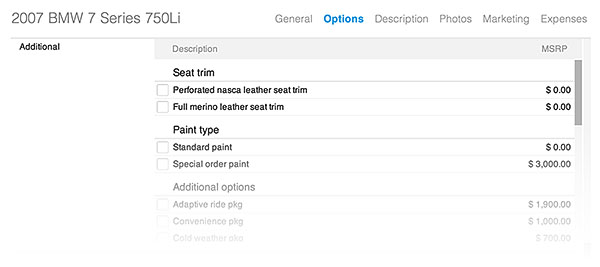
- Chose the vehicle for which you want to add additional options and go to Options › Additional.
- Select the additional options installed on the vehicle.
- Click the Save Changes button on the bottom left.
|
|
Additional options are displayed above the standard options on your website.
If the vehicle has sought after additional options, taking the time to add them can help generate more interest. |
