 Help Center
Auto Manager
In the back-end menu, go to Marketing › Integrations › Certified Partners
To connect to AutoManager you need to click on the Connect button.
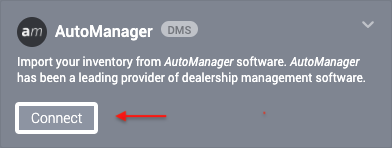
After that, you need to locate your feed URL which you can do by calling 1-800-2808 or login:
https://www.automanager.com/ . Once you locate the feed URL add it in the Feed URL box.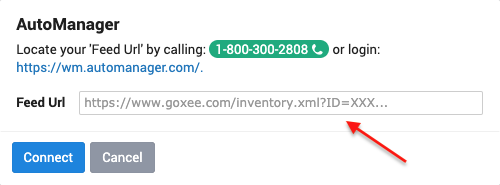
And after that click on the blue Connect.
