Help Center
Rerouting your leads
You can re-route the leads you have in your Goxee CRM to any other CRM provider.
A few things to consider:
- Leads are sent in ADF format, ensure that the receiving party is able to receive ADF leads.
- Text messaging and phone recordings are not transferred with the lead.
Here is how to set it up:
- Go to CRM > Settings
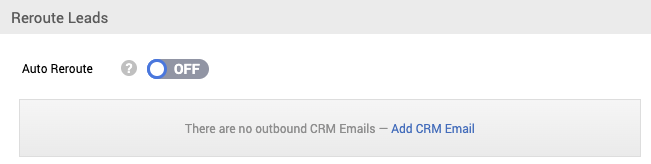
- In the 'Reroute Leads' section, click on Add CRM email(s). You can add multiple.
(Make sure to enter the email provided by the receiving party)
3. Type in the CRM Email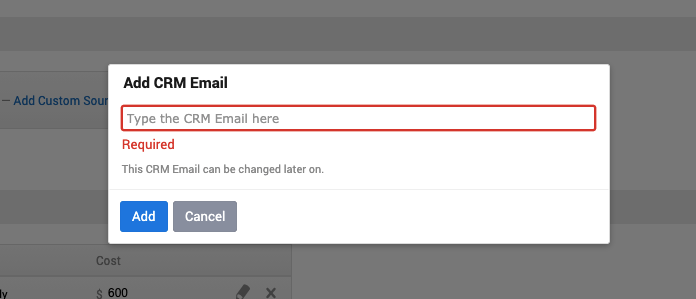
There are 2 ways you can sync the leads you can either turn on Auto Reroute or you can sync it manually by opening the lead you want to Sync and clicking on Sync.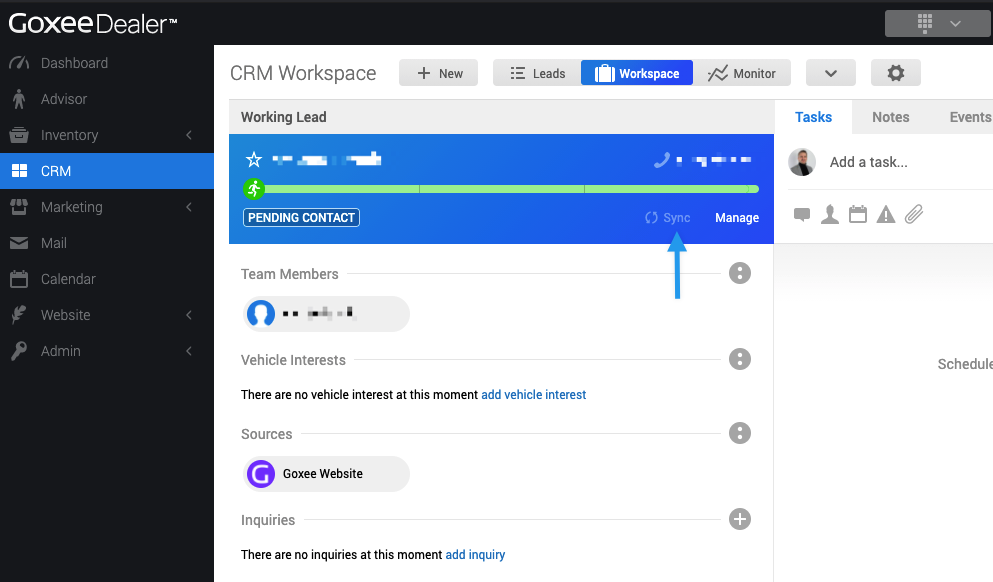
Once you've synced, it will send the current lead information to the receiving party. When hovering over 'Synced' you will see the last time it was sent over. You can re-send as many times as you wish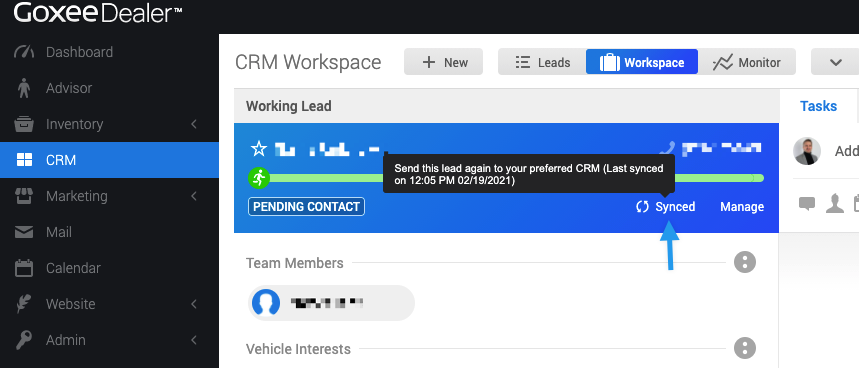
When looking at the leads dashboard, you'll be able to see which leads have been synced and when: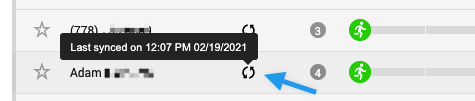
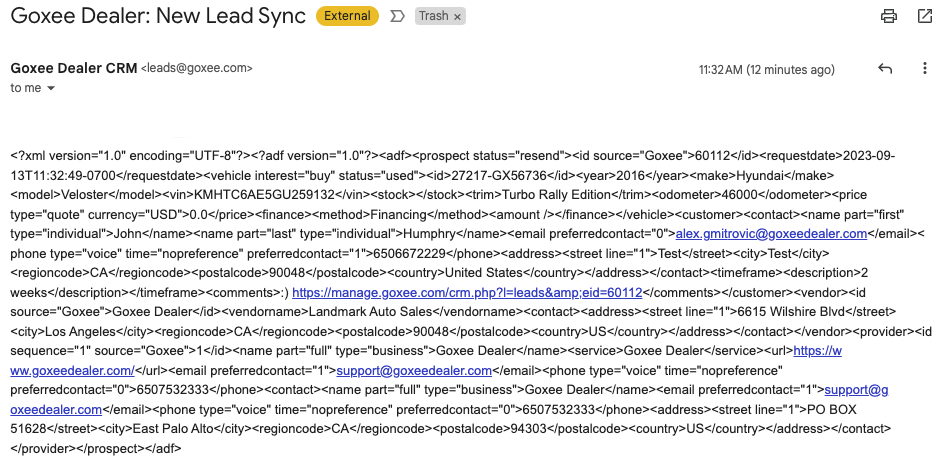
*You can sync leads with regular emails as well like Gmail. It's just because it's sent in and ADF format, when it's sent to a regular email it would be in a code