 Help Center
How to integrate WhatsApp into Goxee so that you can use your Goxee Phone numbers to communicate directly with WhatsApp from your CRM messenger.
- Under Phone > WhatsApp Setup
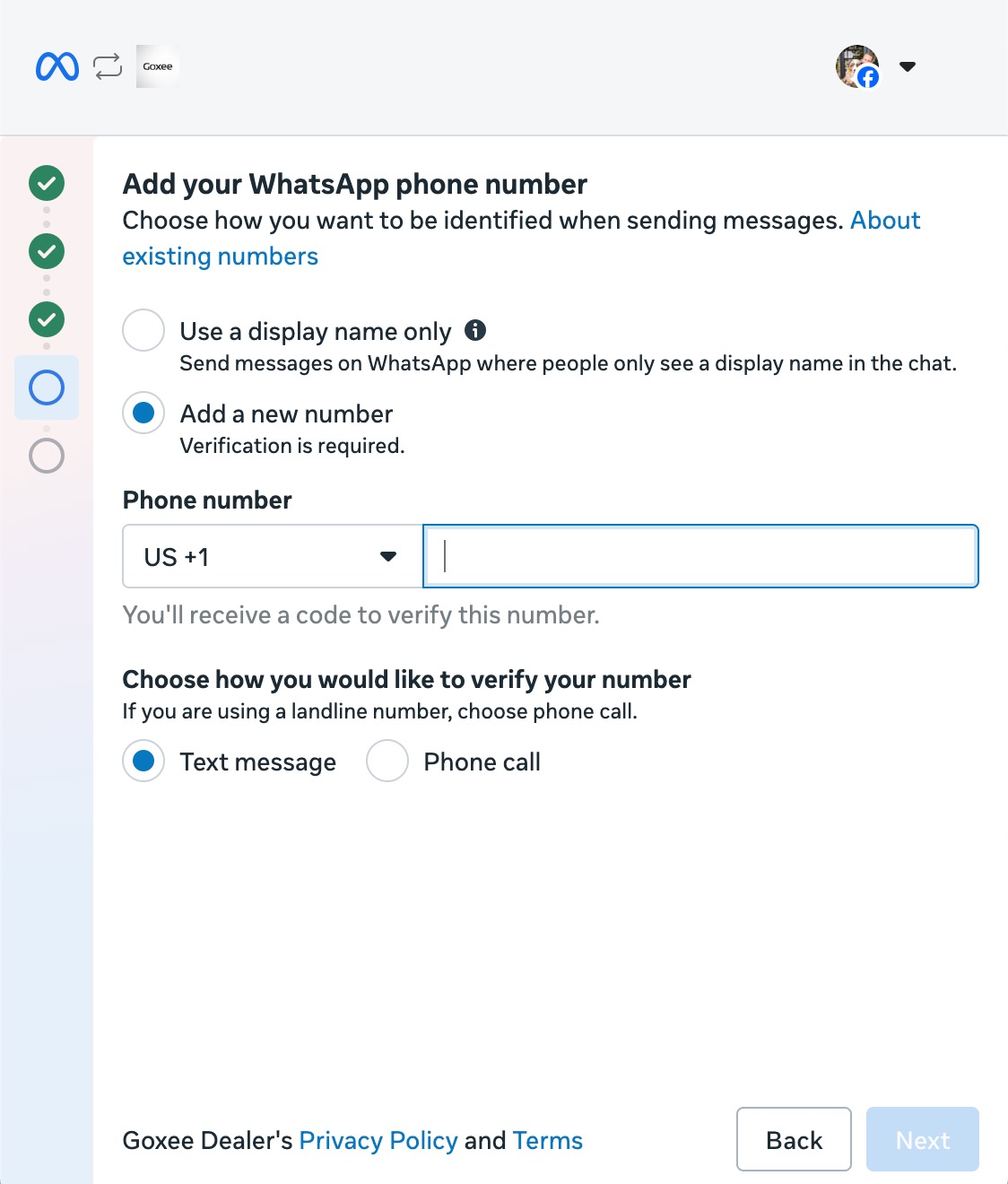
- Follow the on-screen Facebook instructions
- Add a new number (Add the main Goxee number from your Phone System)
- Add new payment method in Facebook, if one is not added already. (Facebook charges a minimal fee for WhatsApp messages ONLY if those messages are sent more than 24 hours after the last time the customer messaged you.)
- If you haven’t verified your business yet:
Under Accounts > WhatsApp Accounts > Business verification > Start verification > Follow Facebook Instructions
(Click on the three dots in the top right of the page and select WhatsApp Manager)
- Once it turns green, WhatsApp has been fully connected.
- If the icon did not turn green, check that the phone number has been registered properly in Facebook, in your WhatsApp Manager.
