 Help Center
Upload a logo image
Upload a logo to your website. Here's how:
- In the back-end menu, go to Website › Settings › Design › Logo.
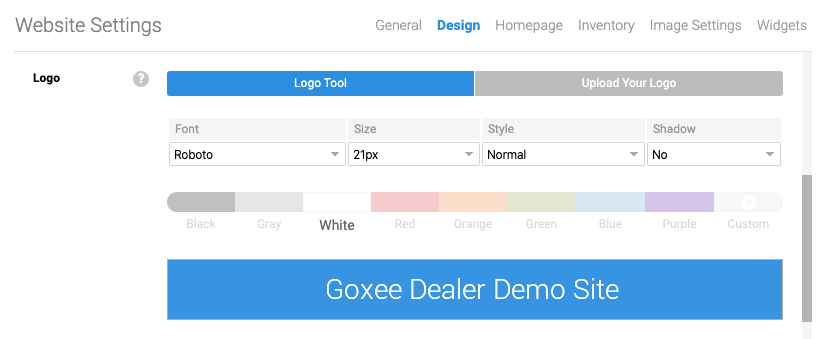
- Use the Logo Tool to display dealership name.
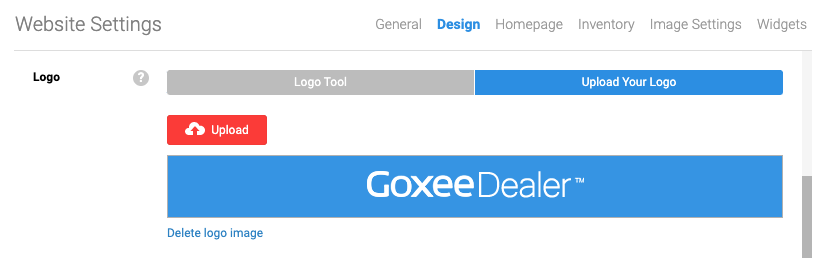
- Select Upload Your Logo to upload logo.
- Click the Save Changes button on the bottom left.
|
|
Your logo must be PNG in order to integrate through the site to the fullest.
The dealership name will not be displayed if a logo is uploaded. |
