 Help Center
Managing reviews
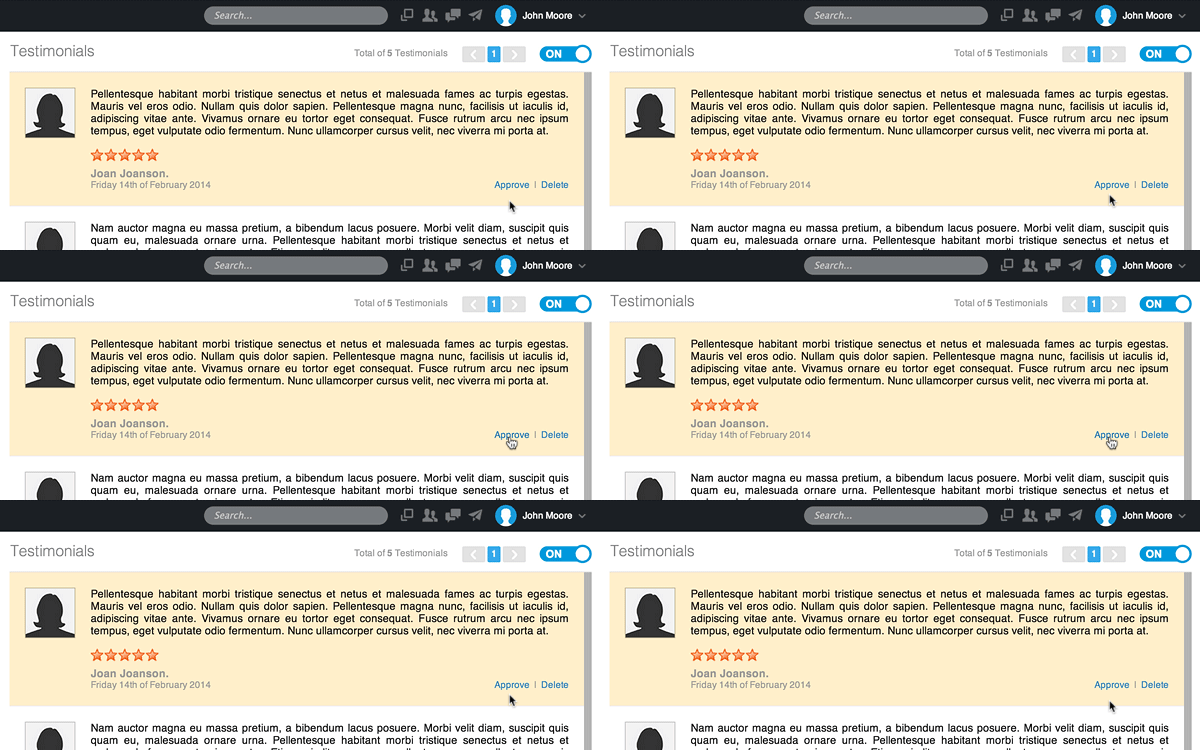
Reviews will be displayed on your website once they're approved. Here's how to approve a review:
- In the back-end menu, go to Website › Reviews.
- To Approve a review, click on the link on the far right: Approve.
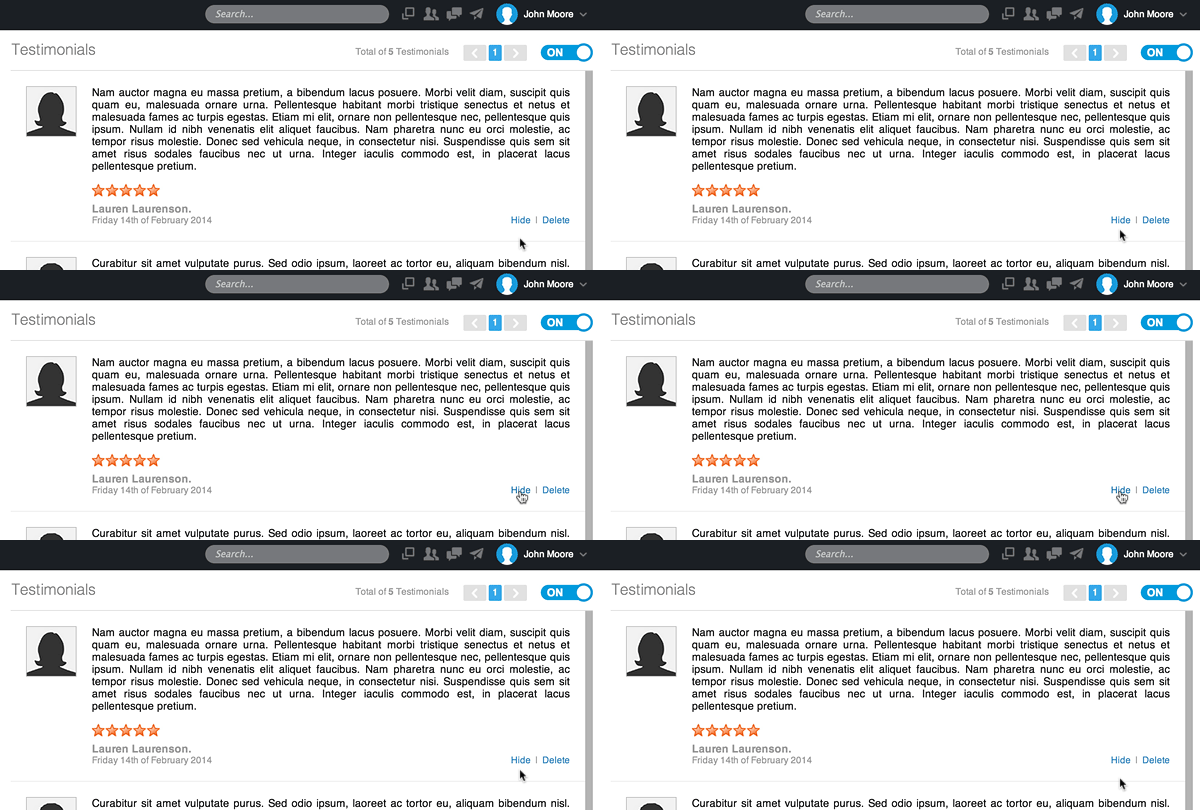
Once approved, testimonials can be hidden without deleting them permanently. Here's how to hide a testimonial:
- In the back-end menu, go to Website › Testimonials.
- To Hide a testimonial, click on the link on the far right: Hide.
Deleting a testimonial will permanently remove it from your account. Here's how to delete a testimonial:
- In the back-end menu, go to Website › Testimonials.
- To Delete a testimonial, click on the link on the far right: Delete.
|
|
Testimonials can also be accessed from your front-end website if you are logged in by clicking on Testimonials › Edit (in the black bar on top)
|
