 Help Center
Financing special
Offer financing special on a specific vehicle. Here's how:
- In the back-end menu, go to Inventory › Inventory Manager
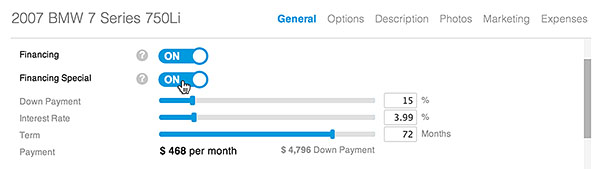
- Select the desired vehicle and go to General › Financing Special.
- Turn ON and input Down Payment, Interest Rate and Term to display a financing special.
- Click the Save Changes button on the bottom left.
|
|
Entering a financing special on a vehicle will over-ride the default payment values (if selected) in the Dealership Settings.
|
