 Help Center
Vehicle description
Write a vehicle description or have it generated within seconds. Here's how:
- In the back-end menu, go to Inventory › Inventory Manager
- Select the desired vehicle and go to the Description
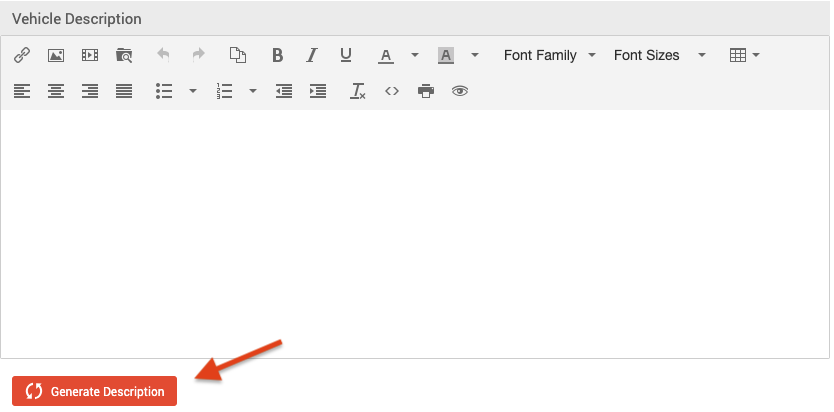
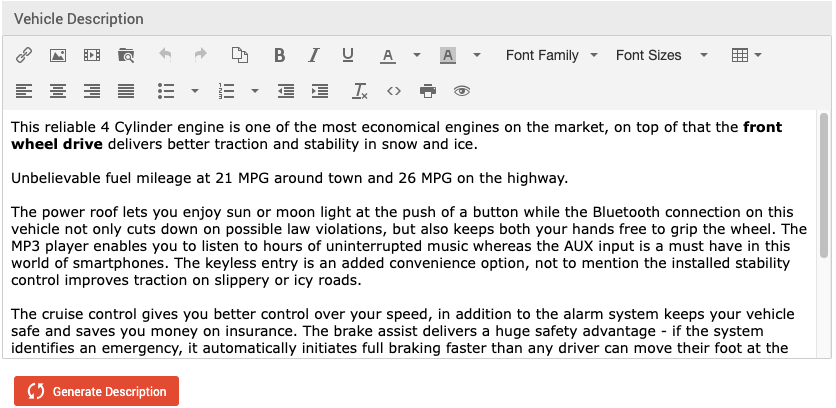
- Write your own description or click Generate Description and it will be generated within seconds.
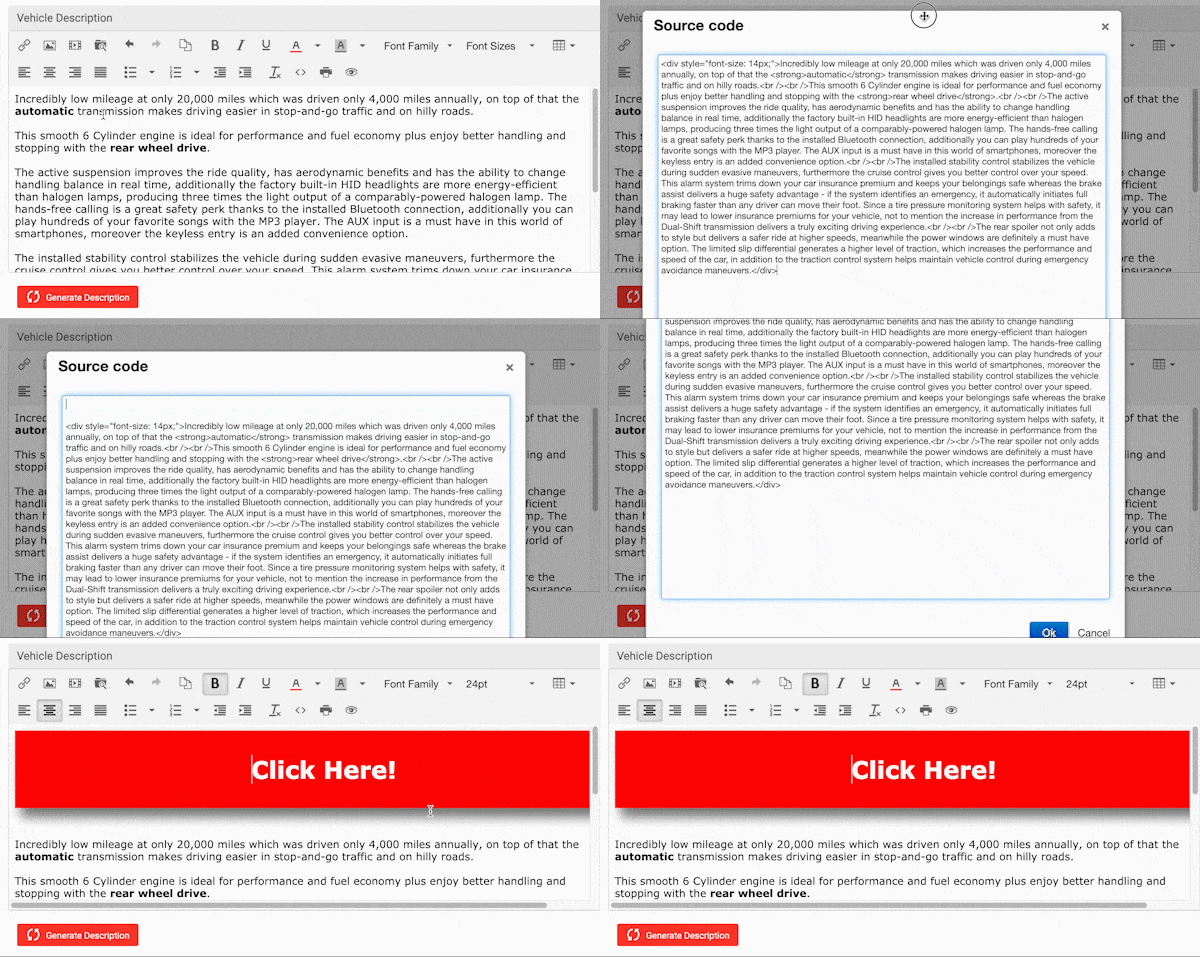
- To add your own code, click on <> Source Code. Paste your code above the description and click OK.
FINALLY: Click the Save Changes button on the bottom left.
|
|
If you have an active account with a VHR (Vehicle History Report) provider, the Owners section will populate when the VIN is decoded.
In order to maintain consumer confidence, make sure that ownership information is accurate if inputting it manually and can be verified. |
