 Help Center
Turn payment calculator ON or OFF
How to Enable the Financing Calculator
The Financing Calculator helps visitors estimate their monthly payments based on their own input, improving engagement and transparency.
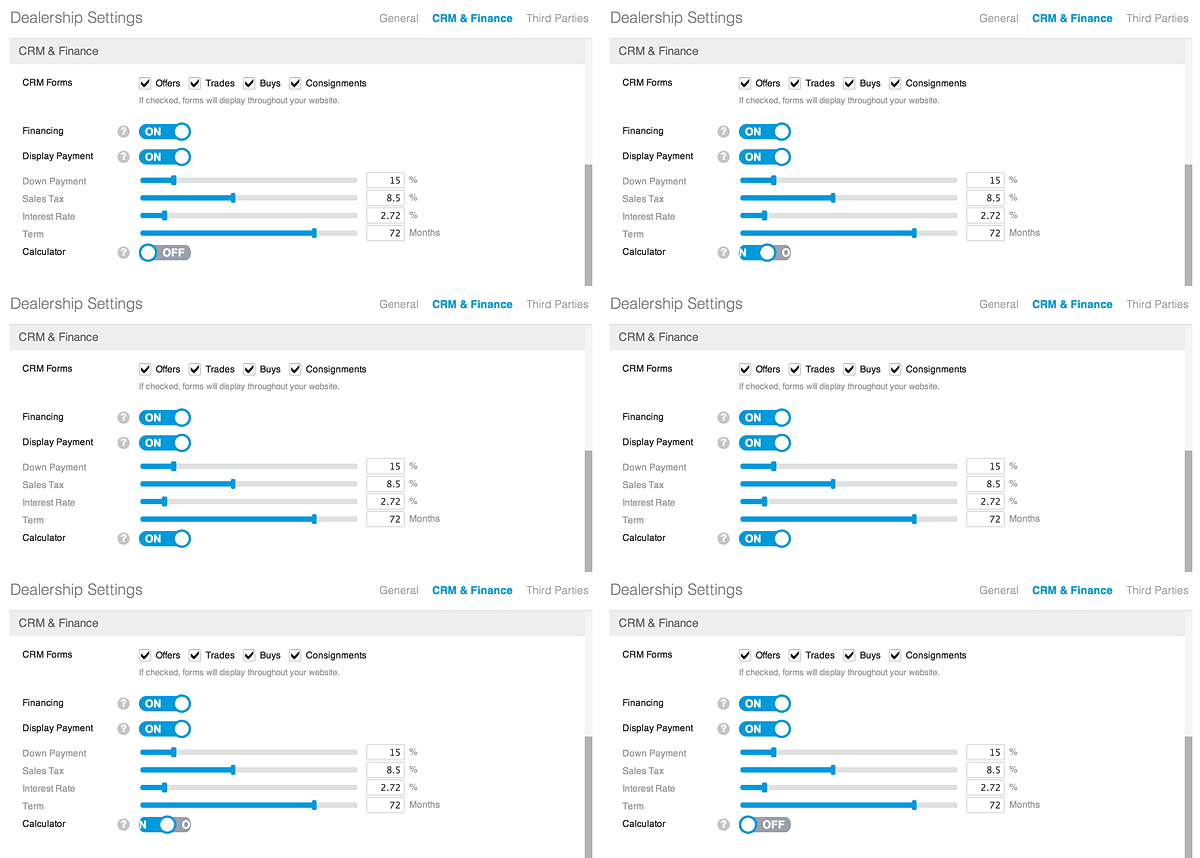
To enable it:
-
Go to Admin > Dealership Settings > CRM & Finance > Calculator.
-
Toggle Calculator to ON.
-
Click Save Changes (bottom left).
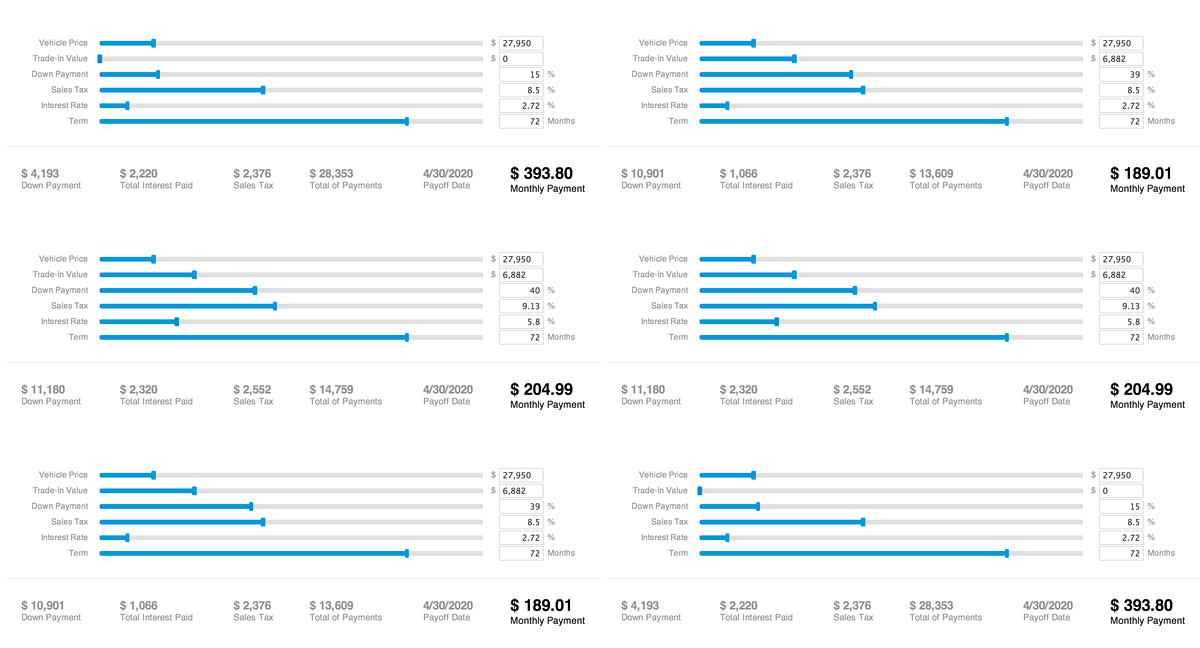
Once enabled, visitors can calculate estimated monthly payments directly on your vehicle listings.
|
|
Visitors are more likely to process a finance application if they have the ability to calculate their own monthly payment.
|
