 Help Center
Vehicle history reports
If your dealership is currently registered with a VHR (Vehicle History Report) Provider, the blue fields below will automatically populate. Just make sure they are connected in Integrations.
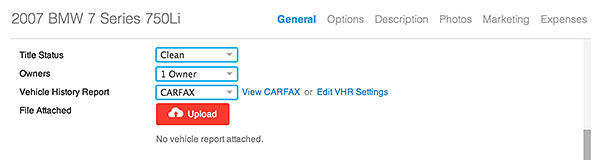
If you're not signed up with a VHR provider, you can still upload a copy of a VHR. Here's how:
- Go where it says Title Status, Owners, and VHR Vendor.
- Click Upload and select a PDF or JPEG file to upload.
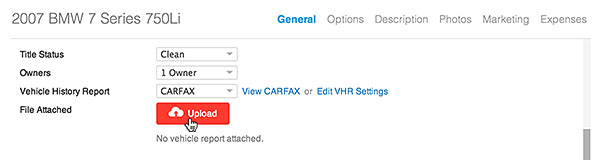
- Click the Save Changes button on the bottom left.
