 Help Center
Google QR Code
Add Google QR Code on each vehicle, here's how:
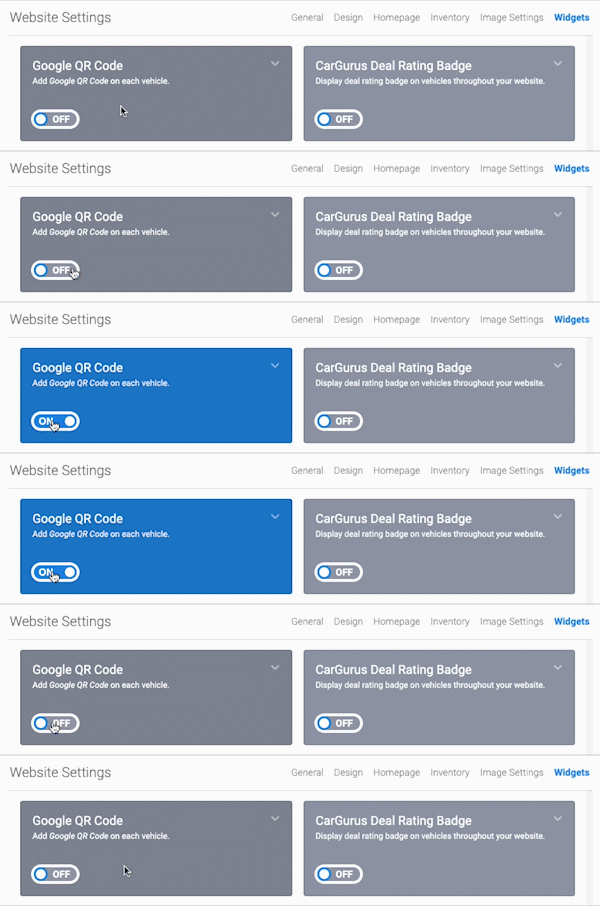
- In the back-end menu, go to Website › Settings › Widgets › Google QR Code.
- Toggle ON or OFF to turn Google QR Code On or Off.
- Click the Save Changes button on the bottom left.
|
|
Allow your visitor to capture and share your vehicle links easily.
|
