 Help Center
Google Maps
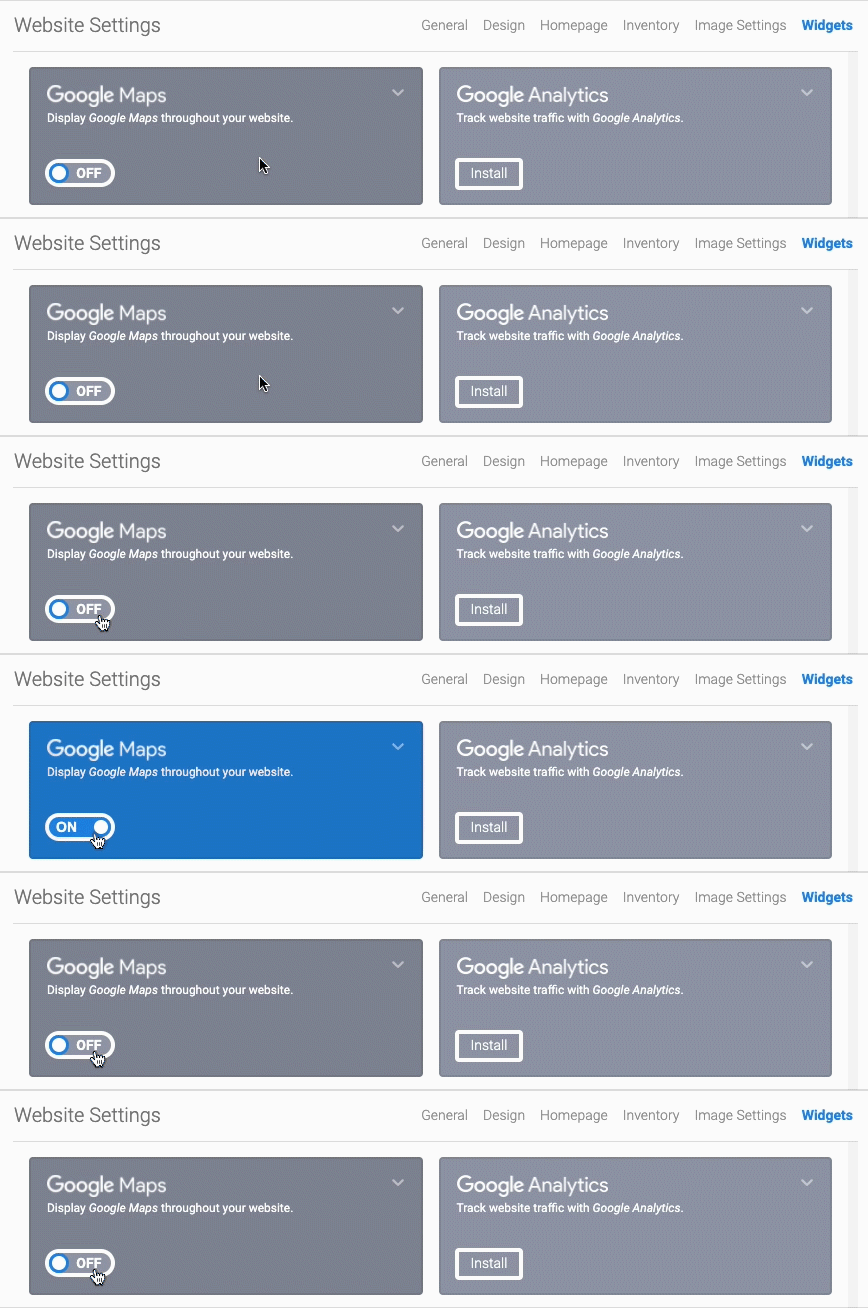
Turning the Map ON or OFF is easy, here's how:
- In the back-end menu, go to Website › Settings › Widgets › Google Maps.
- Toggle ON or OFF to turn the Map On or Off.
- Click the Save Changes button on the bottom left.
|
|
We recommend turning the Map ON at all times so potential buyers can easily find your dealership.
|
