Help Center
HomeNet
In the back-end menu, go to Marketing › Integrations › Certified Partners
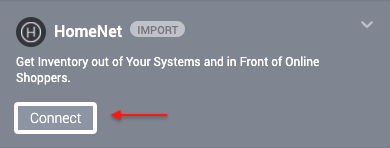
To import your inventory from HomeNet you need to click on the Connect button.
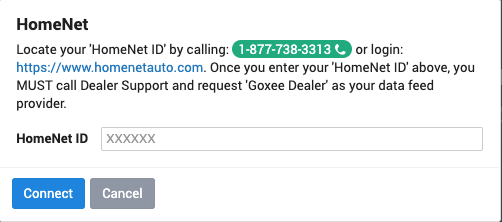
After that, you need to locate your “HomeNet ID” by calling 1-877-738-3313 or login:
https://www.homenetauto.com/ Once you enter your “HomeNet ID” and click on Connect you MUST call Dealer Support and let them know they should import inventory to ‘Goxee Dealer’.