 Help Center
How to activate automations and retargeting?
If you want to activate your Automations and/or Retargeting you need to go to Marketing > Integrations and you are going to see Retargeting, just click on Activate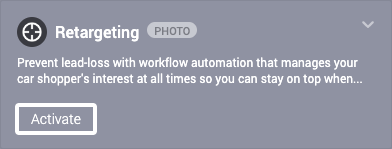
A small window will pop up click on Retargeting Advanced and then Subscribe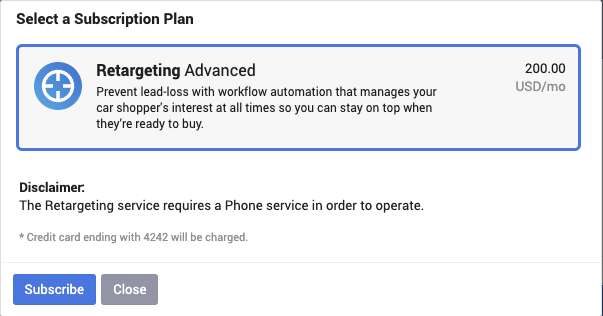
Once you are subscribed, you can use both Retargeting and Automations from the CRM.
*Be aware that both automations and manual retargeting uses text messages, so if you go over your limit the system will buy more texts. You can check how many texts you left if you go to Admin > Phone and in the top right corner, it will tell you have many you have each month and how much you spent so far.
