 Help Center
Adding New Leads
You can add new leads by going to the CRM and the clicking on +New button at the top
When you click on +New a new window will pop up where you need to add customer information
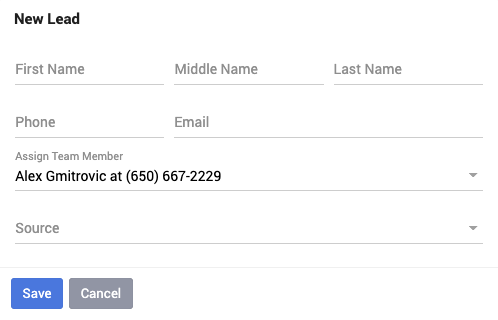
When you're populating the customer information your Phone Number is always required.
When you click on +New a new window will pop up where you need to add customer information
When you're populating the customer information your Phone Number is always required.
