 Help Center
Vehicle age
To view the vehicle age, go to:
- In the back-end menu, go to Inventory › Inventory Manager.
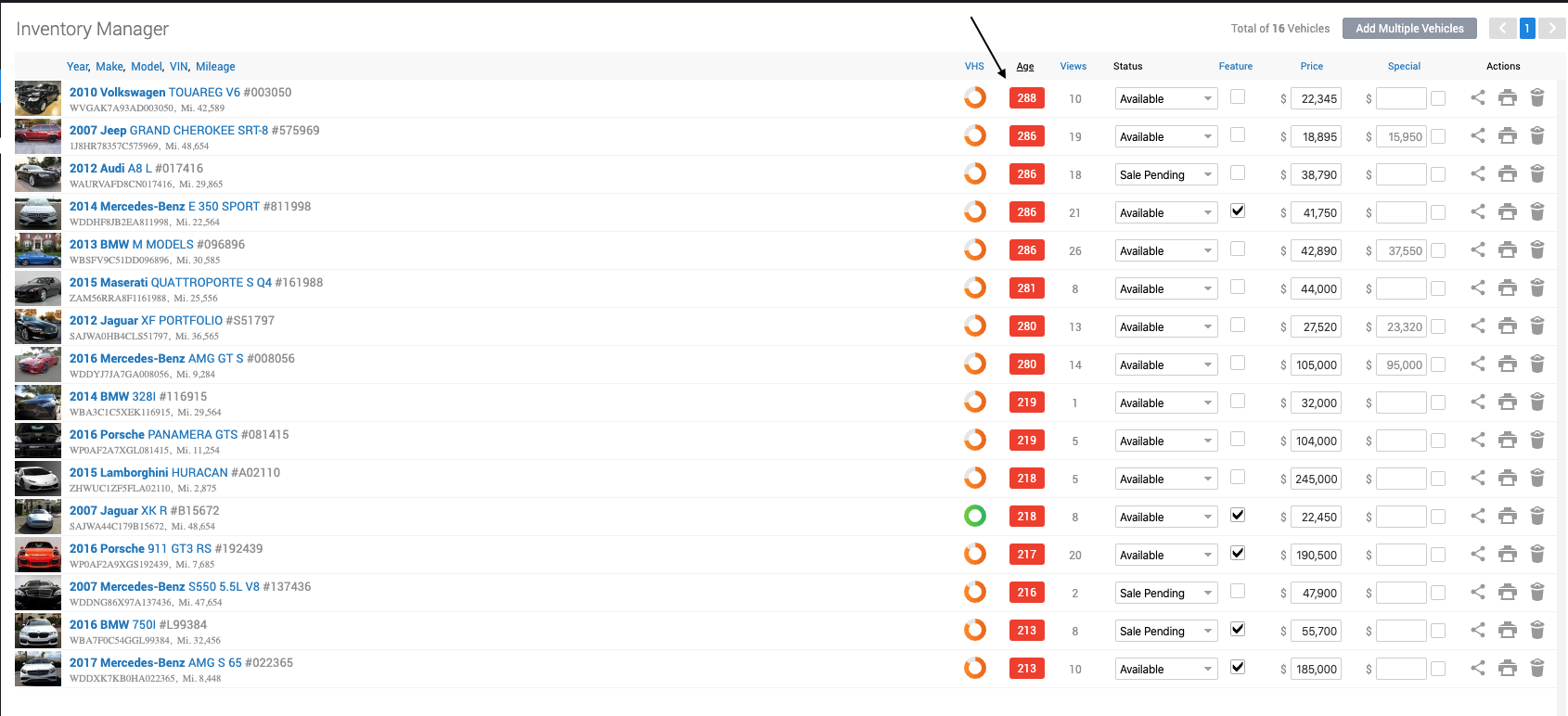
- Vehicle age will be displayed in the age column.
|
|
Vehicle age will display in different colors depending how long the vehicle has been in your inventory.
|
