 Help Center
Adding new pages
Adding a new page to your website takes seconds, here's how:
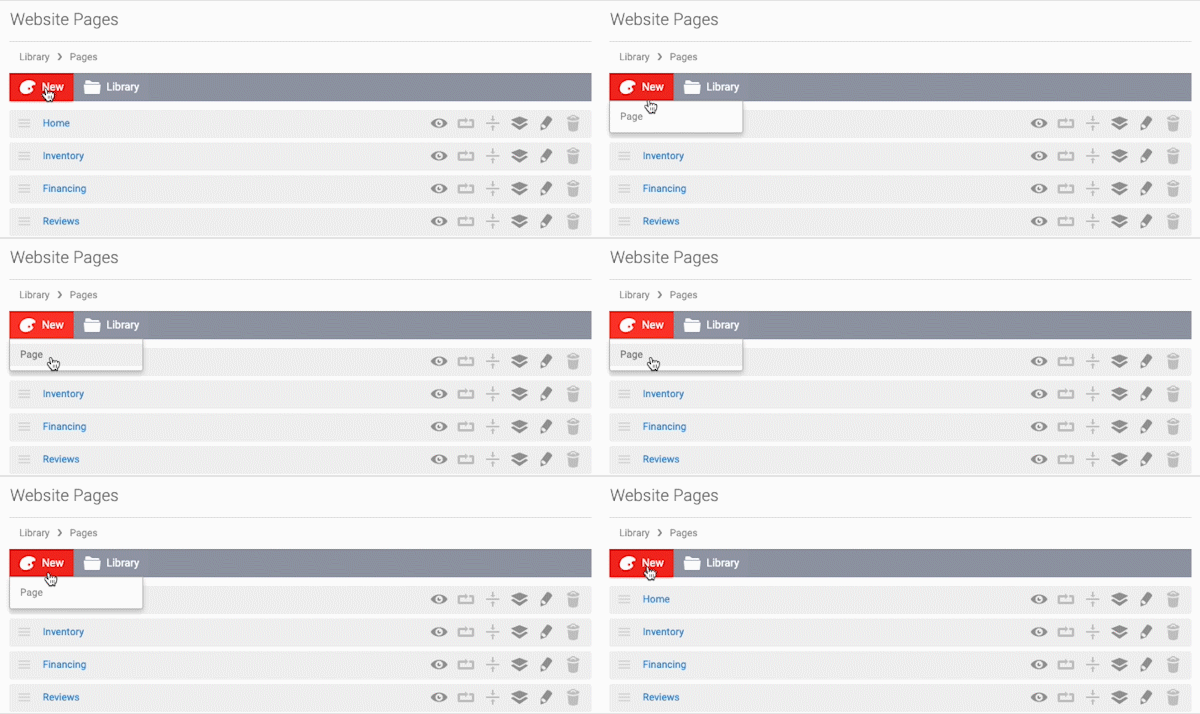
- In the back-end menu, go to Website › Pages.
- In the upper left, click on the New › Page button.
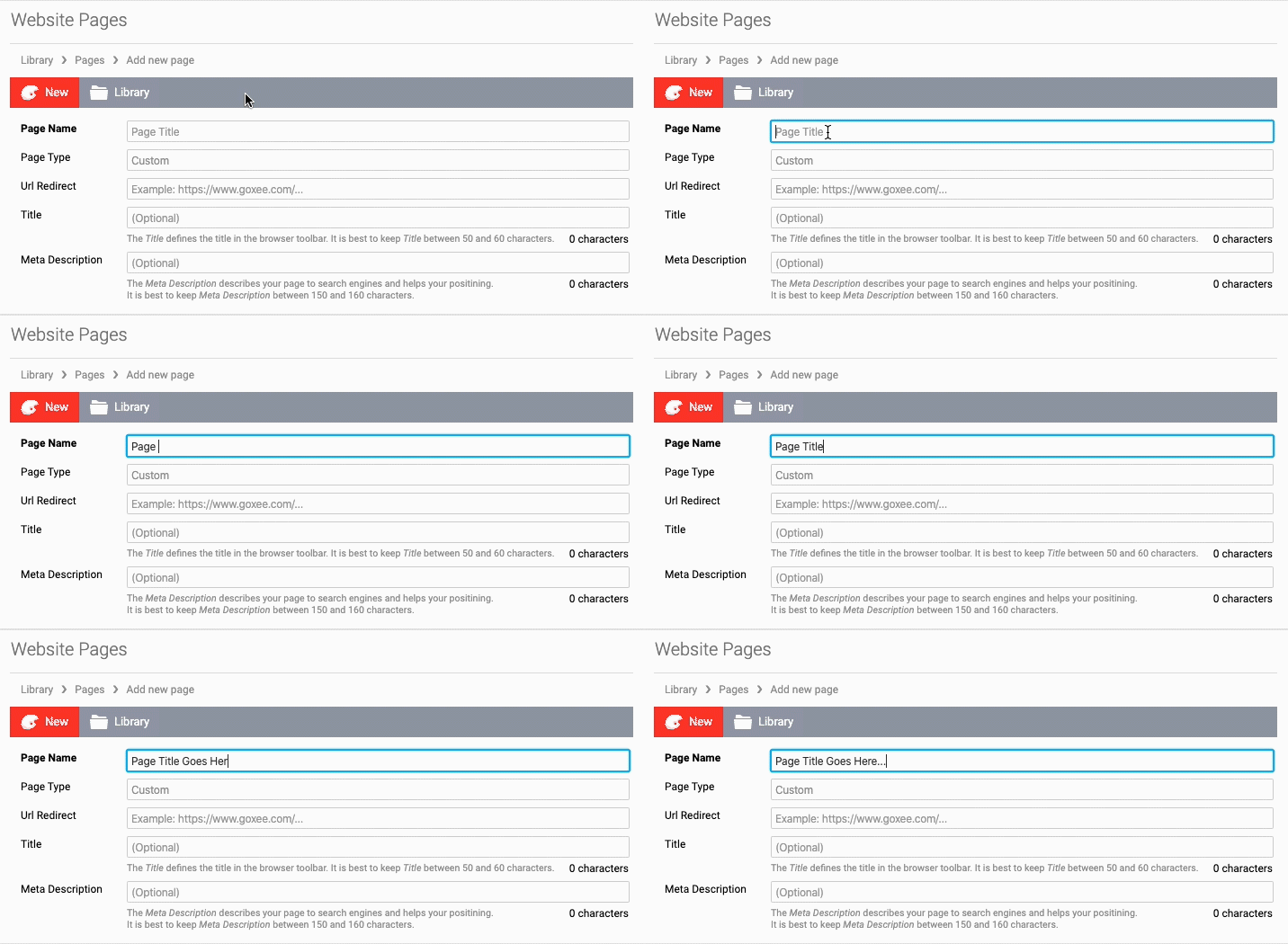
- Once the page editor loads, enter a Page Title in the top field.
- You can also add a Url Redirect, Title and Meta Description - optionally.
- Click the Save Changes button in the lower left to publish your page.
|
|
Add a URL to redirect this page to a new link.
You can add a Title to the Page and Meta Description. |
