 Help Center
Arrange pages
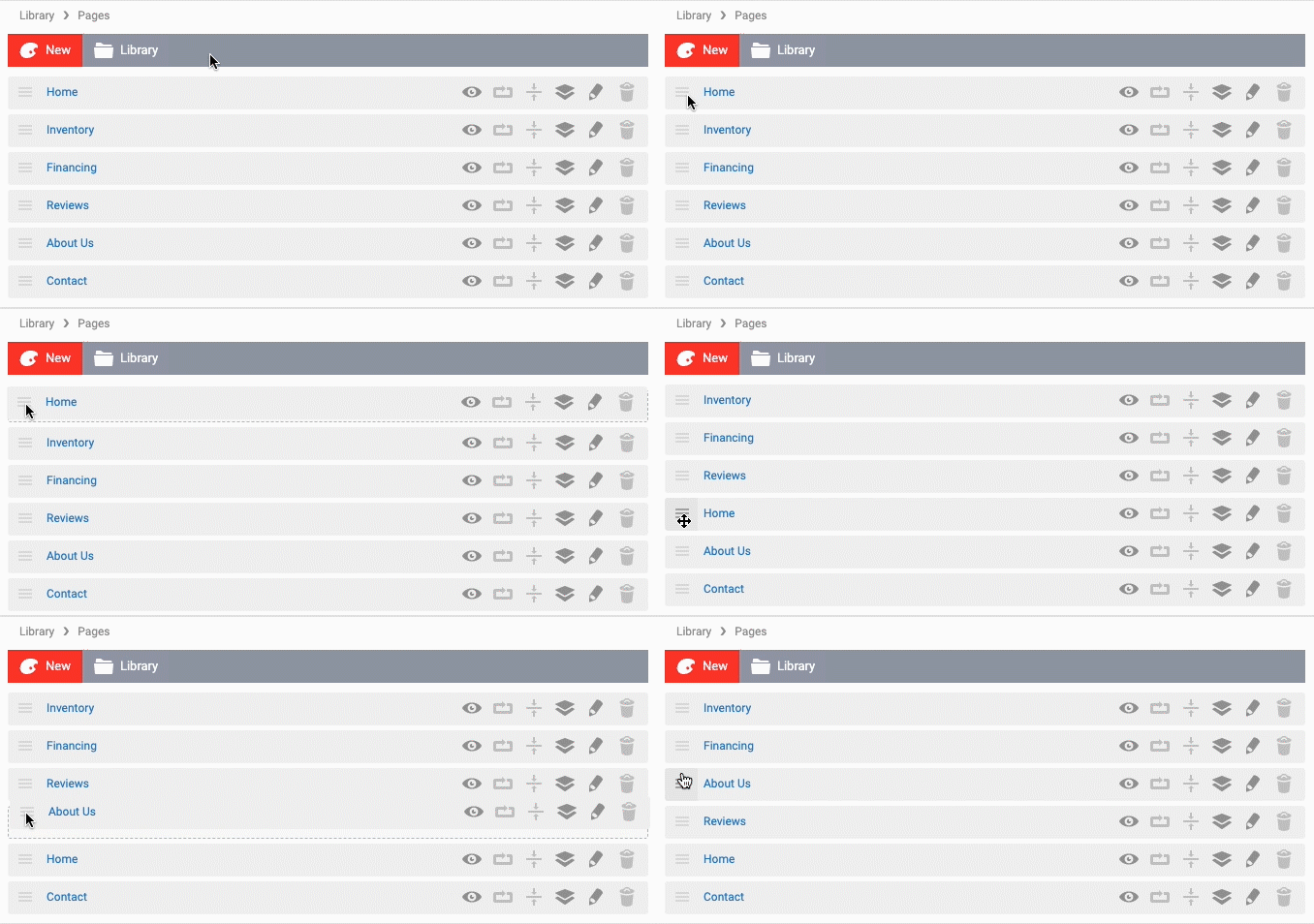
You can rearrange the pages differently. Here's how to arrange the pages:
- In the back-end menu, go to Website › Pages.
- Hover over the Hamburger icon beside the Page Name you'd like to rearrange.
- While clicking once and holding down the mouse button, move it up or down.
- Release the mouse button and click the Save Changes button in the lower left section of the page.
|
|
Arrange your page order from top to bottom.
|
