 Help Center
Calendar display
There are multiple ways to display the calendar.
- In the back-end menu, go to Calendar
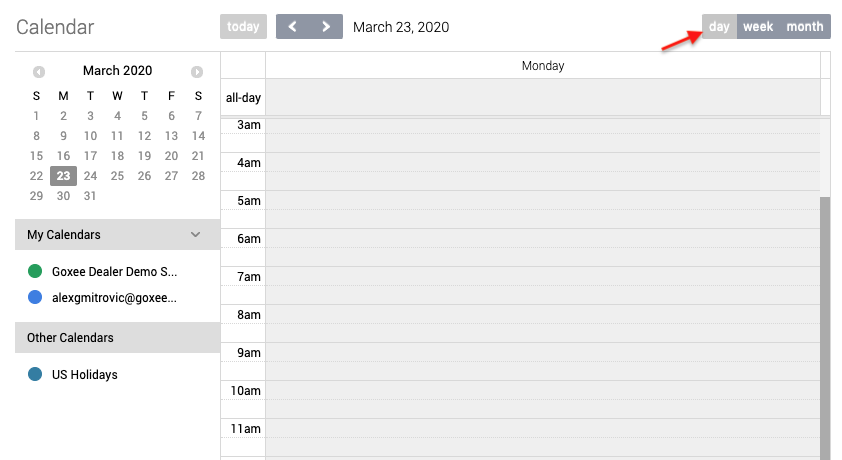
Click the Day button to view the calendar by day.
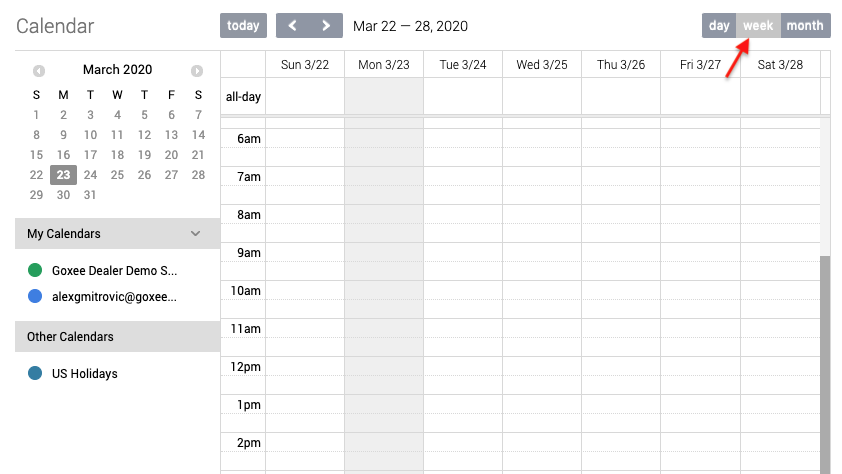
Click the Week button to view the calendar by week.
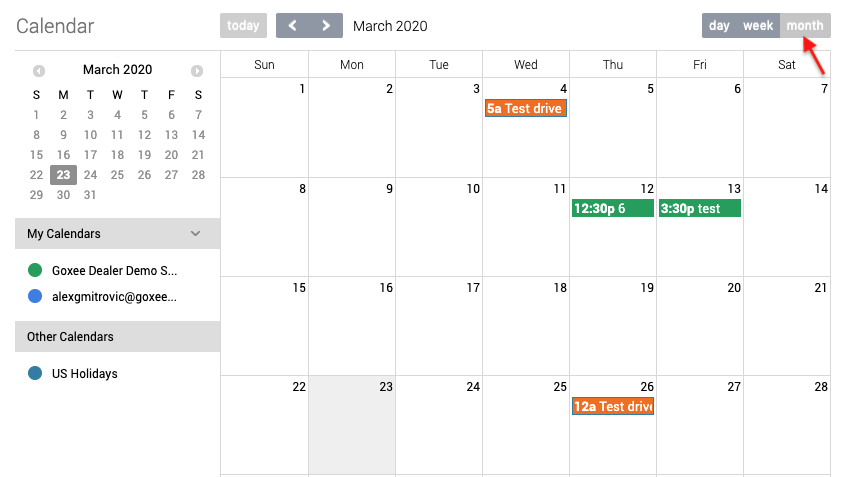
Click the Month button to view the calendar by month.
|
|
The system will remember your most recent calendar viewing style for the next time you visit the calendar.
|
