 Help Center
Create or edit a calendar
Creating or editing a calendar is easy, here's how:
- In the back-end menu, go to Calendar › My Calendars.
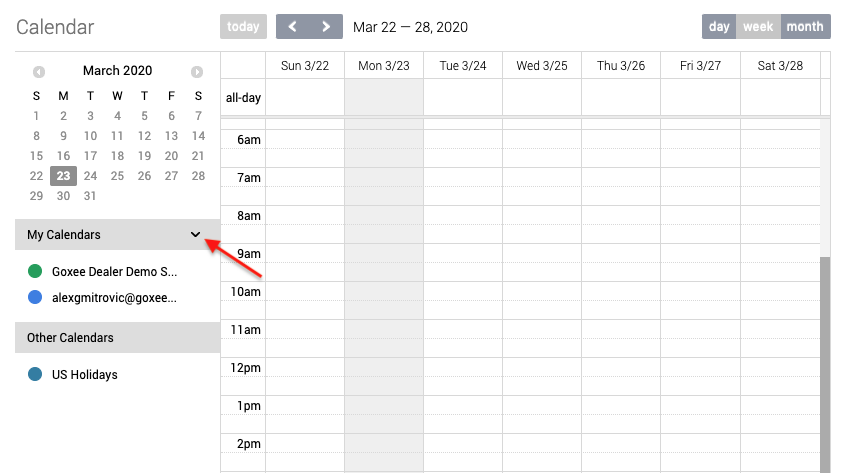
- Click on the drop-down arrow to add a new calendar.
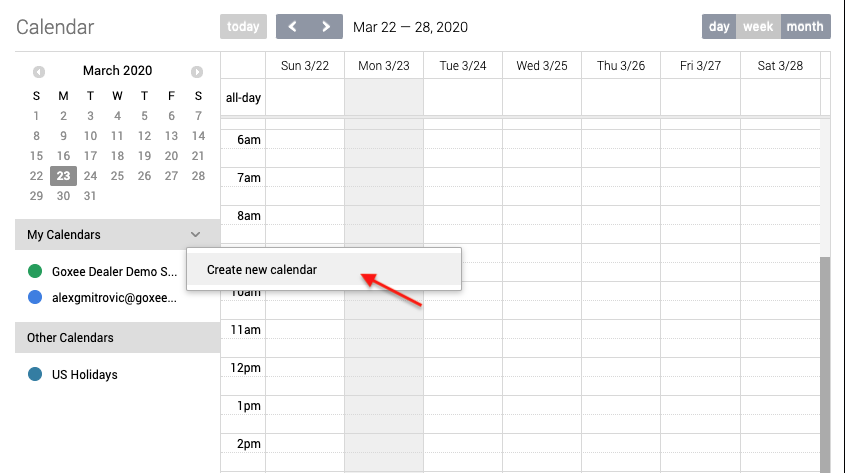
- Click on Create New Calendar.
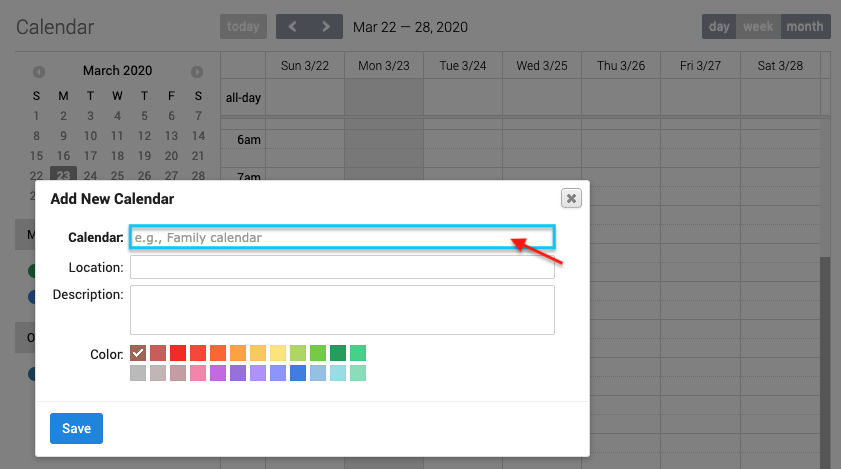
- Enter the Calendar name.
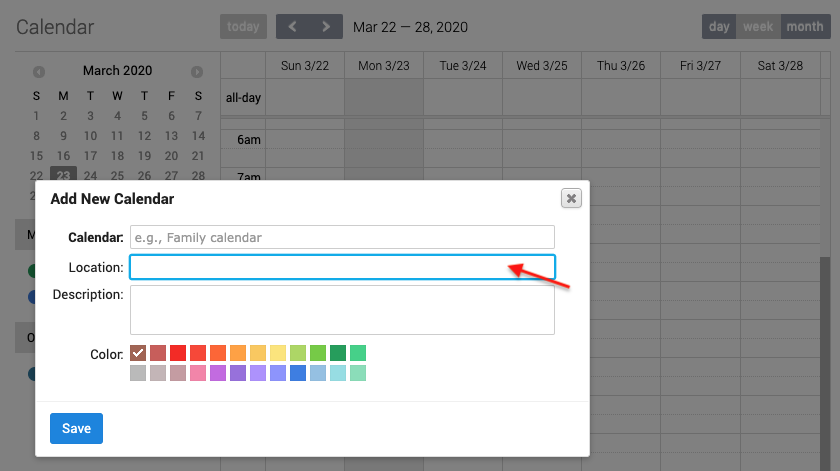
- Enter the Calendar location (If any).
- Enter the Calendar details.
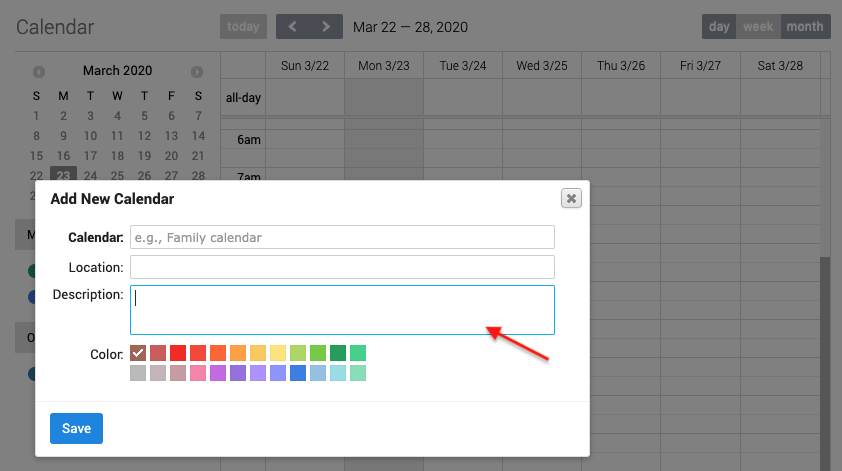
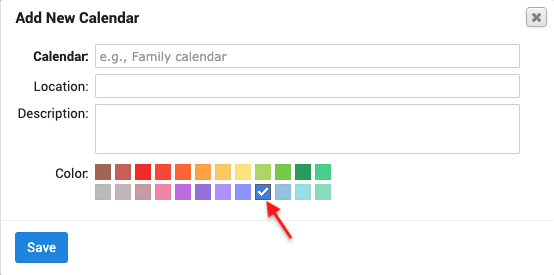
- Select a Calendar color (Optional).
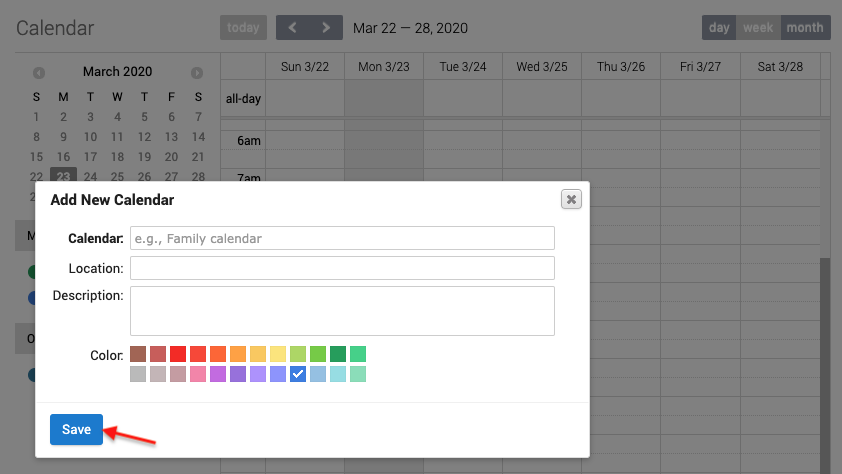
- Click the Save button to save the Calendar.
|
|
Selecting a Calendar color will help differentiate it from the other calendars.
|
