 Help Center
Calendar settings
Editing the calendar settings is easy, here's how:
- In the back-end menu, go to Calendar › My Calendars.
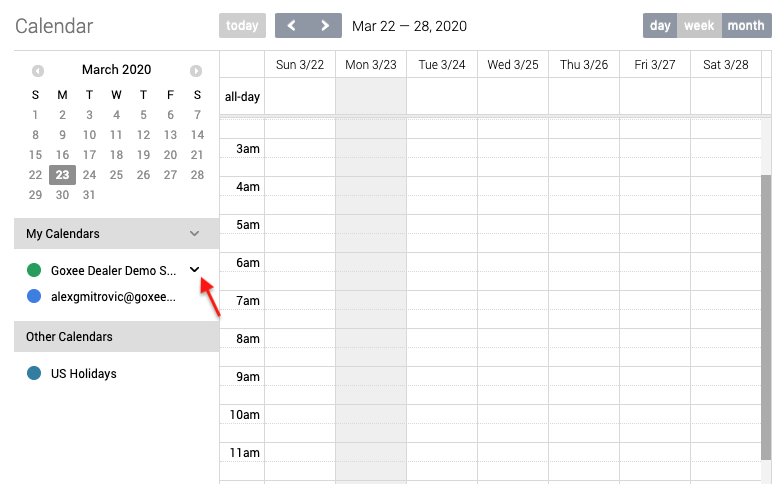
- Click on the drop-down arrow next to the calendar.
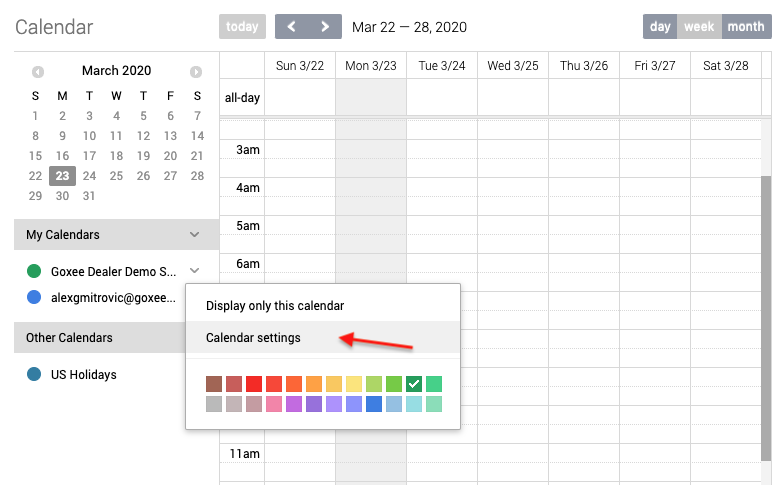
- Click on Calendar Settings.
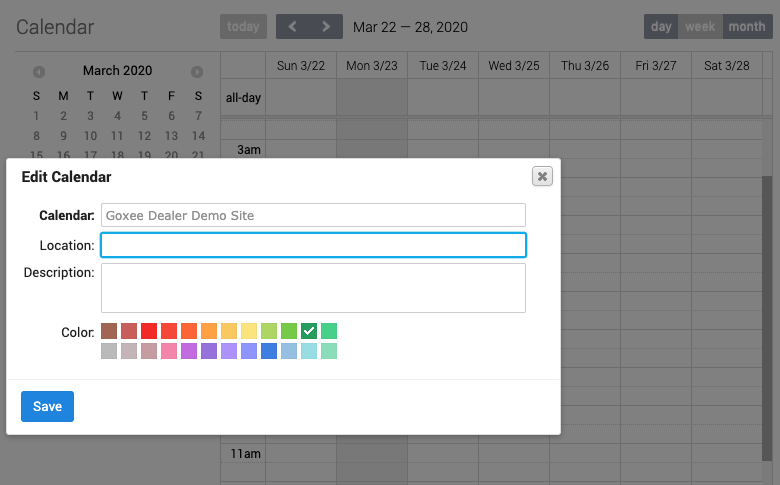
- Update the calendar settings and click the Save button.
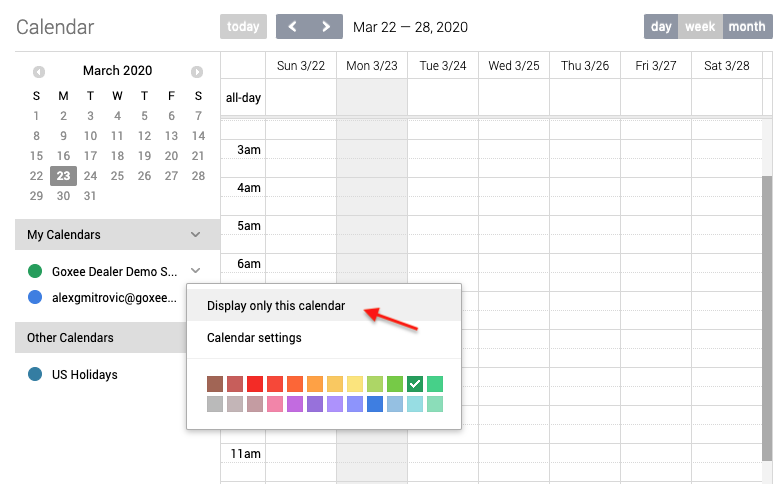
- You can also choose to Display Only This Calendar which will hide all others.
|
|
You can turn a calendar ON or OFF by clicking on the colored circle to the left of the calendar.
|
