 Help Center
Calendar notifications
If you want to set up a reminder for the scheduled event go to Calendar
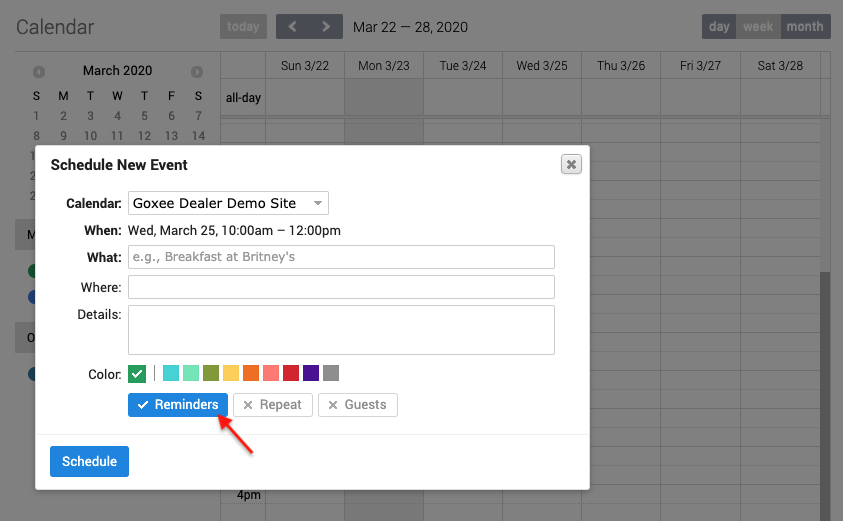
There will be a default reminder set unless you removed it when you created the event. To edit your reminders click on the scheduled event and then click on Reminders.
Set a reminder and click the Done button.
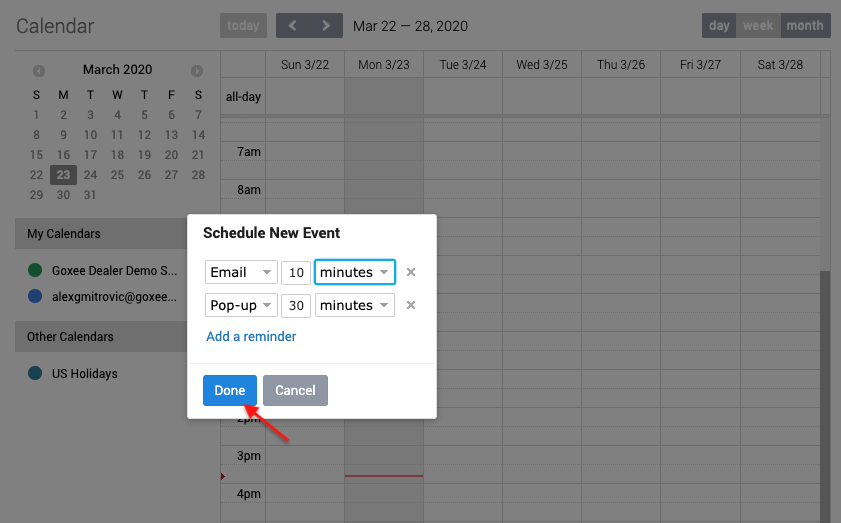
There will be a default reminder set unless you removed it when you created the event. To edit your reminders click on the scheduled event and then click on Reminders.
Set a reminder and click the Done button.

 The Goxee newsletter
